Amateur Photographer verdict
The S26 is an extremely capable small smartphone, and for many could be all the phone you’ll ever need, however, it’d be nice if macro features were added.- 8K/4K video (main/selfie)
- Triple camera setup
- Selfie camera has AF
- Compact option
- Good price/offers available
- Dedicated Night mode removed (auto only)
- Lack macro focus option
- 25W wired charging, and small battery
TLDR: If you’re looking for a small phone and need a new phone, the Samsung Galaxy S26 is a very nice option, but if you have the S25 and are thinking about upgrading to the S26, you might want to skip this one, the phone is almost identical to the S25, but with a bigger screen (6.3inches vs 6.2inches), there’s a slightly larger battery (4300mAh vs 4000mAh), and a few other tweaks.
You’ll also find an updated processor, slight change to dimensions and weight, as well as a base model that starts with 256GB instead of 128GB on the S25. It all adds up to a really nice compact phone, and if you have an S23 or earlier, or are looking for a new phone, then it’s a great option, but if you already have an S24 or S25, then you hopefully won’t feel the need to upgrade.
If you’re new to this phone, don’t know anything about the S24 or S25 then keep reading, especially if you’re interested in a smaller phone. Samsung phones are extremely popular in the US, UK and Europe, and for good reason, they get the job done, give reliable results, are easy to use, and often offer some impressive features, especially in the S series, and for most people the cameras will be very impressive, and always in our list of the best camera phones for photography.
The S26, like the S25 before it is a much more wallet friendly option from Samsung compared to the top-of-the-range S26 Ultra, especially if you’re looking for a smaller phone. However, it would be nice if the S25/S26 series got the 5x lens, and anti-reflective screen coating from the Ultra, plus macro shooting features. Find out how the S26 performs, and what it offers, as I put this phone through its paces.
At a glance
- 50MP f/1.8 24mm equivalent, PDAF, OIS main camera
- 12MP f/2.2 13mm equivalent, FF, ultra-wide camera
- 10MP f/2.4 67mm equivalent, PDAF OIS telephoto camera
- 12MP f/2.2 23mm equivalent, PDAF, selfie-camera
- 8K 30/24p video main (4K from others)
- 6.3inch screen, 2600nits (peak), 120Hz, Dynamic AMOLED
- 4300mAh battery (25W wired, 15W wireless)
- 149.6 x 71.7 x 7.2mm, 167g
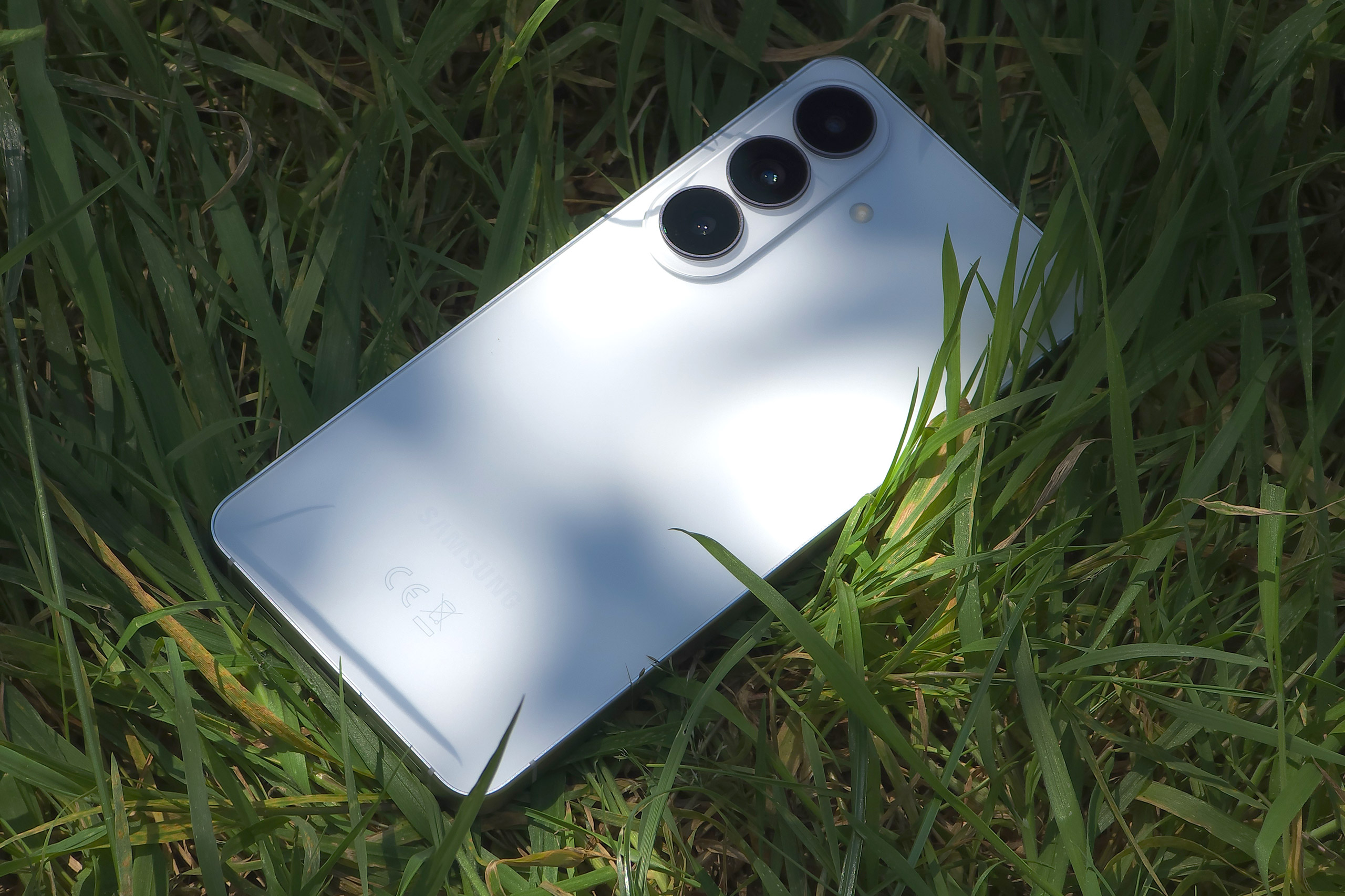
The Samsung Galaxy S26 series is part of Samsung’s flagship S series range of phones, with the S26 Ultra at the top, and the largest, with the S26 and S26 Plus under this offering a triple camera setup. For those that like the idea of a small phone, the S26 is Samsung’s best offering – outside of Samsung’s flip and fold phones. The S series comes with things like wireless charging, DeX (desktop experience), 7 years of updates, and waterproofing as standard (plus a 3 year warranty in the UK).
How I test camera phones
I review smartphones from the perspective of choosing one for its photography and camera performance. I look at what the Samsung Galaxy S26 offers, and the features included for photography and video, paying particular attention to the cameras on the phone, photo editing capabilities, as well as the output from each different lens.
Features
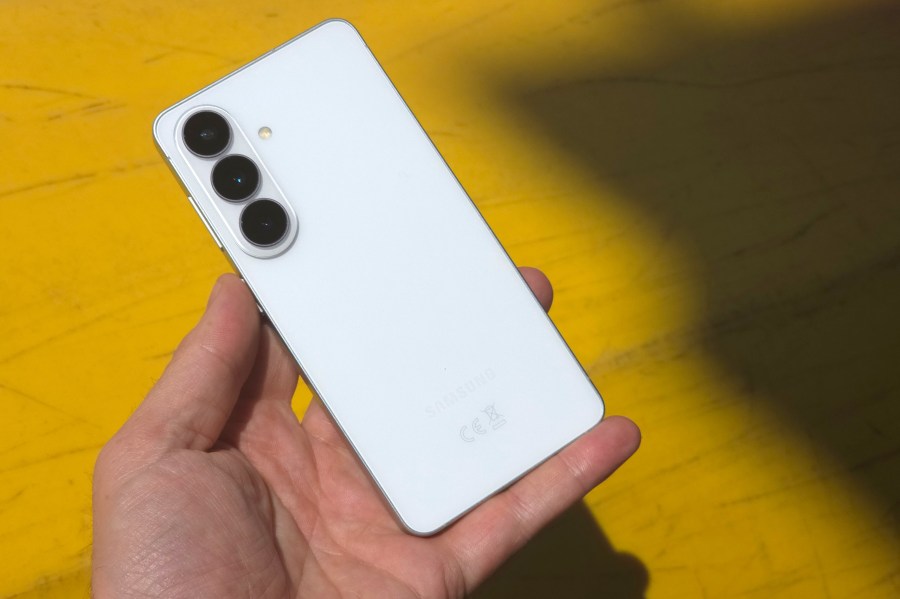
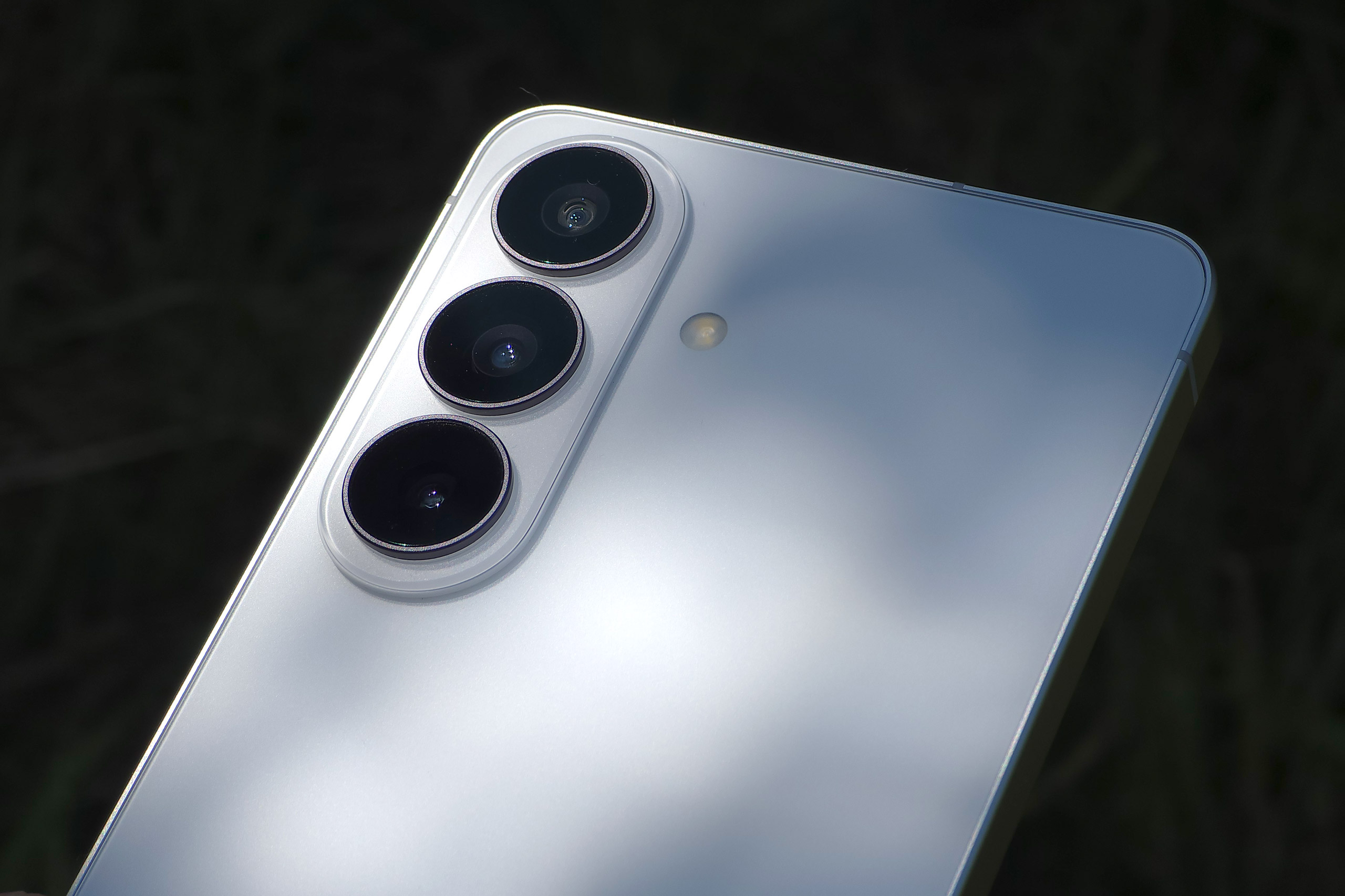
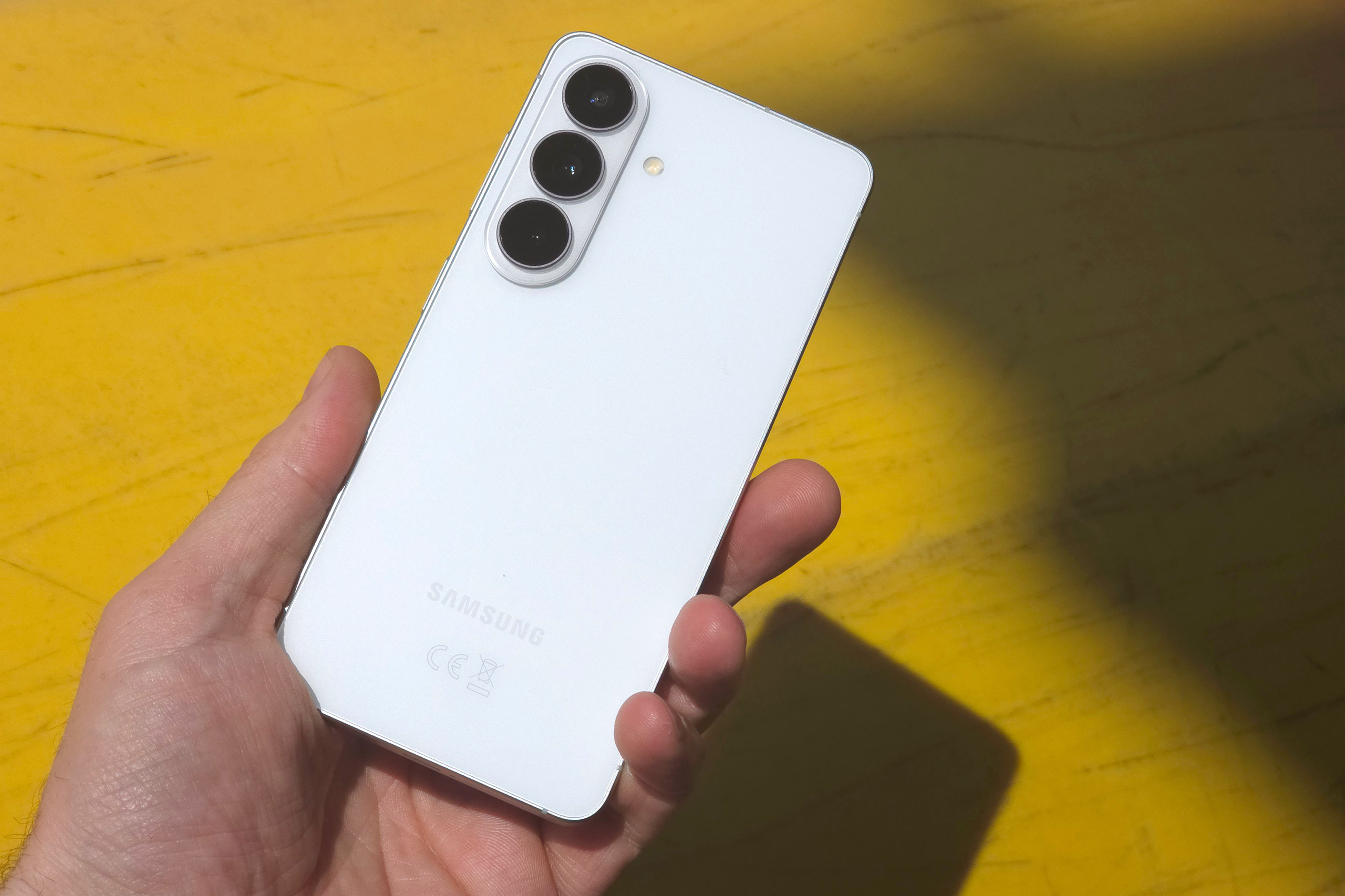
The Samsung Galaxy S26 has a triple camera setup on the back with a 12MP ultra-wide camera, 50MP wide-angle main camera, and 10MP telephoto camera, as well as a 12MP selfie camera on the screen side.
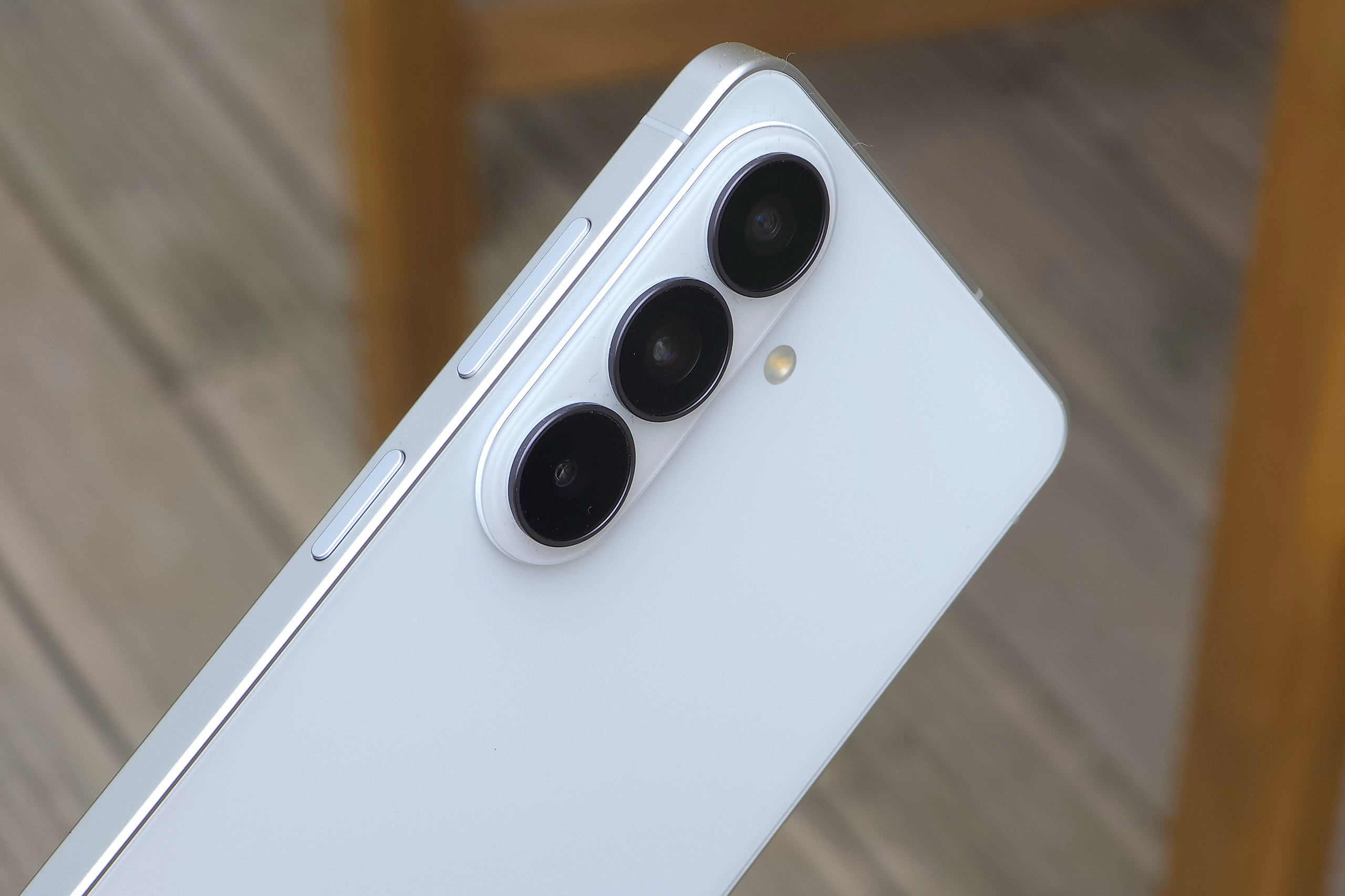
Starting at the top with the ultra-wide-angle camera – this is a 12MP camera (0.6x) with f/2.2 aperture, but unfortunately there is no auto-focus (AF), which rules out using this lens for macro photography, as it simply won’t be in focus.
In the middle of the 3-camera array is the 50MP main wide-angle (1x) camera, and as expected this is the best camera on the phone with the largest sensor and brightest aperture (f/1.8), as such it is likely to be used the most. It gives a 24mm equivalent field of view, and comes with optical image stabilisation (OIS) as well as PDAF (phase-detection auto-focus). Optical image stabilisation will help keep shots sharp when using slower shutter speeds, for example when shooting in low-light.
The third camera, at the bottom, is the 10MP telephoto camera, thankfully, this also has OIS, and offers a 3x telephoto reach, equivalent to 67mm, with f/2.4 aperture, and phase-detection auto-focus (PDAF).
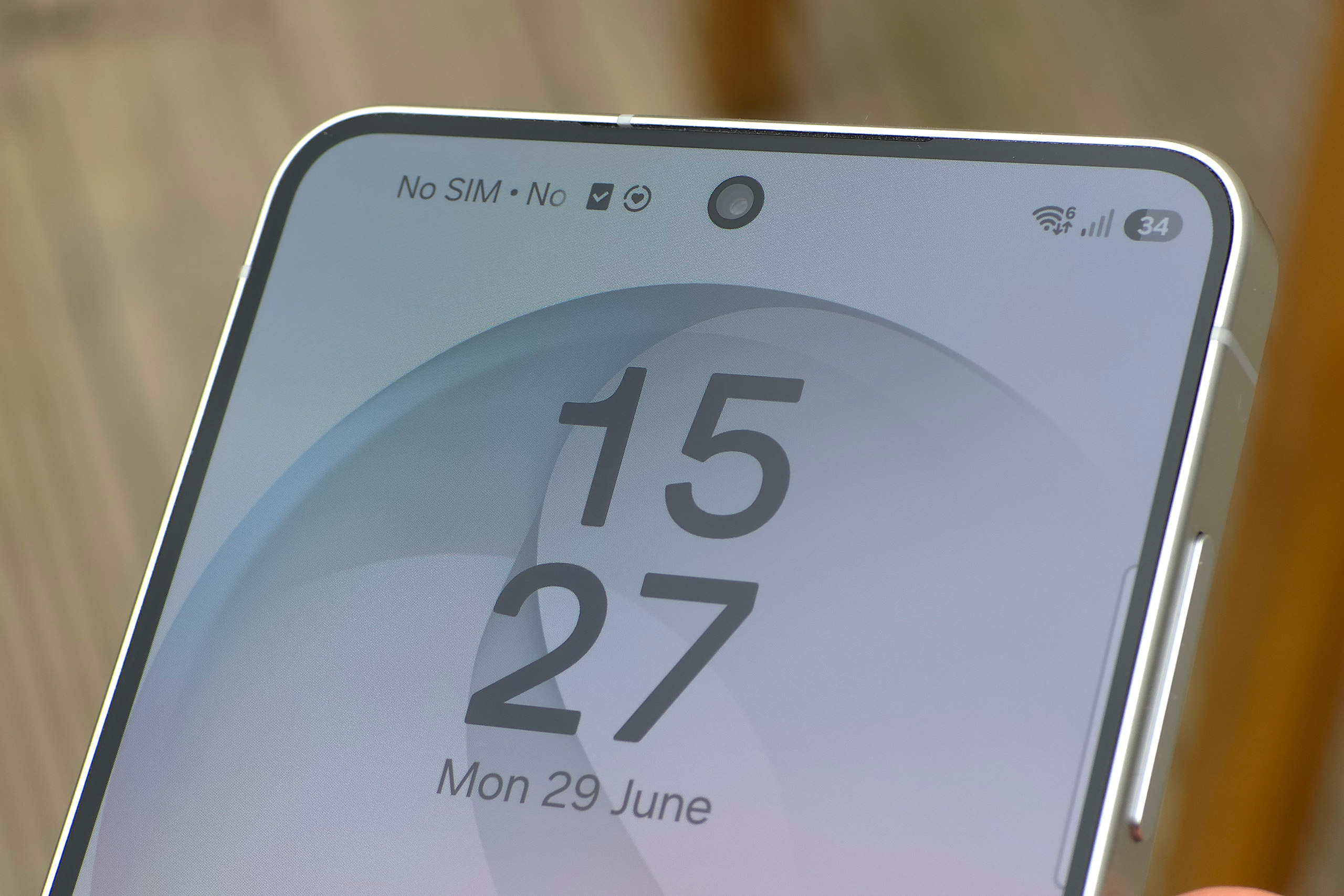
Finally, there’s the 12MP selfie-camera cut out in a circle at the top of the screen, which includes auto-focus (AF), a 23mm equivalent wide-angle view, and an f/2.2 aperture, as well as supporting 4K video recording. The main camera can record 8K video, whereas the other cameras can record 4K video.
Samsung S26 vs S26+ models
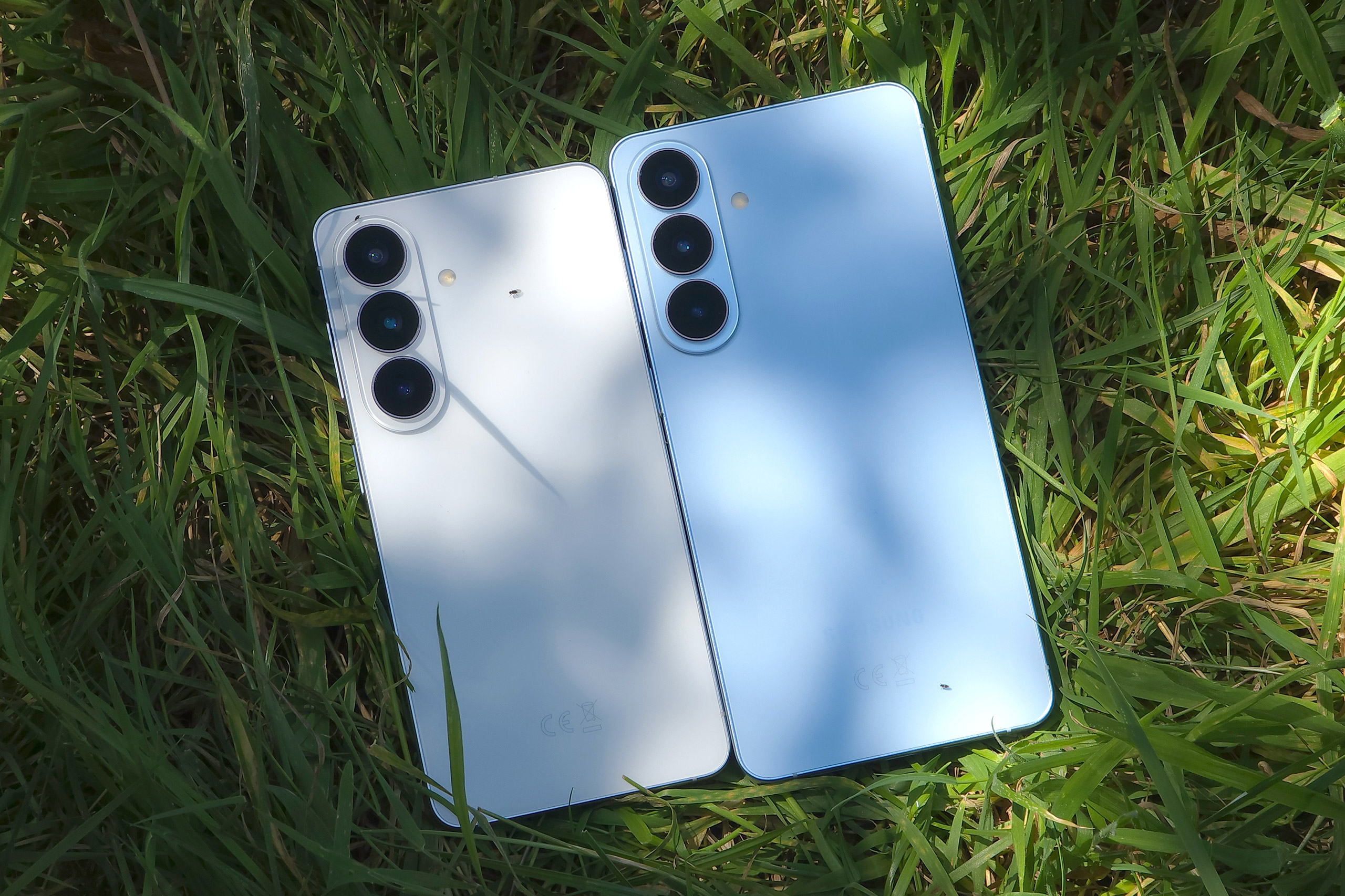
The camera units on the S26 and S26+ (S26 Plus) are both identical. Where the difference lies is in the physical size, with the S26+ featuring a larger 6.7inch screen, compared to the 6.3inch screen on the S26. The S26+ also offers a higher resolution screen as a result.
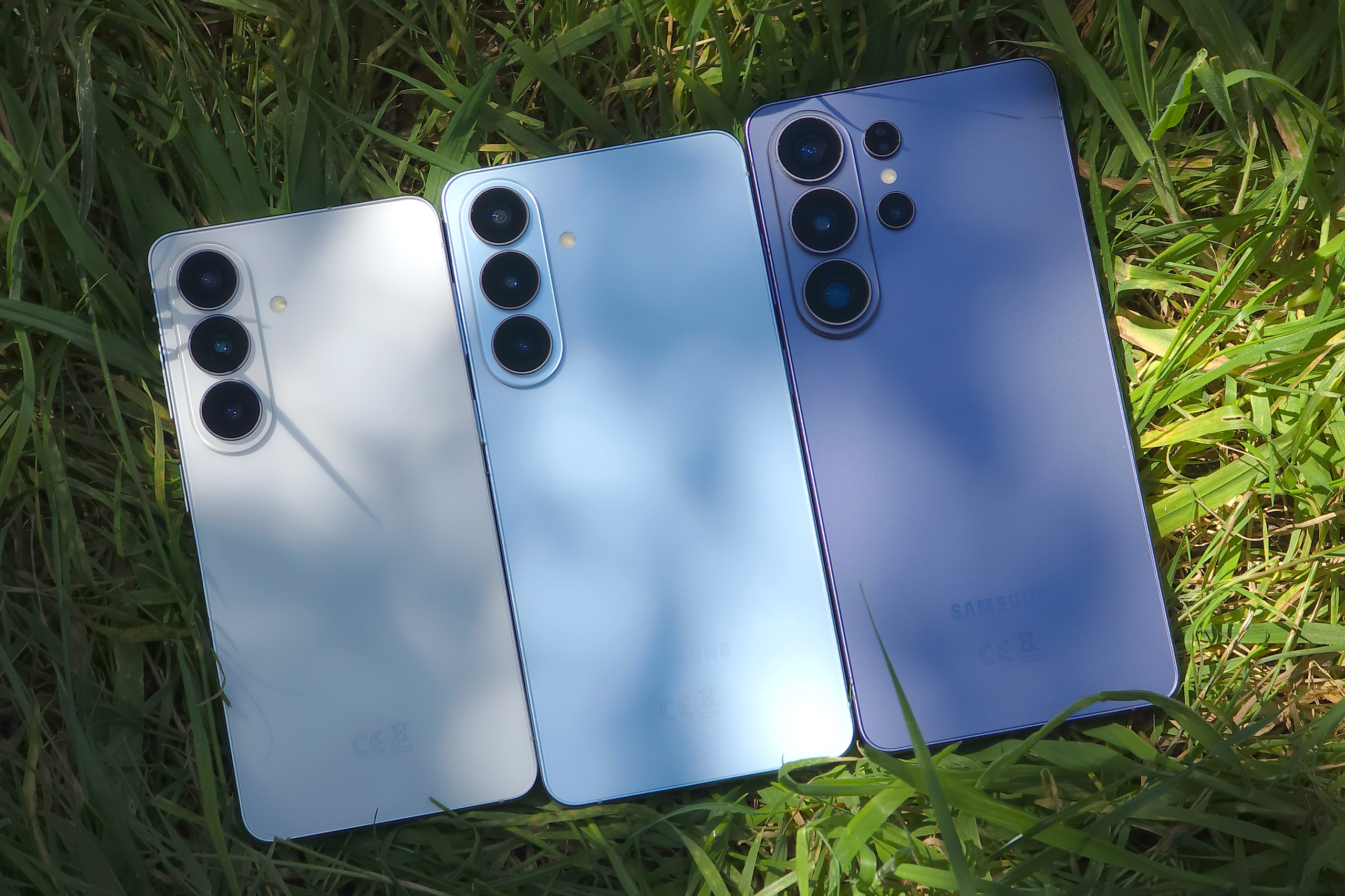
Battery life is another area where the S26+ benefits from the larger size, as the S26+ comes with a 4900mAh battery, compared to the 4300mAh battery on the S26 – there’s also a difference in charging speed with the Plus supporting 45W wired charging, compared to 25W charging on the non-plus. Which you choose will most likely come down to personal preference, but the good news is that both offer the same camera system, so your photos won’t be affected.
Handling and Design
The S26 feels very well built, and has a stylish silver band made of metal running around the sides of the phone with a premium look and feel, and with the more compact size (compared to larger phones) it fits nicely into your pocket without being too noticeable.
One issue I have with Samsung phones, is that they don’t provide any kind of screen protection in the box, which means you need to be careful with the screen, unless you install your own screen protector. A lot of budget phones come with a thin screen protector in a box, that helps keep your phone scratch free for longer. Despite scratch protection as standard, scratches will happen without a screen protector.
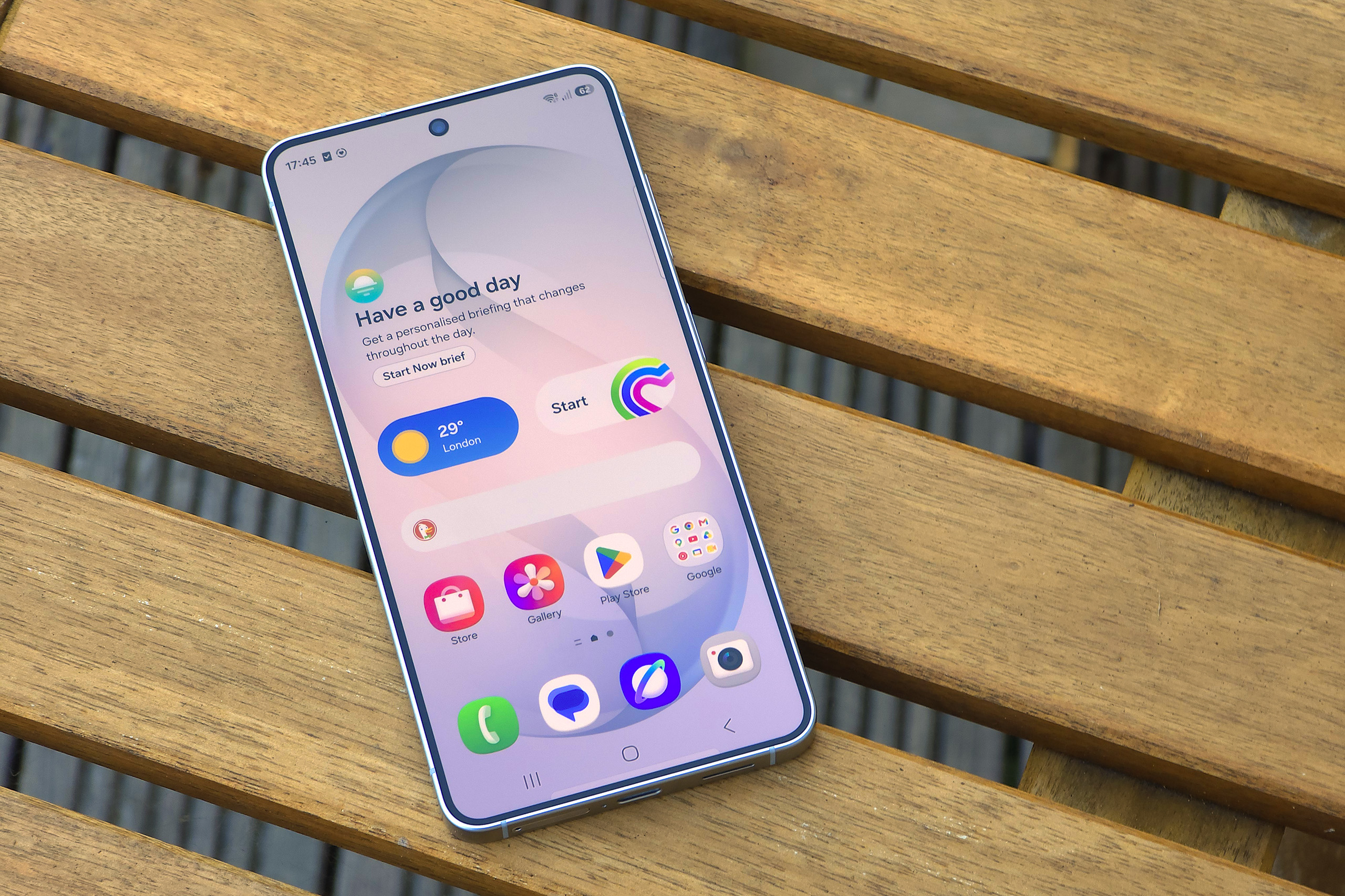
The screen has a relatively thin border, and this remains the same width all the way around the phone (something that budget phones often lack), with a neat curve in the corners. The screen is flat all the way over, with completely flat screens having benefits that, in my opinion, outweigh the more stylish look of curved screens.
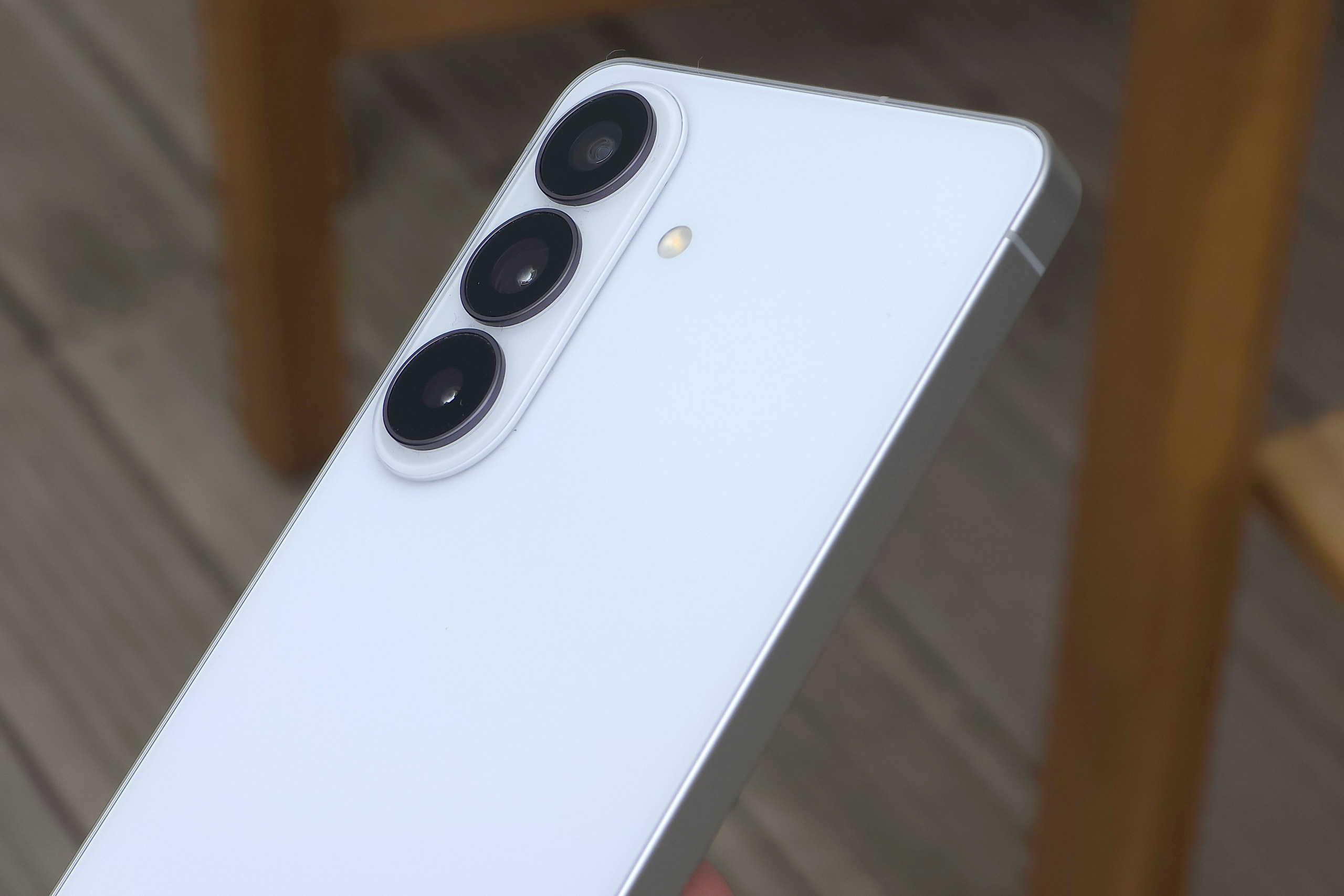
The S26 in this review is the White colour. There are some nice colour options available (including Sky blue, Black and Cobalt Violet), but there are additional exclusive colours available on Samsung’s website (Silver shadow and Pink gold).
The phone performs well with snappy response, a bright, clear screen, and the stereo speakers are impressively loud and clear for such a small device. The software is nicely designed, and Samsung promise 7 years of security and OS updates. With a Geek bench (multi-core) score of over 10,000 this phone is quite likely to be more powerful than most people’s old computers – and with Samsung DeX you can actually use it as a computer hooked up to a compatible screen.
Battery life has been improved from the pedestrian 4100mAh on the S25, to a slightly less-awful 4300mAh, but this is still well below the likes of the budget Pixel 9a/10a with 5100mAh. In use, it still easily lasts a day of use, but is unlikely to last much into the next day – of course, your mileage may vary.
Photo app…
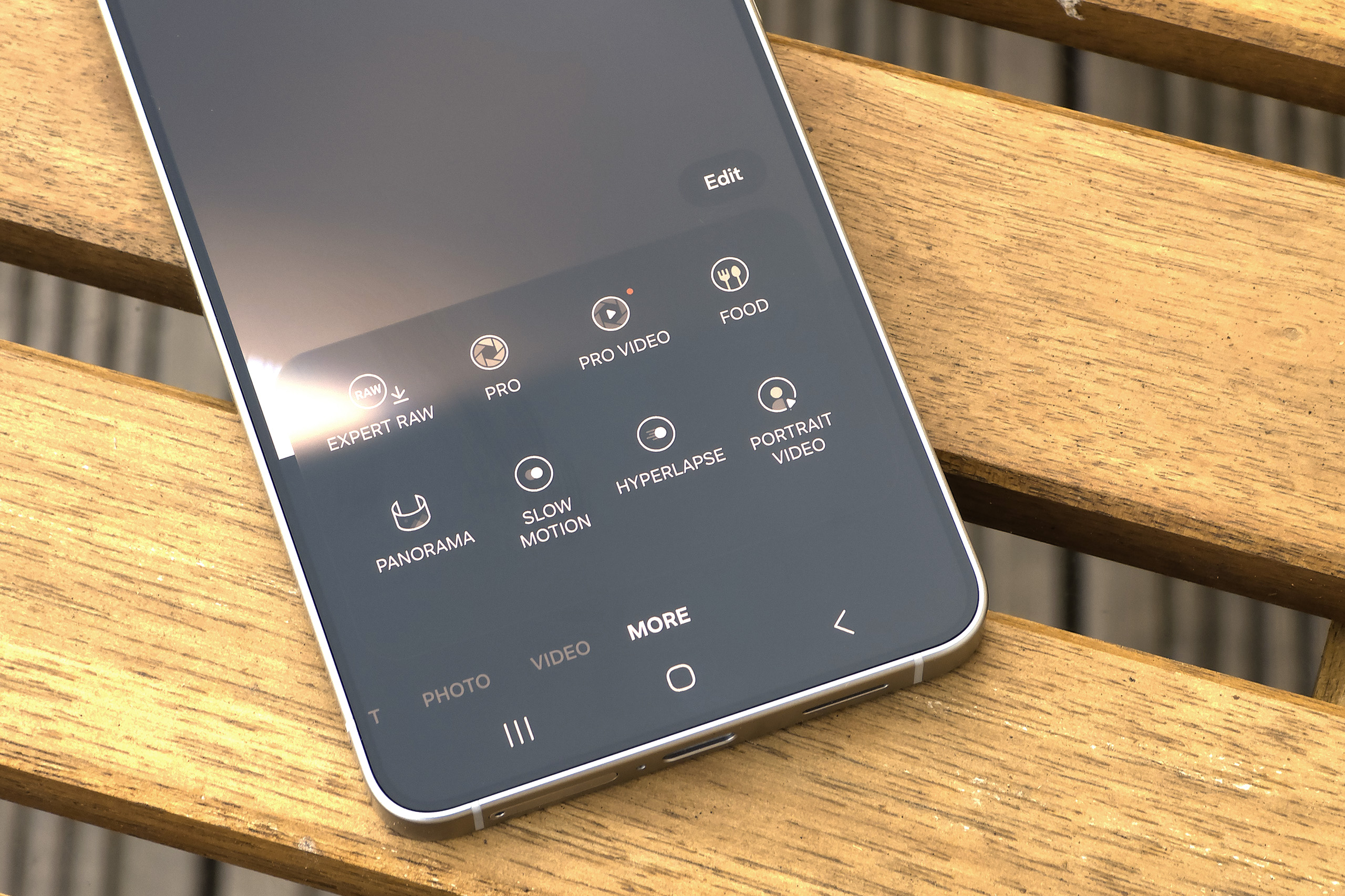
The photo app starts off with the basic photo mode, being extremely easy to use with very quick access to portrait, photo and video modes, however if you want more control you can find that in the MORE option. Pro mode gives you manual controls, and if you want, you can add Expert RAW which gives another way to shoot raw photos – you can also shoot raw+JPEG/raw in the Pro mode (if you enable this in advanced settings).
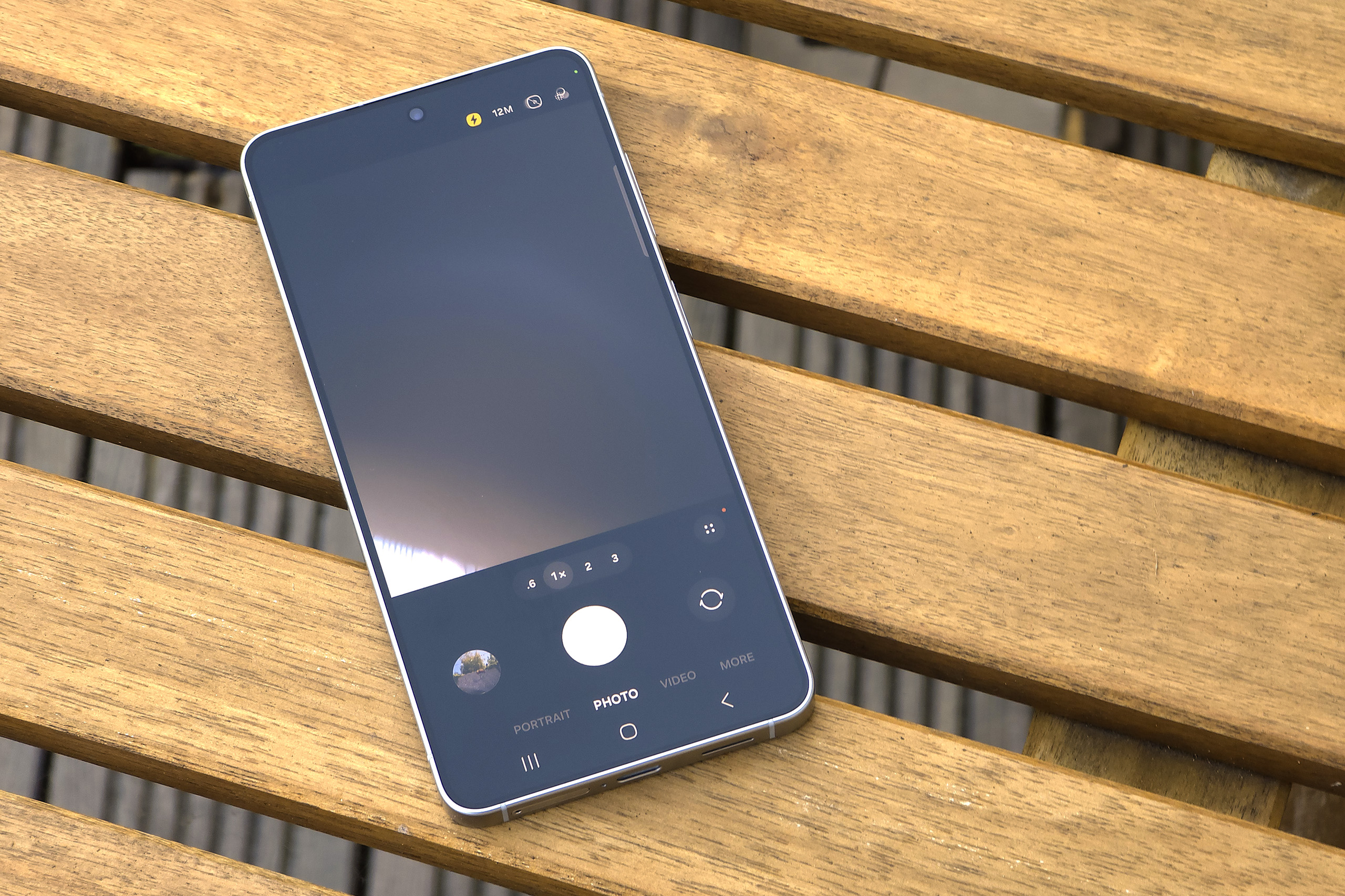
Almost all the usual shooting modes are available as you’d expect including portrait, video, Pro video, food, panorama, slow motion, hyperlapse, and portrait video in addition to the modes mentioned above. However, rather disappointing is the removal of the dedicated night mode which was useful for improved night photos. Dual rec, and single take are also no longer available as dedicated modes – instead Dual record options can be found in the video mode settings.
There are a huge range of filters available in the photo mode, and there’s even a whole range of film filters (both colour and black and white) such as classic film, pop film, aura film, retro film, cinematic film, modern film, vivid film, and noir film (as well as other filters without the word film at the end). These can be customised with adjustable film grain options as well for the “authentic” film look. You can build your own filter, copy a style from an existing photo, and even download additional filters from Samsung.
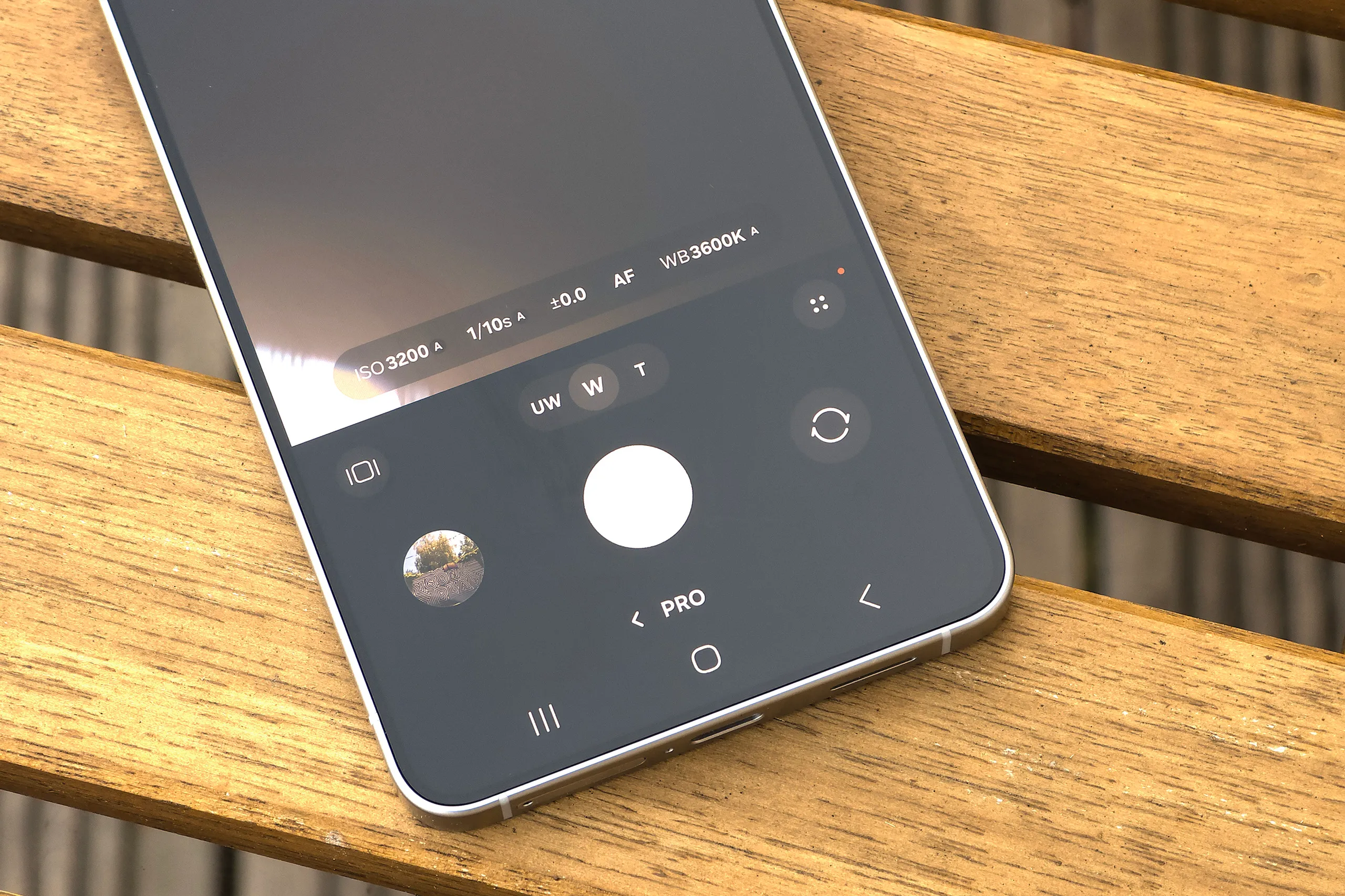
Photo editing options include a good range of settings, and you can also use Samsung Galaxy AI to edit photos, with photo assist, drawing assist, audio eraser, and weather wallpaper to name just a few of the AI features included. It’s also possible to add background blur to portraits, once you find the settings – at the very end of the editing options. Of course, just because these AI features are here, doesn’t mean you have to use them, and there are all the usual editing features as well (such as level, brightness, saturation, shadow adjustment etc).
Like all Samsung phones I’ve used, you can quickly double-press the power button, and this will open the camera app, ready to shoot. Double press it again, and it will switch from the rear camera to the selfie camera (and vice-versa). Press the volume button(s) up or down, and you can use this to take a photo. This makes it really quick and easy to take photos, without having to unlock the phone first. If you use a Samsung phone and remember anything from this review, hopefully it will be this, and it’ll help you get to your camera more quickly and easily.
Performance
You’re going to get pleasing colours from all cameras, especially when shooting in good light. In low-light, the best results can be found by using the main camera. Speaking of the main 50MP camera, it outputs 12MP images on default settings, and images have good levels of detail (but not outstanding).
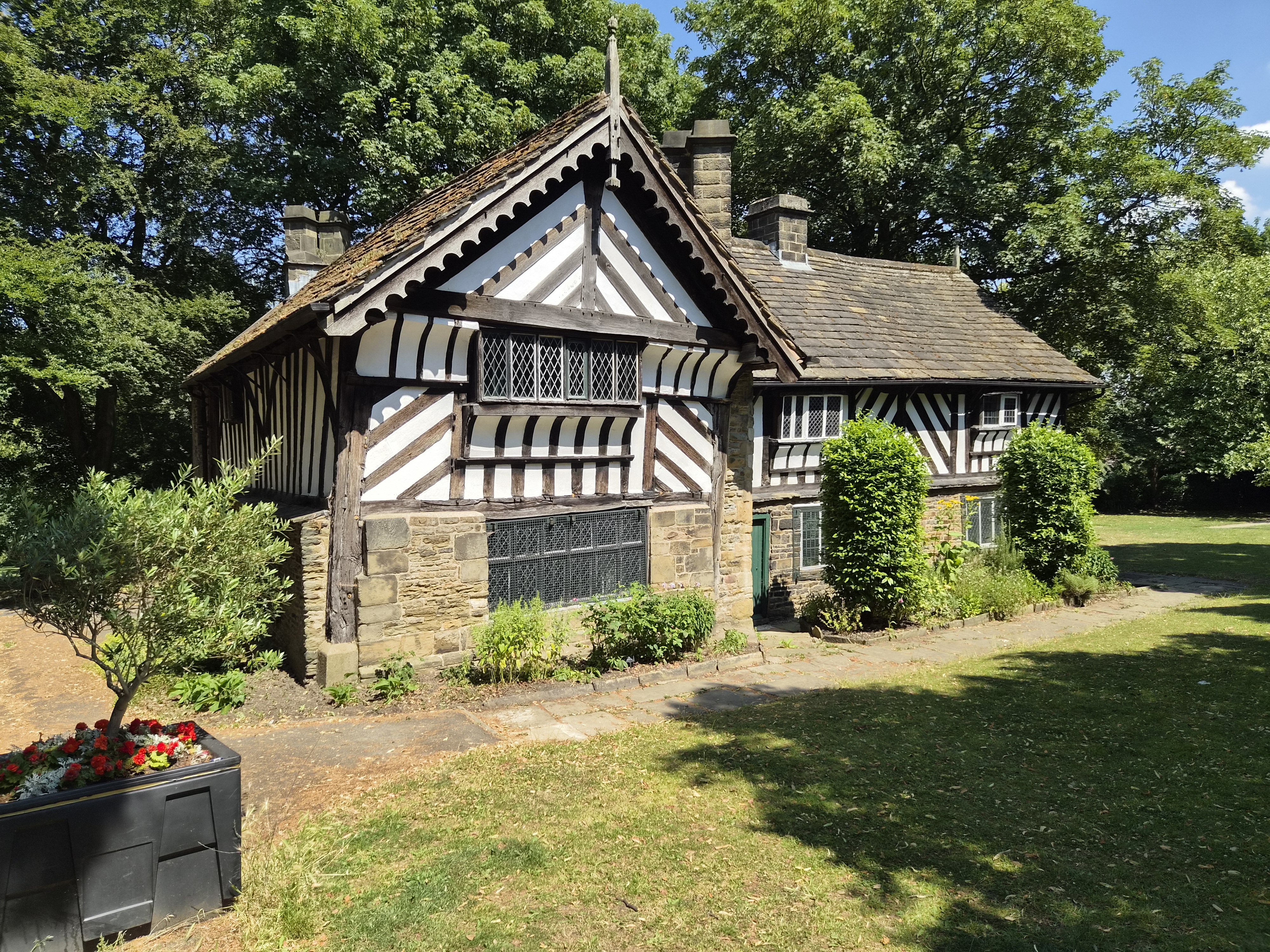



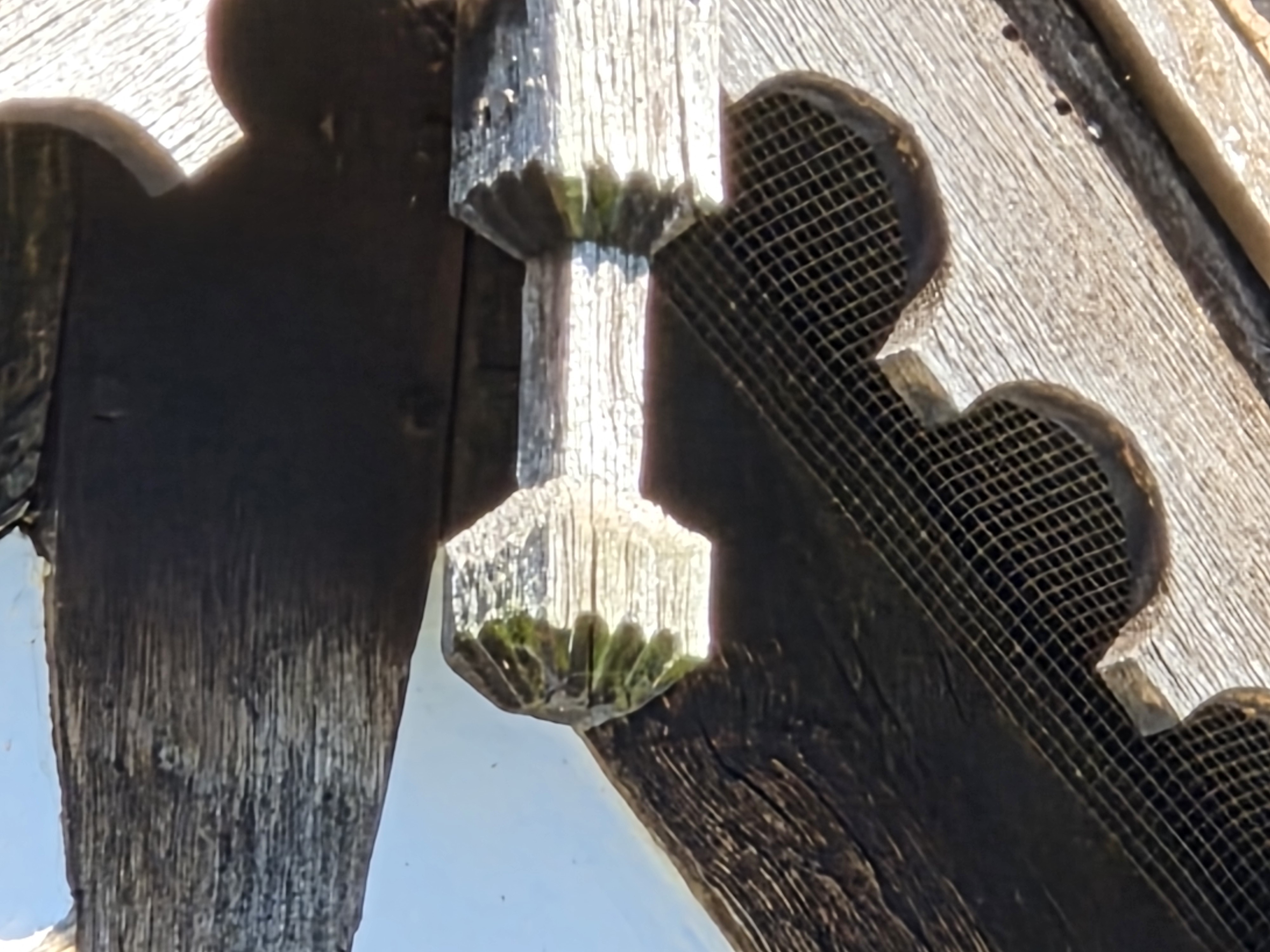
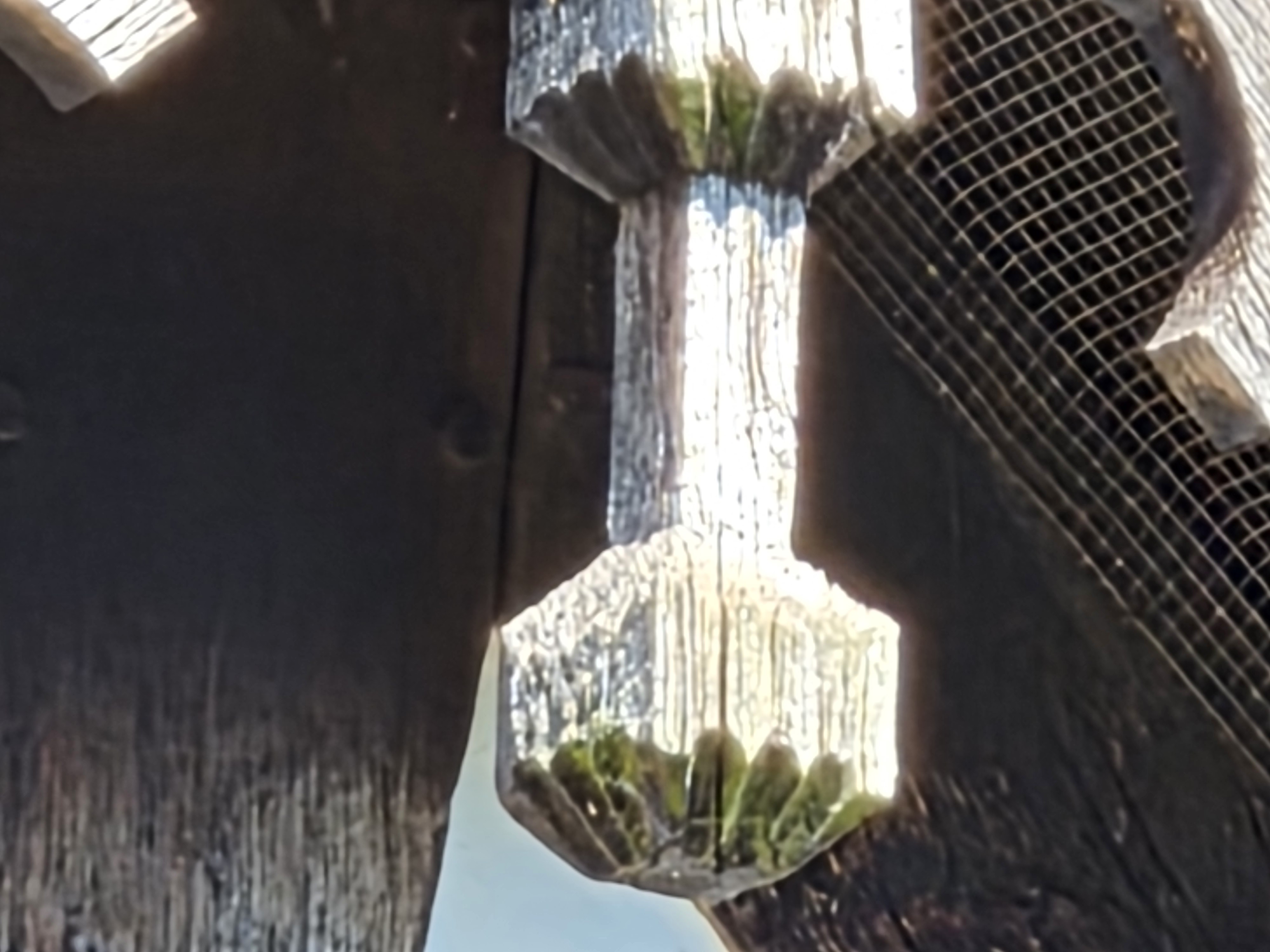
Along with 0.6x, 1x, 2x, 3x options on-screen, you can also zoom beyond 3x telephoto zoom, with the camera offering up to 30x digital zoom, however we wouldn’t recommend using this as the results lack detail and give a blurred image. Up to 10x zoom is reasonable, depending on what you’re taking photos of and where you plan on sharing them.
Low-light and night photography
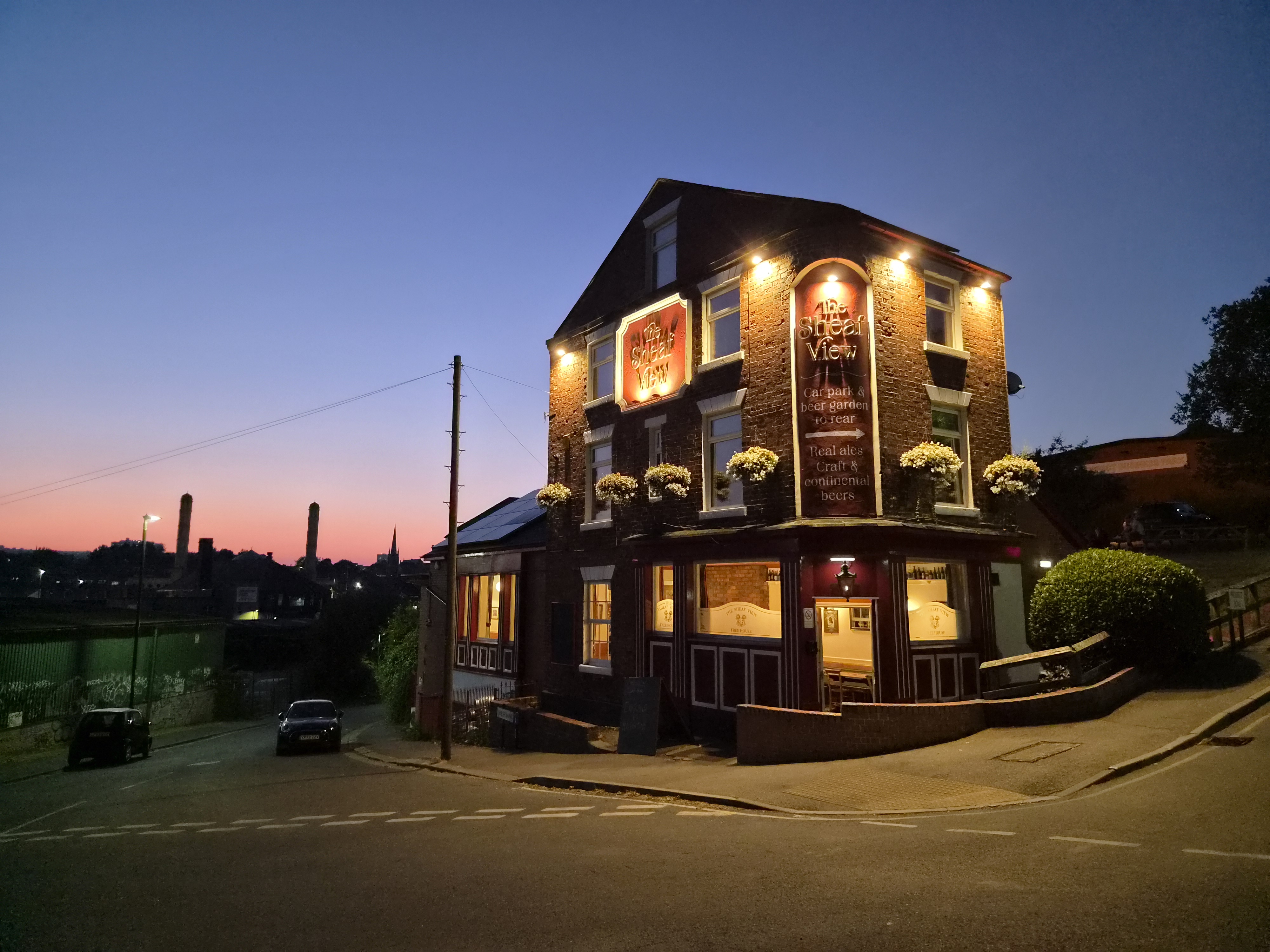
In low-light the camera will automatically activate the Night mode – if the camera decides it’s dark enough to need it. However, if the camera doesn’t think it’s dark enough, then night mode can’t be manually selected. If it becomes available it does give you the option for a longer exposure, but this setting disappears if the camera decides night mode isn’t needed. It’s all quite frustrating, and doesn’t make it easy for you to be in control of the night mode.

If you do manage to enable it then the phone will use a longer shutter speed, and a lower ISO setting, giving lower noise, more detail, and a cleaner image, although you may prefer the colour and general exposure of the standard photo.
In low-light the main camera gives the best results, with the ultra-wide-angle camera struggling with noise.
Close up photography
Unfortunately, because there’s no auto-focus on the ultra-wide-angle camera the phone doesn’t let you use the ultra-wide for macro photos. In an ideal world, the phone would have a telephoto camera with good close-up performance, like some other phones from the likes of Vivo, Xiaomi, etc.
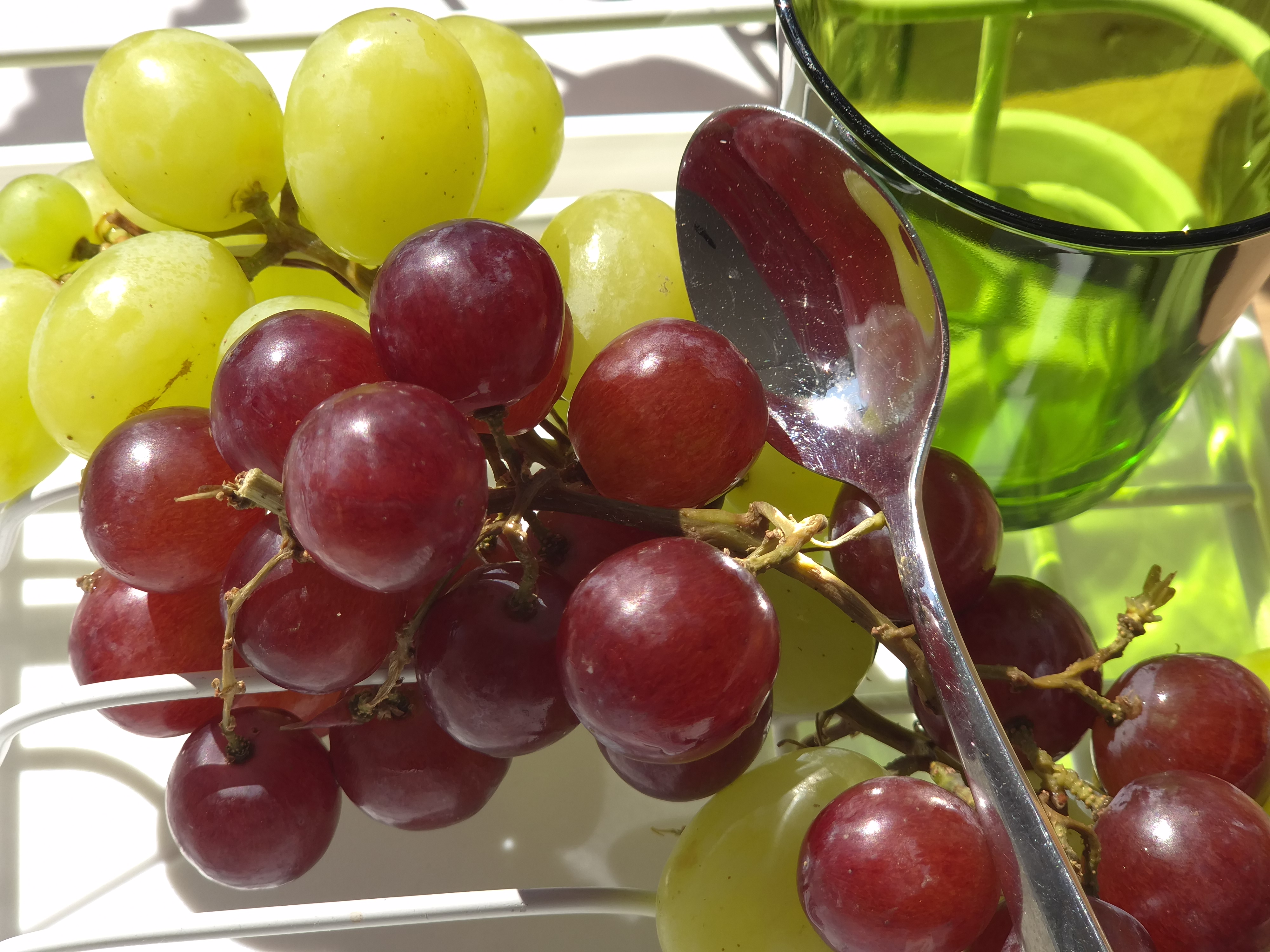
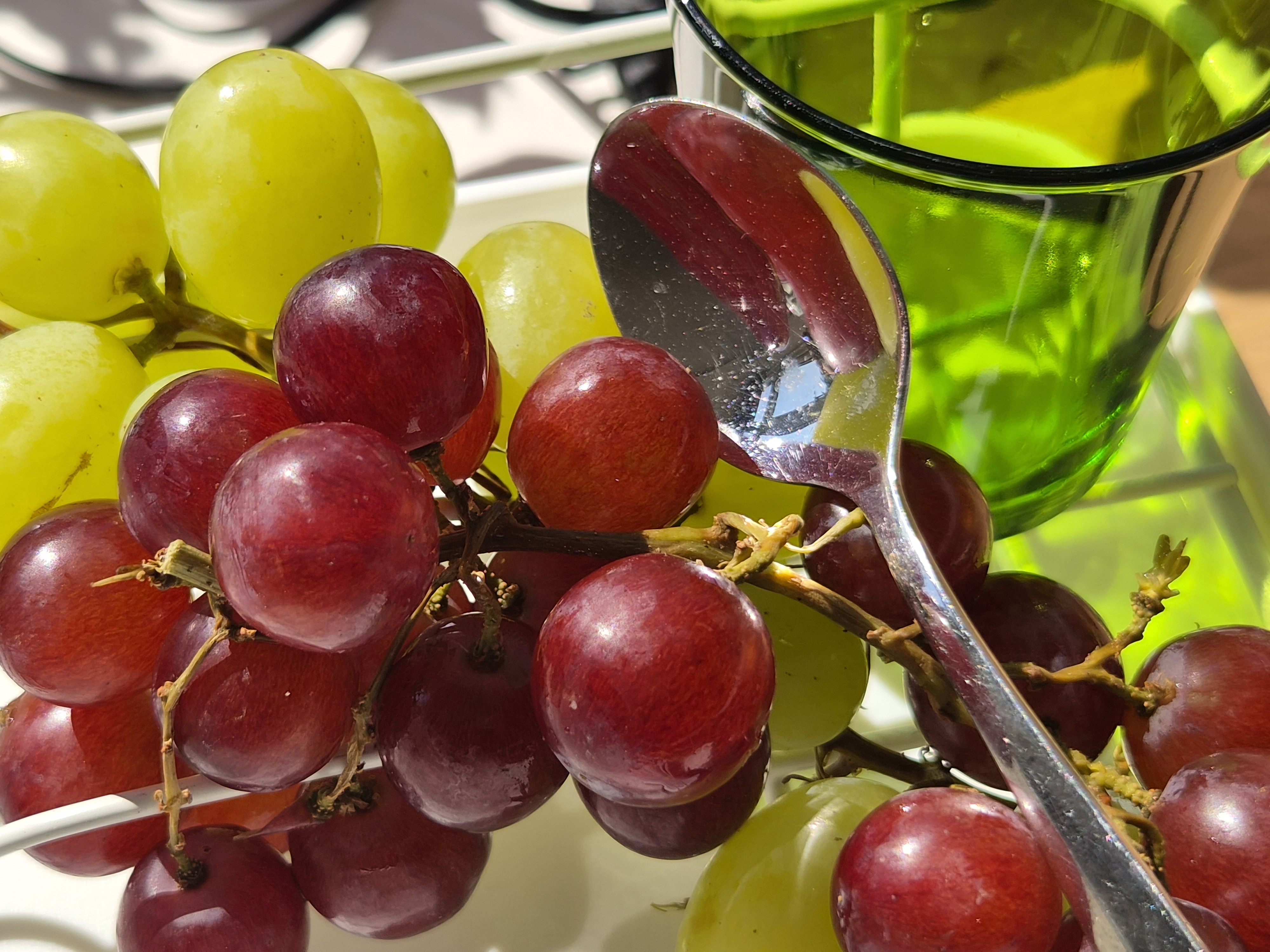
Taking close-ups with the main camera can work relatively well, as long as you don’t get too close to the subject. If you do, you’ll spot a lot of blur around your image, as the camera will crop from the main camera.
But if you switch to manual/pro mode you can select the telephoto camera, and this forces the camera to use the lens you selected – you can tell the difference by checking the EXIF information.
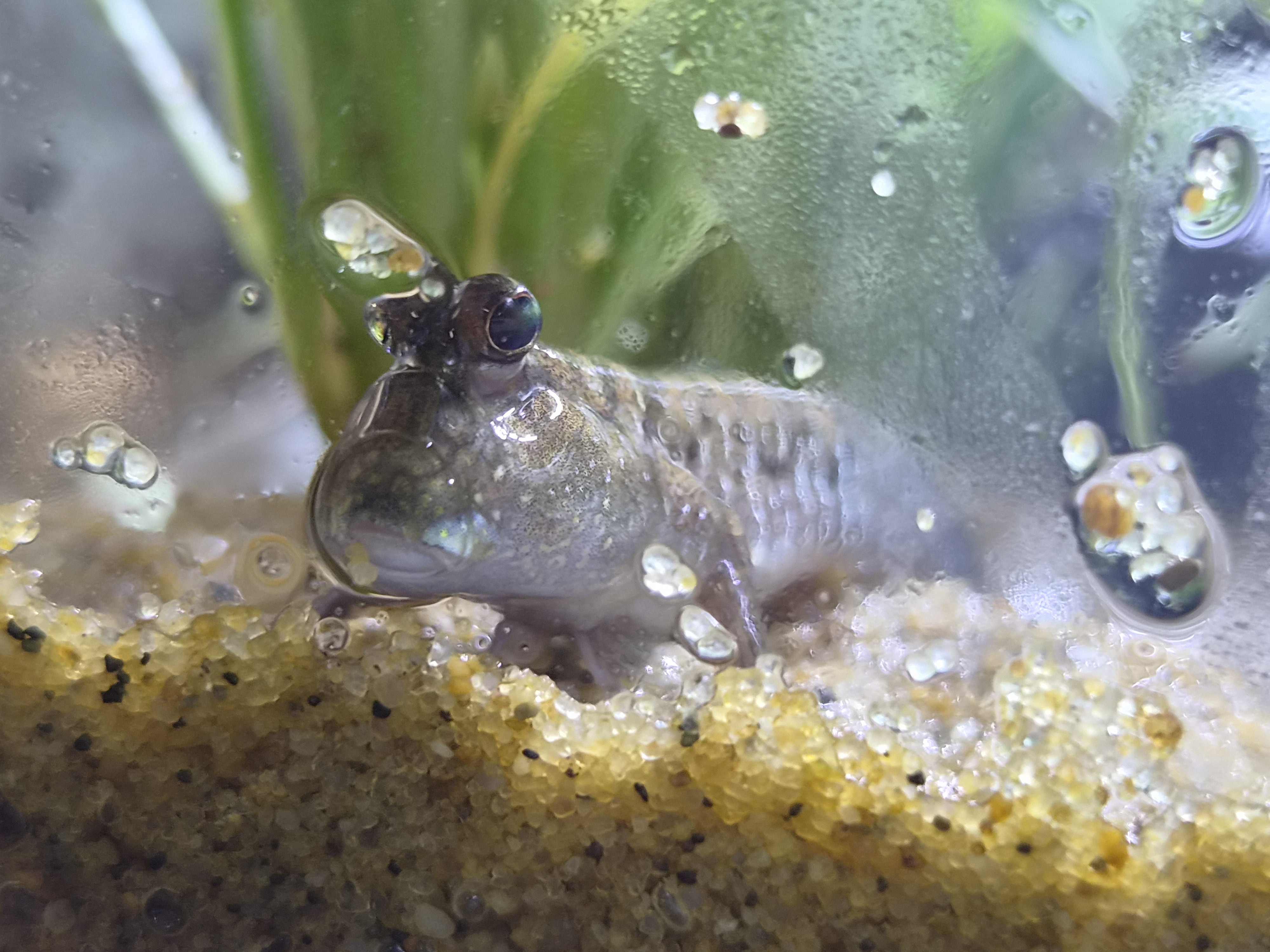
If the phone has let you use the 3x telephoto camera, then your aperture will be shown as f/2.4. If the phone has cropped from the main camera, as shown below, the aperture will show as f/1.8.
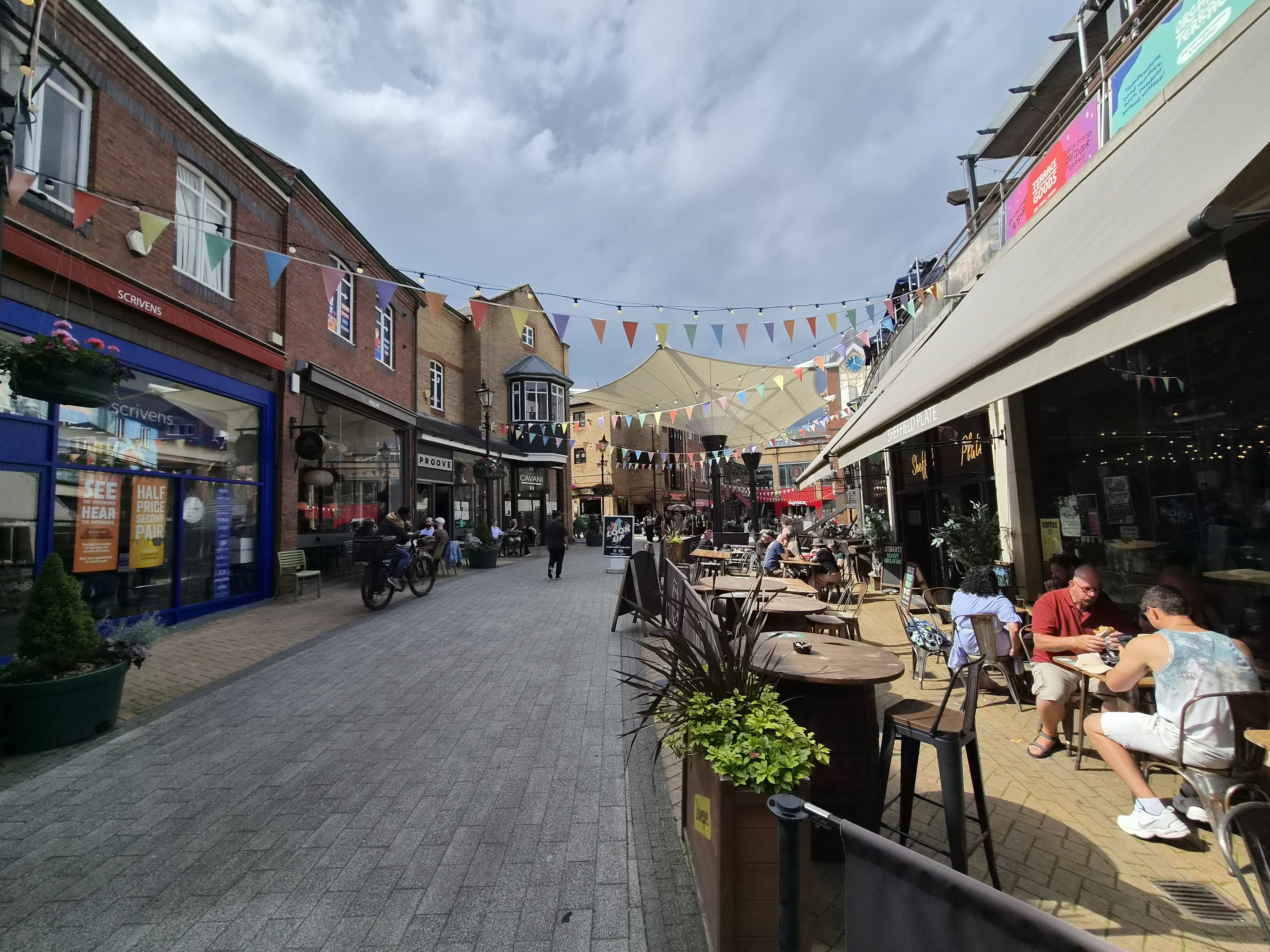
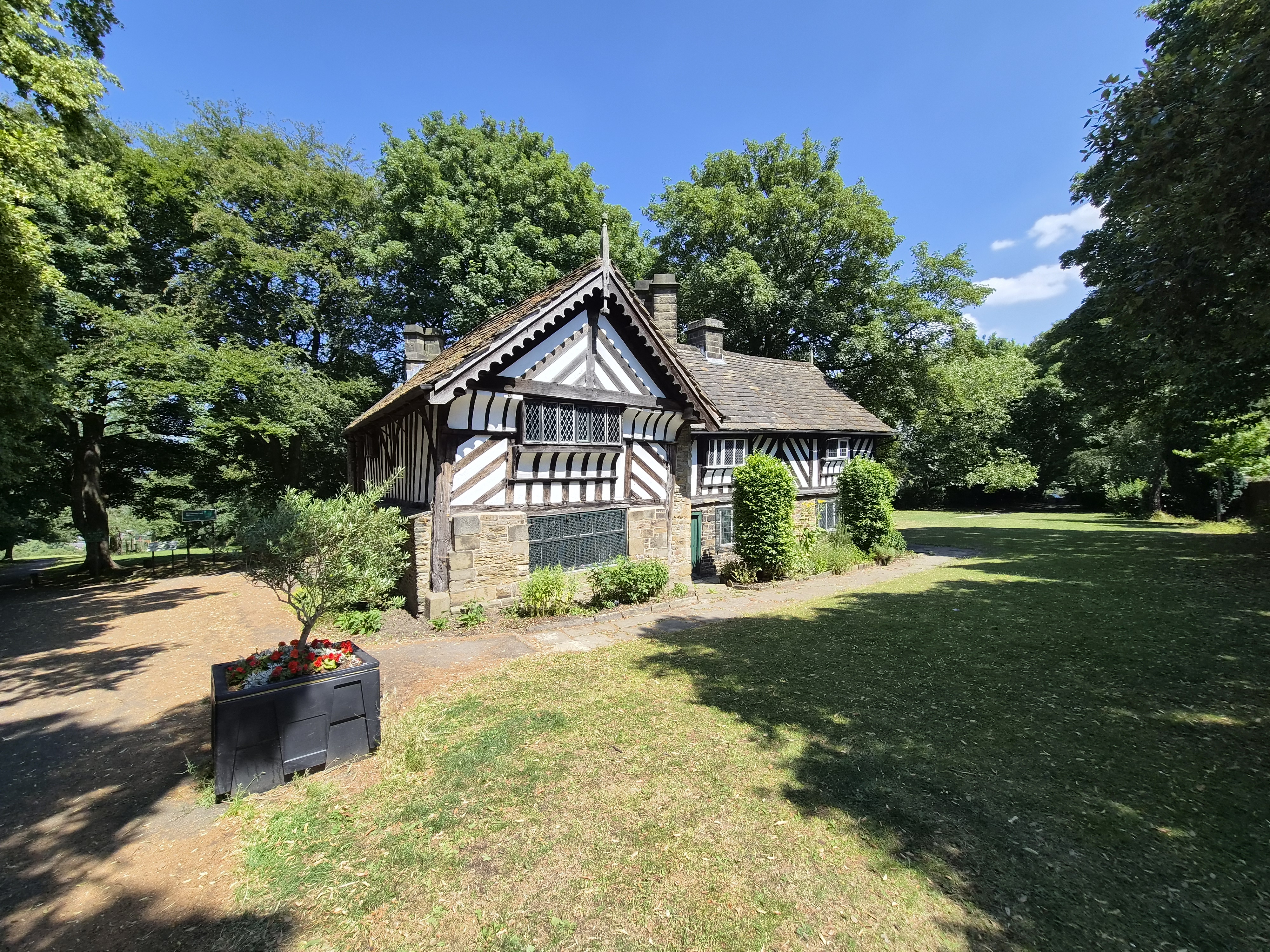
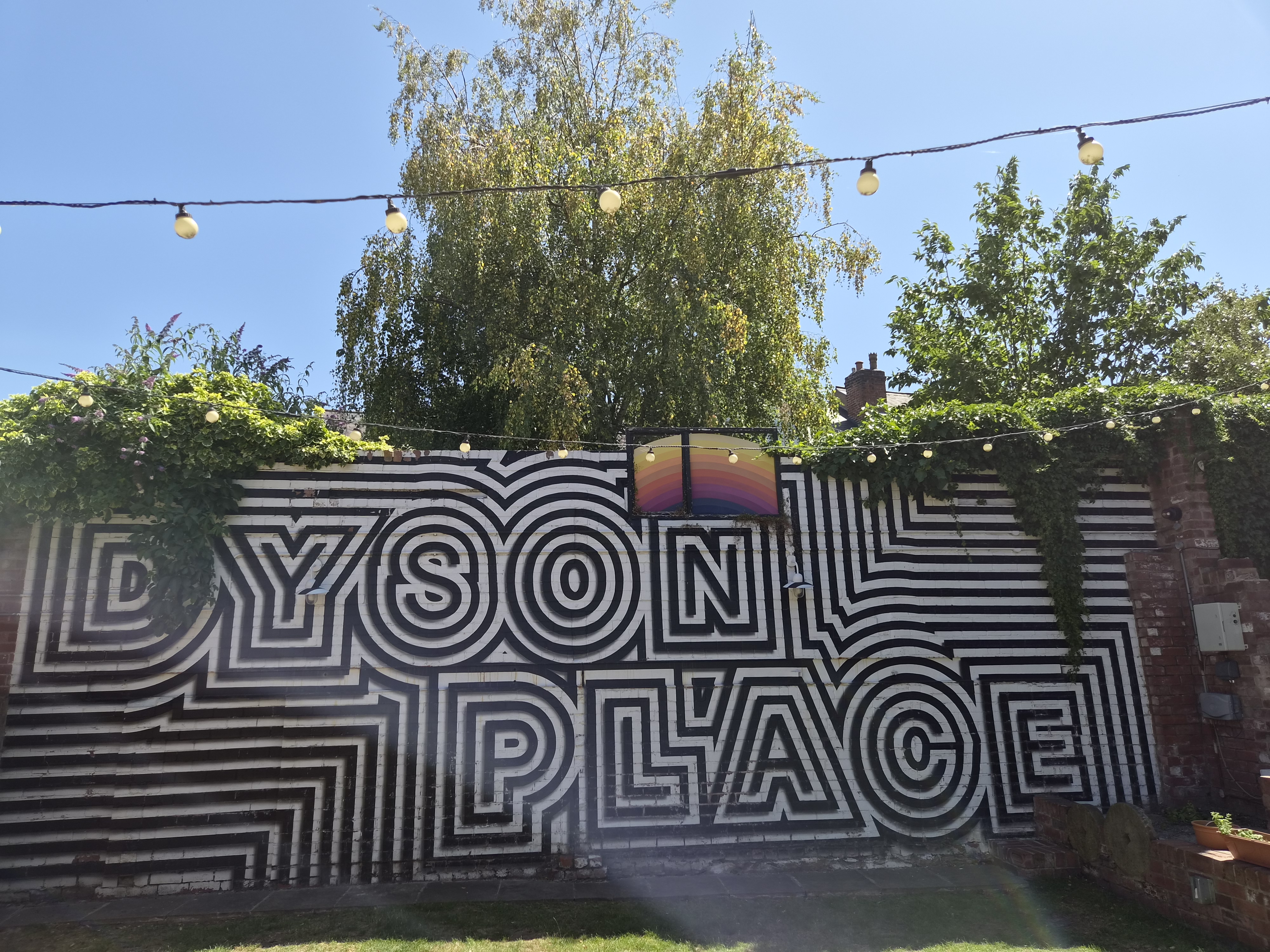
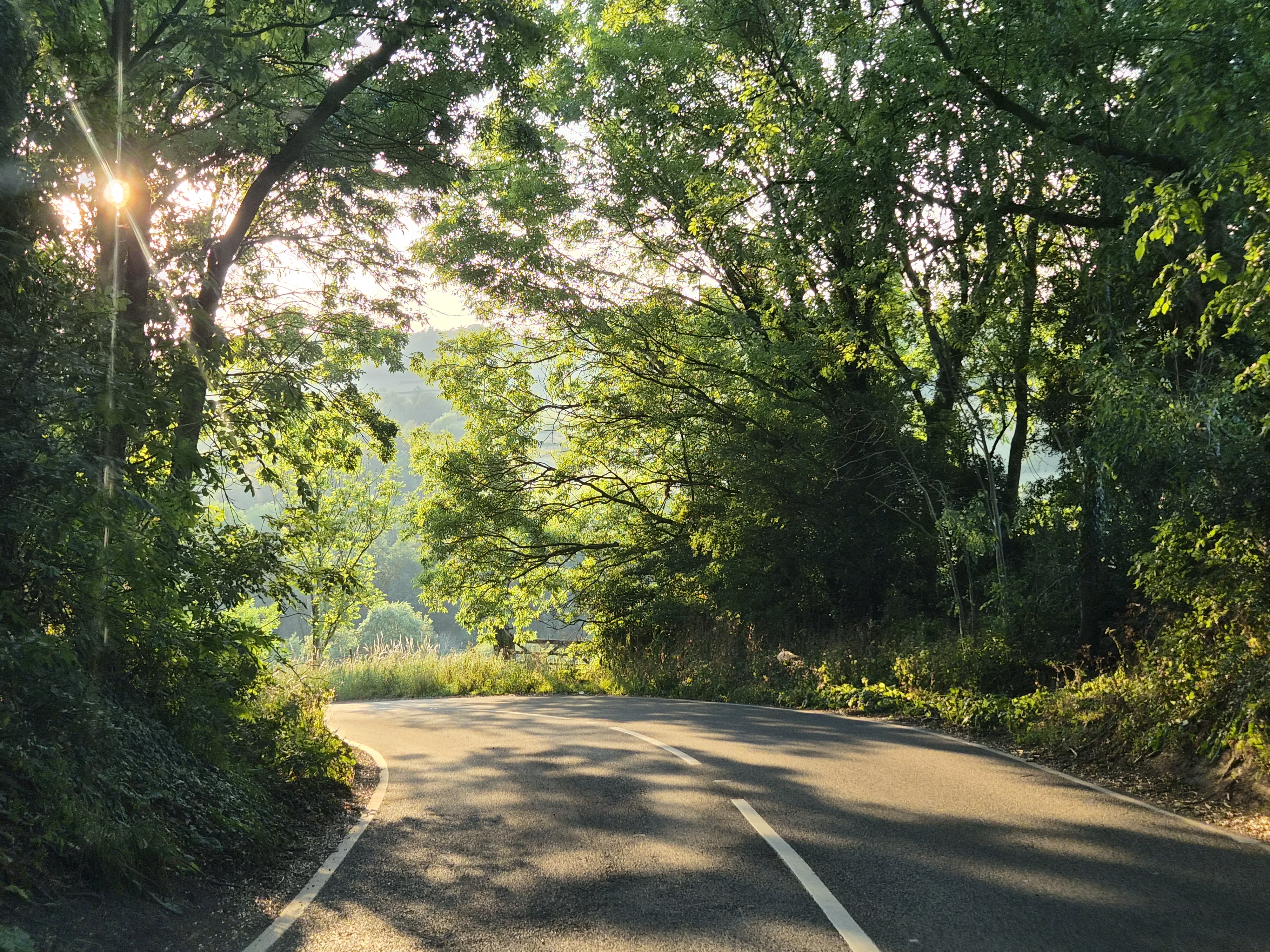
Using the ultra-wide-angle camera, noise is relatively well controlled, and images look well-corrected with minimal distortion visible. Images can look a little bit soft if you view them at 100%, but I don’t know of many people who do this (other than people who review cameras). You’ll get better results on bright sunny days, and ideally want to avoid shots like this with darker corners, as noise is more visible in these situations.
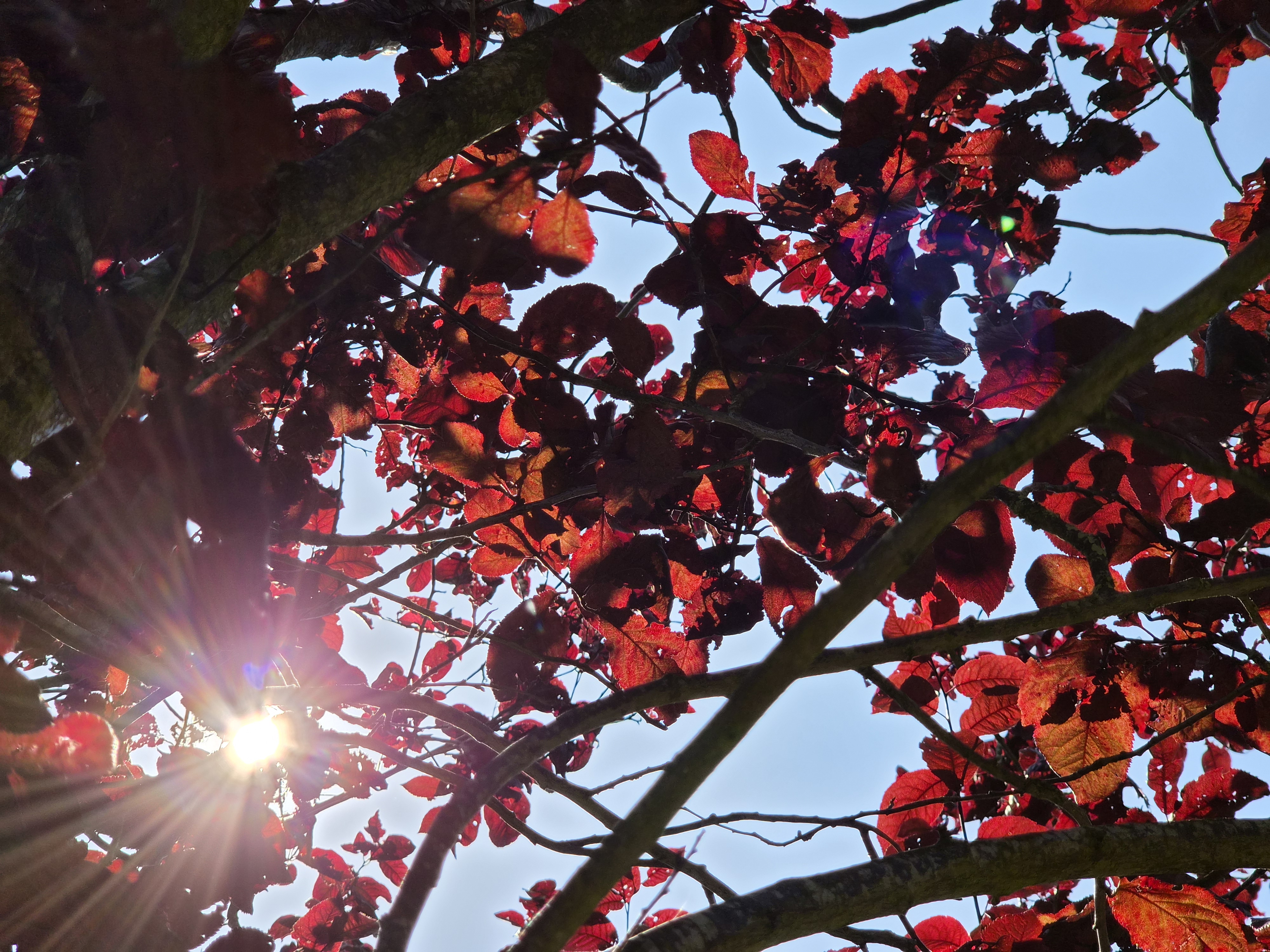
Using the telephoto camera, photos look good, with nice levels of detail considering the “low” resolution of a 10MP sensor. Photos are saved as 12MP images to match the photos you take with the other cameras on the phone. Lens flare can be an issue on all of the camera, but move or reframe the shot and most of the time you can get rid of it (if you want), or you can use it to give a more creative looking photo.

With a 12MP selfie camera, and auto-focus, shots are clear and detailed in good light, with the AF system ensuring the main subject has the correct focus point. This is often one of the first things to go missing from budget orientated phones, so it’s nice to see auto-focus here, as expected. This also benefits vlogging when using the selfie camera for video recording.
The first time you use the selfie camera you get a Warm or Neutral option. Once you answer, it seems like the only way to ever get back to this setting is to go to the option to reset all camera settings.
Video options are well covered, with 8K available from the main camera, and 4K available from all the other cameras (including the selfie camera). There are plenty of options including stabilisation (on by default), as well as “Super steady” / ‘Super Steady with horizon lock’ options, and a smooth zoom slider feature to help when zooming in and out. There’s also HDR video recording as standard, plus numerous audio options (in advanced settings). Video quality looks really good, and if you’re looking for a camera for YouTube, you’ll find there are a lot of people out there that use Samsung phones for video recording. You can also record Log in Pro video mode if you want!
Value for money
The S26 can be found for around $749 / £779 (Amazon) for the 256GB version – this puts it in competition with mid-range phones, and makes it a great deal, and it’s nice to see 256GB comes as standard on the base model. There’s also a 3 year warranty in the UK.
If you’re looking for competitors that offers similar features, then you’re looking at the Google Pixel 10 Pro, and Apple iPhone 17 Pro, as the most obvious options. Other options include the Oppo Reno 16 Pro (albeit without wireless charging), and the Xiaomi 17T Pro (although the selfie camera lacks auto-focus). If you’re looking for a cheaper option with similar features (generally speaking) the Samsung FE series is worth looking at, such as the S25 FE and S26 FE if/when Samsung release that.
Verdict
If you’re someone looking for a smaller Android smartphone, with a good range of cameras, the Samsung Galaxy S26 offers an excellent all-round package. There’s very little to complain about, now that the phone comes with 256GB as standard. It’s also a big step up from the A57 in Samsung’s budget range.
However, the main area I’d like to see Samsung improve the S26 is in the macro performance, as there is no dedicated macro mode on this phone, but until Samsung offer periscope macro they’re not going to match (or beat) other brands. It’s also a shame that the dedicated night mode has disappeared from the mode options.
If you can look past these issues, then you get a phone that’s a pleasure to use, with 256GB storage, a slightly larger battery and slightly larger screen you should have a phone that lasts many years, thanks to Samsung offering 7 years of updates. It’s perhaps easy to overlook the base model S26 from Samsung, but it’s actually a rather impressive package that gives a whole lot more than just a camera phone.
Related reading:
- Samsung Galaxy S26 Ultra Review: a minor upgrade, but still class-leading
- Samsung Galaxy Z Fold7 Review – A folding phone that’s finally good enough for photographers
- Samsung Galaxy S25 Ultra review – a class-leading Android
Do you want to win some great prizes for your photography? Enter your photos in our International Amateur Photographer of the Year competition. Free entry for photographers aged 13-21.
Follow AP on Facebook, Instagram, YouTube, TikTok and Irys.