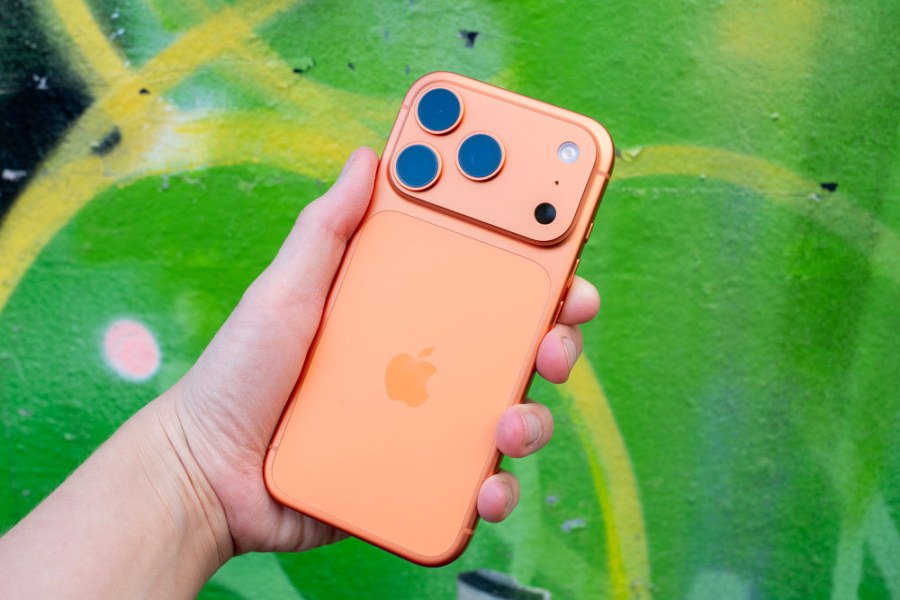
I’ve been reviewing a superb Nikon 70-200mm lens just recently, and although I’ve been mightily impressed by the ultrasharp and gorgeous images it’s capable of producing, I was pleasantly surprised to discover that my iPhone can also make some pretty great wildlife shots, too.
It’s fair to say that virtually nobody thinks of smartphones as the best cameras for wildlife photography. I’d be lying if I said they are. They’re really not. They don’t have particularly long lenses, the sensors are small and they’re not as well equipped for burst shooting and tracking focus as a dedicated camera can be – especially of course high-end ones like the Nikon Z8 I’ve been using.
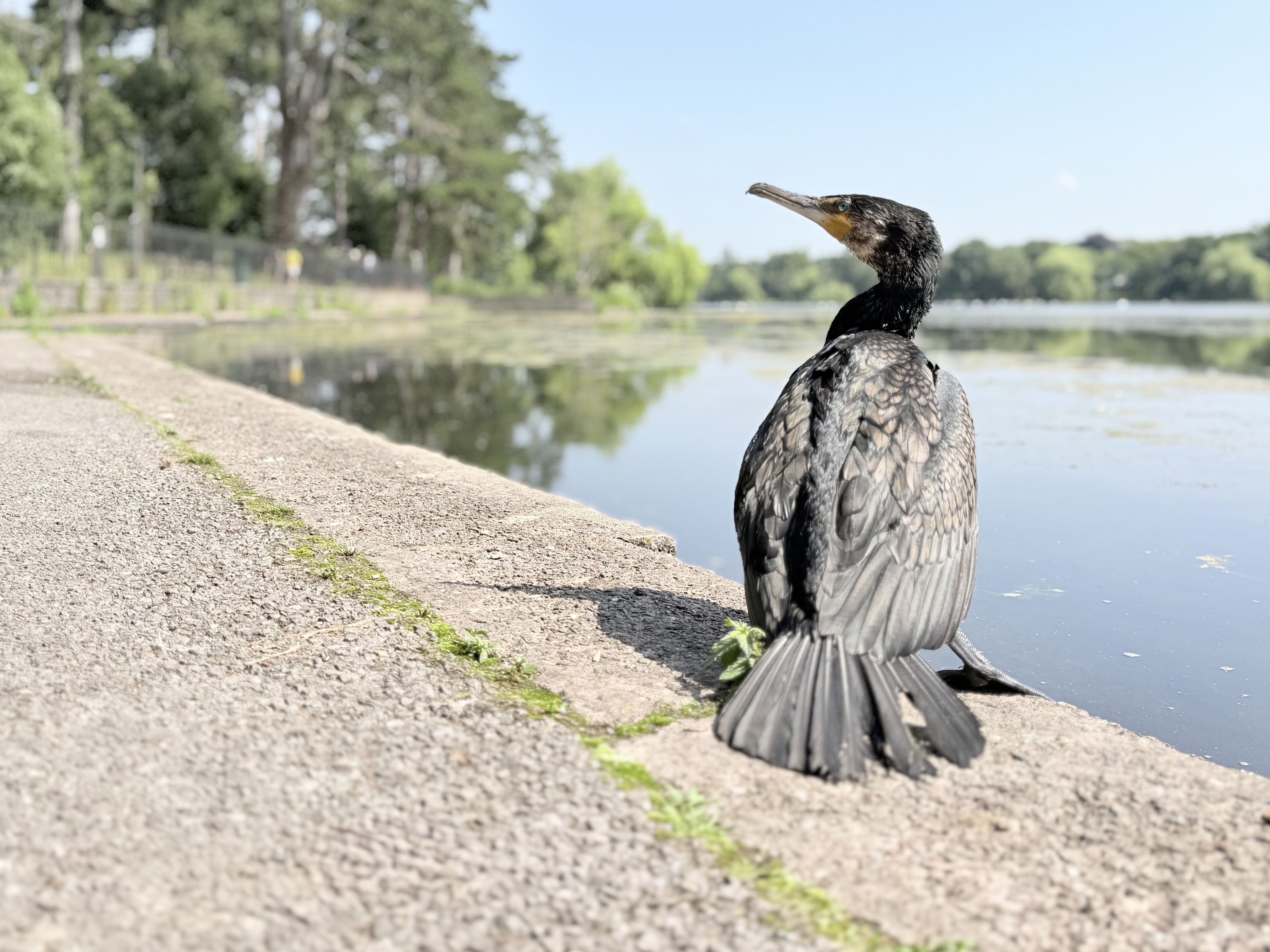
Now of course, a $6000 camera and lens combination absolutely SHOULD be better than an iPhone. It’d be a travesty if it wasn’t. But, I came away from my trip to the lake very happy with the stuff that I’d shot on my iPhone – pictures that I’d essentially taken to quickly share with my friends as a “hey look where I am” type of thing turned into some of my favourite images from the shoot.
And it got me to thinking, actually, in some ways, an iPhone actually is the perfect camera for some types of wildlife. Now, of course there’s tonnes of caveats here to be had. The biggest one being that I was photographing wildlife at a city lake. It’s full of animals which are so used to people being around that they actually saunter up to you in the hope of a chunk of bread being chucked in their direction. Being able to get close to these types of animals plays to the strengths of an iPhone – particularly the fact that you can use the best lens (the 1x), rather than having to rely on the lower quality zoom options.
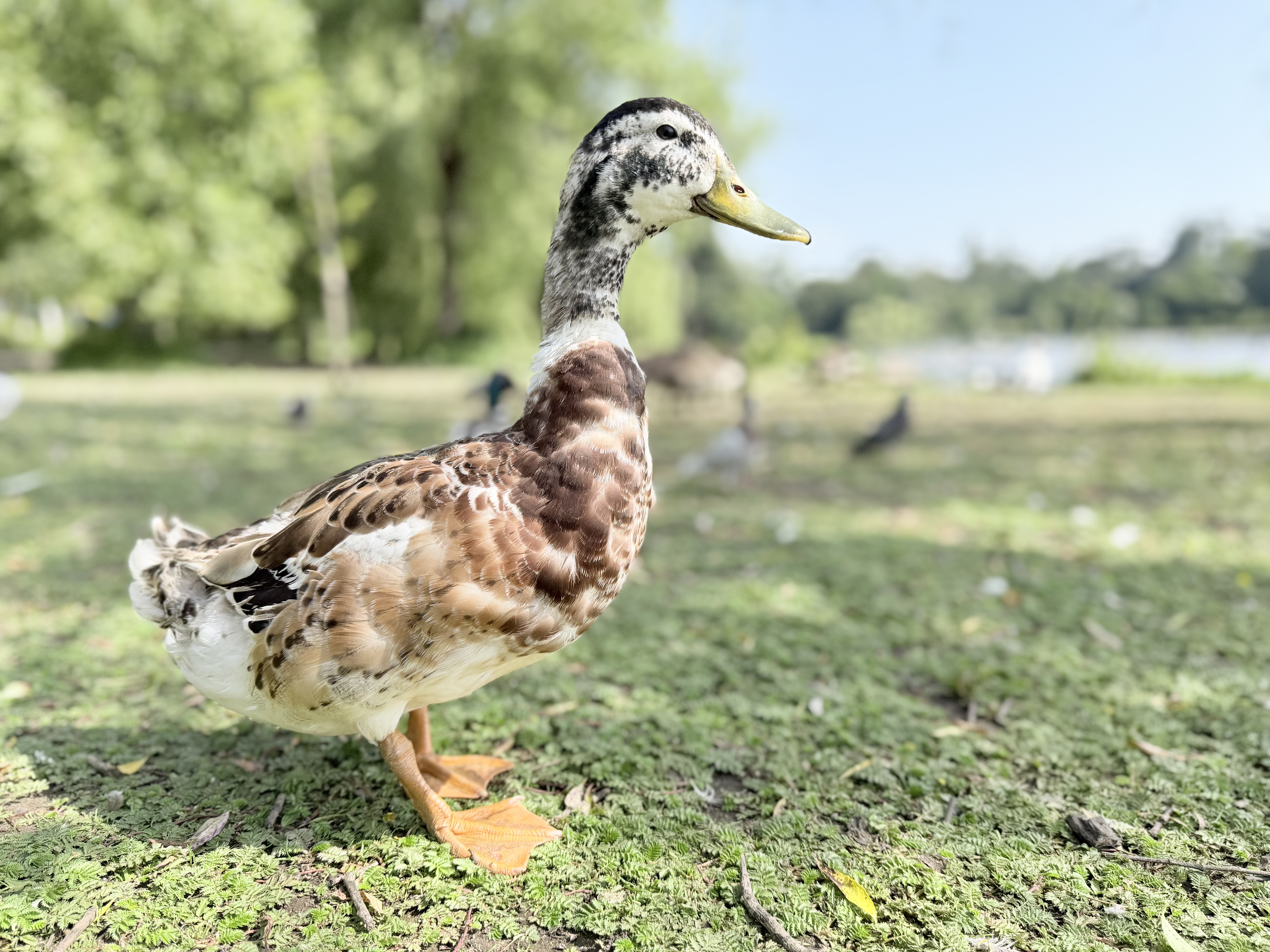
But there are other reasons why it works well too. First of all, there’s the Portrait mode, which although not advertised as such, actually works very well with birds. Apple says that it’s designed for humans, dogs and cats, but with the ducks, geese, swans and even a cormorant at the lake, it worked just as well. So these shallow depth of field bird portraits came out rather well. With an iPhone, you can also shoot first and add the portrait effect later – you might find for example that you prefer to keep the context of the surroundings fully in focus.
Secondly, there’s the fact that it’s silent, and far less imposing than a giant camera and lens combination. It’s no wonder that when I got the Z8 and a big lens out, the birds started to back off a little, while when I had my iPhone out, they were practically at my feet. It probably helps that most humans they come across have a smartphone on them, so they’re pretty oblivious to them by now and don’t think of them as any potential threat.
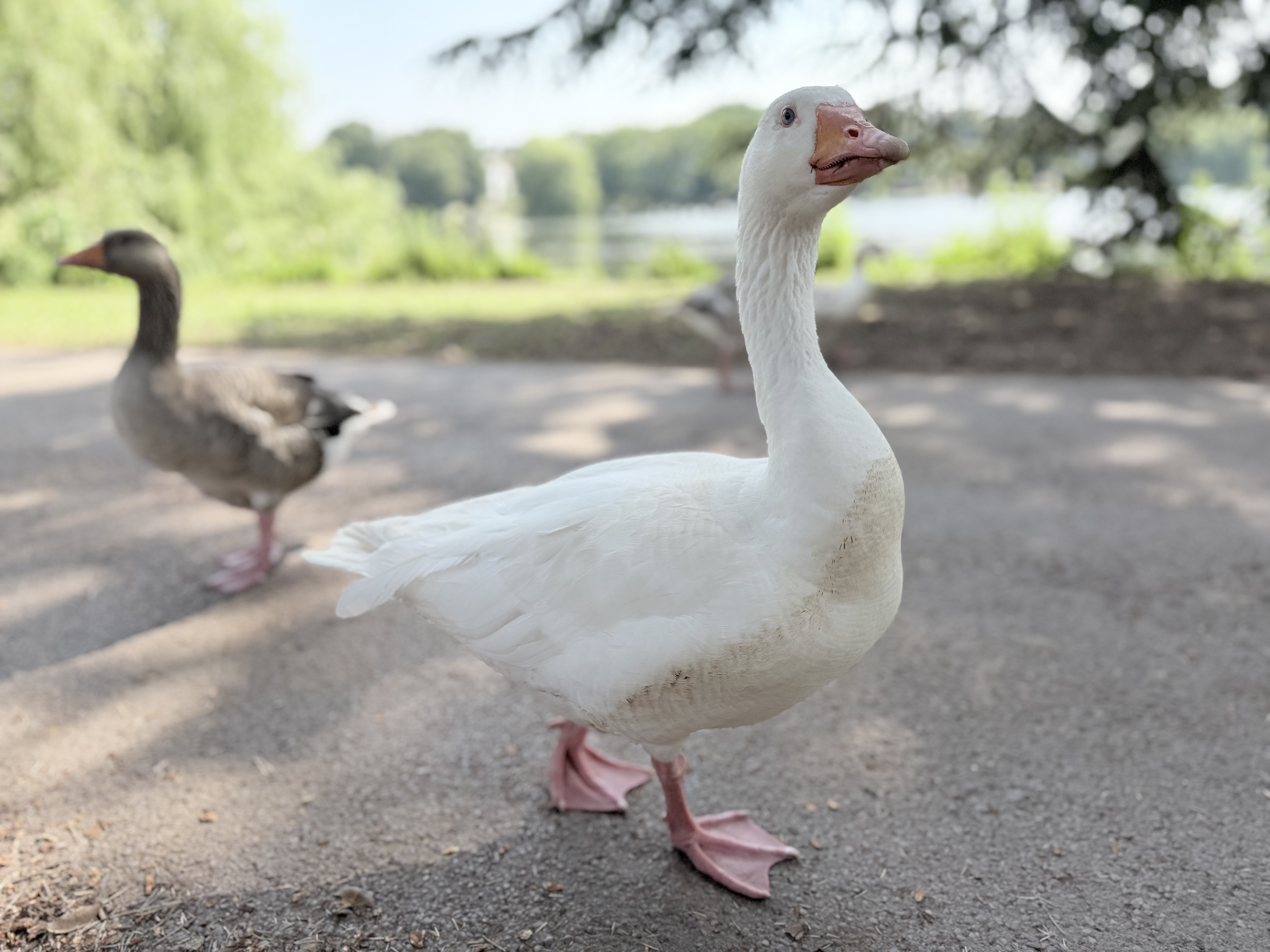
You can set most mirrorless cameras to be silent so there’s not the big “ca-chunk” you would have got from a DSLR, but cameras like the Z8 are still a lot more cumbersome and come with some operation sounds that you just don’t get with an iPhone.
From a personal safety point of view I also preferred shooting with the screen – I could keep my eye on my surrounds in case any of the birds decided I wasn’t welcome to use them as my own personal models any more. They’re pretty tame, but when I was shooting through the viewfinder and totally unaware of what was going around me, I felt a little anxious, I have to admit.
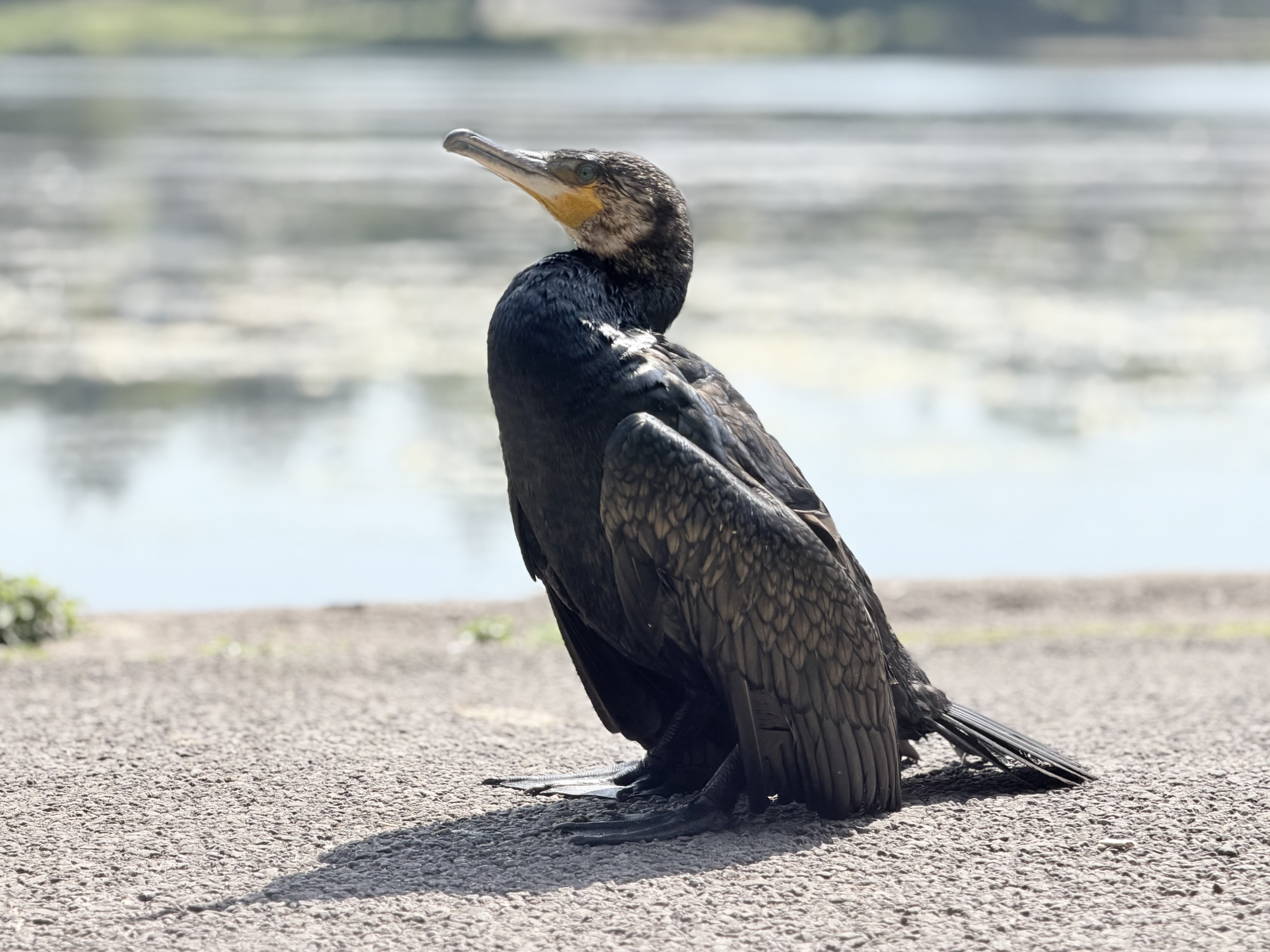
And lastly, there’s the instant shareability aspect too. I know that all modern cameras have WiFi inbuilt. But in practice, I’ve often found it simply doesn’t work, and when it does it’s still a janky process that I can’t really be bothered with. Obviously, with your iPhone, the picture is there ready to upload to your social media platform of choice, or send via message to whoever you like. With wildlife, that ability to boast about what you’ve just photographed, seen up close for the first time or find incredibly cute is almost as important as the quality of the image itself.
So, don’t automatically write off your iPhone for wildlife photography – give it a go, you never know how well it might go!
Related reading:
- I review iPhones for a living – these are the best iPhones for photography
- Best cameras for wildlife photography
- iPhone photography tips: use your iPhone to get great results
Follow AP on Facebook, Instagram, YouTube and TikTok.