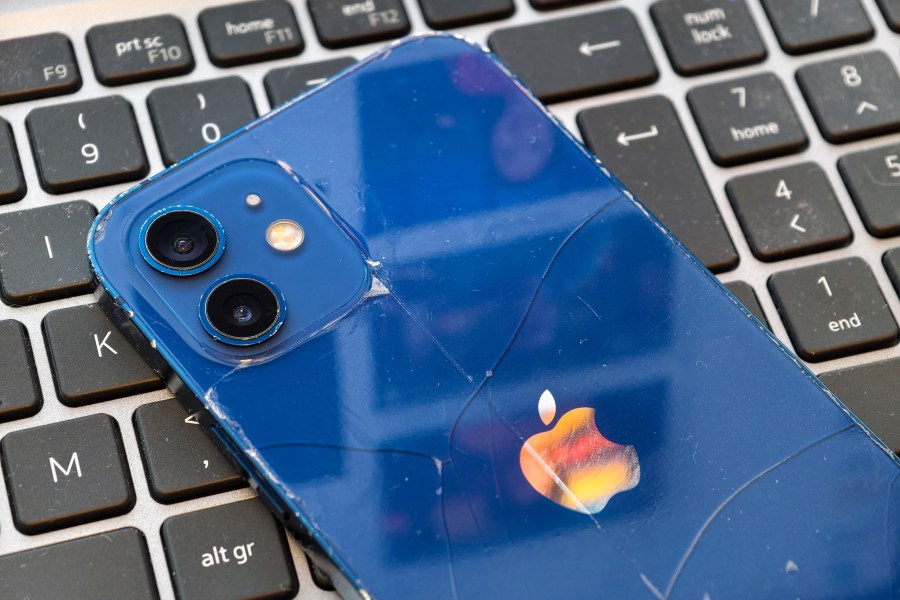
If you’ve recently upgraded your iPhone to a newer model, and still have your old iPhone, or have an iPhone lying around in a drawer, unused, then here are 5 ways to make your life better by putting your old iPhone to good use. In fact, you might not be aware of some of the things you can use an iPhone for, so this list is for anyone who wants to get the most out of their iPhone.
Use it as a dedicated camera
If your main phone is constantly getting full up with apps, videos, and other things, then using an old iPhone as a dedicated camera could be a great way to go. If you do this, you could leave your old phone where you need it most. Just make sure your phone lenses are clean, and if they are cracked or damaged, you’ll want to get them fixed before use.
Use as a webcam
iPhones can be used as webcams – it’s extremely easy if you’re using a Mac – simple enable “Continuity Camera” in your iPhone settings (Settings, General, AirPlay and Handoff). On a PC you’ll need to install third party apps like Camo / Camo Studio (on both PC and iPhone), and/or use the OBS.camera plugin. Of course, using a phone as a webcam, you’ll most likely need a grip, phone holder or tripod adapter, but these are available for very low prices.
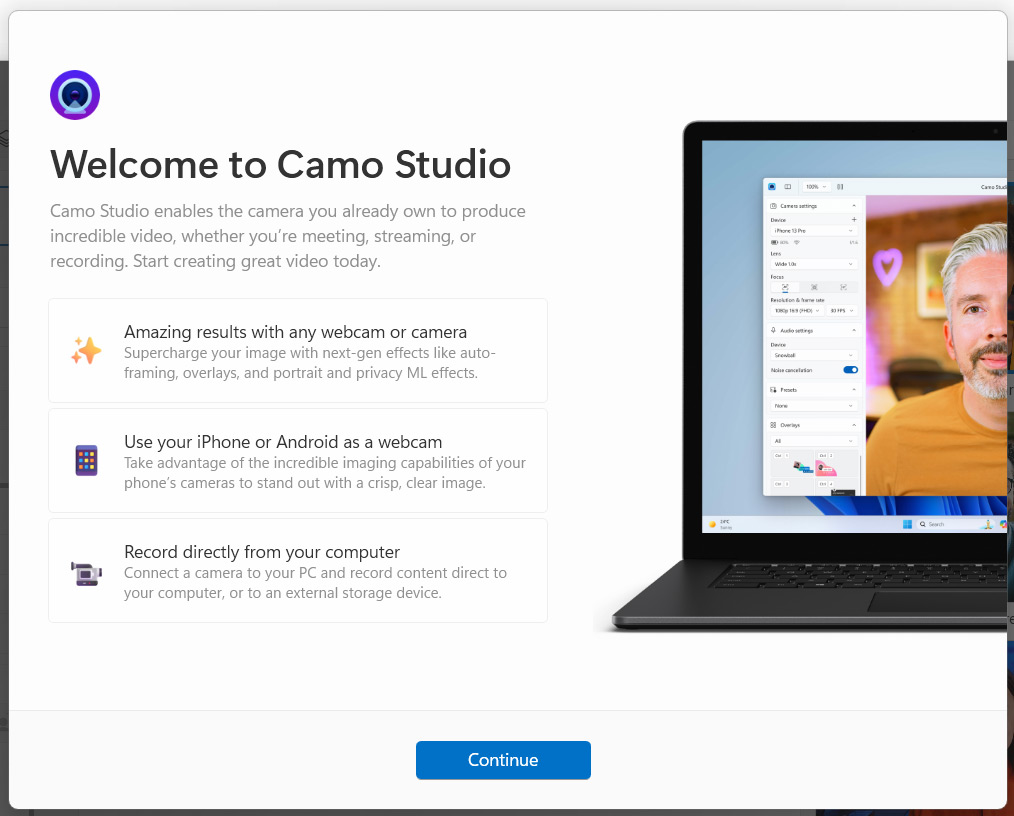
Using the rear camera of an iPhone, you can get significantly better image quality than built-in webcams, and often better quality than most dedicated webcams too.
Use as an iPod – remember them?
Use it with a Bluetooth speaker, or iPhone/iPod dock speaker and use it as a dedicated music player – you can often pick up old Bang and Olufsen, Sony or other speaker systems for very little money in most charity or thrift shops. Even old iPod dock speakers can be adapted with Bluetooth adapters. Great for listening to your favourite tunes while editing photos or video.
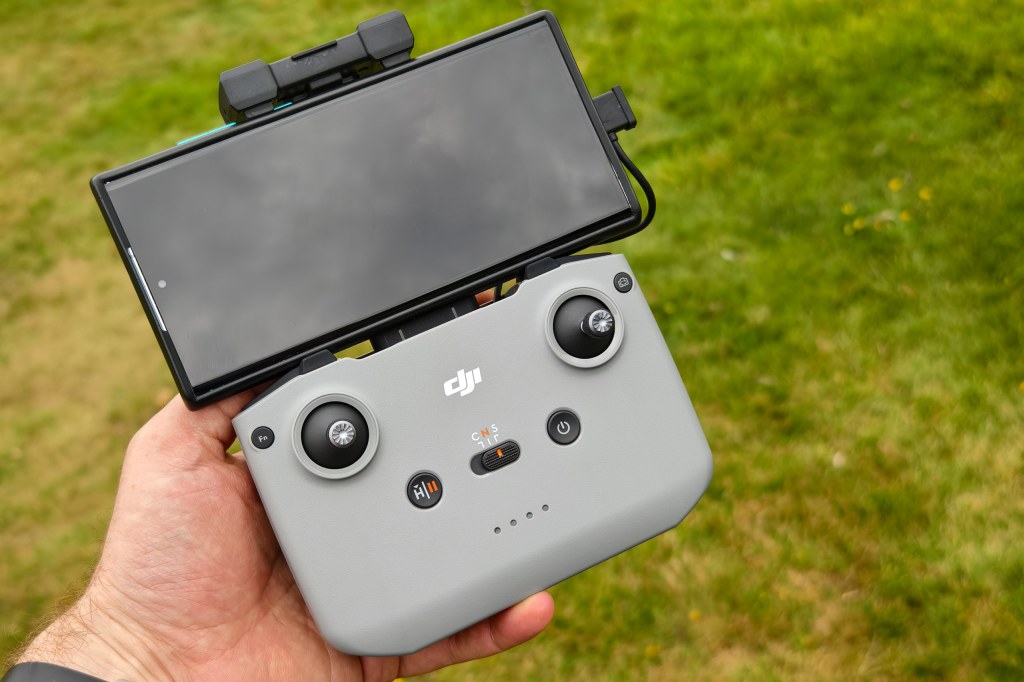
Use as a screen for your DJI drone – so you don’t have to use your main phone
If you’ve got a drone, and have been using your phone to control it, you’ll know how awkward it is when you actually just want to use your phone as a phone again. Solve all of these problems by using your old iPhone as the controller. This frees up your main phone to do other things like BTS shots or quick reels, or just text your mates or check the weather.
Use as a dedicated video camera
As a dedicated video camera the space on the phone can be cleared just for video files – and if you’ve ever recorded any video, you’ll know how much space videos take. By having a dedicated iPhone for this, you can have it setup with all the correct tripods/grips and lighting accessories, as well as power delivery, whether that’s plugged in or a portable charger. iPhones have recorded 4K video since the iPhone 6s and 6s Plus! (these are available from as little as $30, perhaps one of the cheapest 4K video cameras with such a large screen?)
[BONUS] Use as a dedicated black and white camera
Load up your favourite black and white app, Snapseed springs to mind, and use your old phone as your dedicated black and white camera. Not everyone (in fact very few people) can afford to buy a dedicated black and white camera, so why not use what you’ve got.
Related reading
- How to keep your iPhone photos safe forever with iCloud Photos, backups and more
- The hidden iPhone camera setting I use every single day is a total game changer
- The surprising thing about the iPhone 17 Pro that I love
- Must-have gifts for the iPhone photographer in your life
Follow AP on Facebook, Instagram, YouTube and TikTok.