Without a doubt, the camera that I use most often these days is my iPhone 17 Pro. Obviously, it’s always with me, and the cameras on them are some of the best out there – it’s certainly one of the best smartphones for photography.
But, it’s probably also fair to say that trying to find some creativity or difference when shooting with something that everyone else is shooting with can be a bit of a challenge.
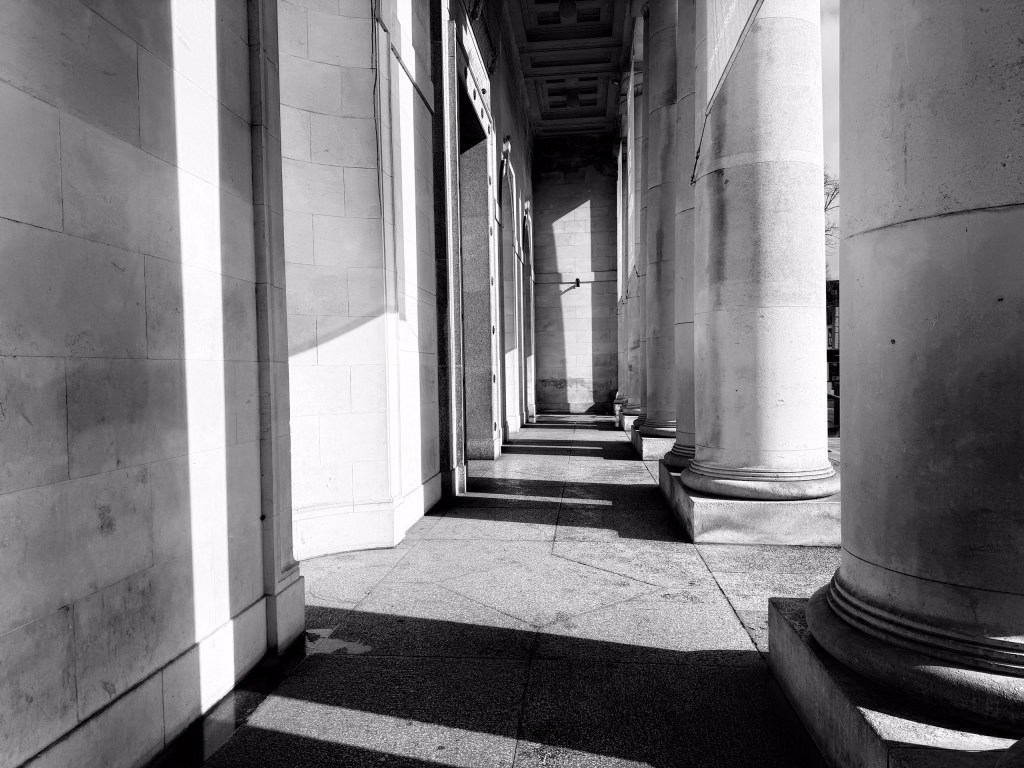
I decided therefore to take a peek under the hood of the native camera app and see if there were some settings that I was ignoring, or that I could try and engage with a lot more and see where it led me. Almost all of the time I simply don’t touch anything on my iPhone camera app. I let it do most of the thinking for me – it decides what it wants to do in order for me to concentrate on spotting moments, working on composition, and you know, trying to live my life and not worry about every single setting.
But there are lots of things you can play with if you have the inclination. One such thing is Photographic Styles. There’s quite a few different presets already loaded into the app, and you can create your own or customise the existing ones too.
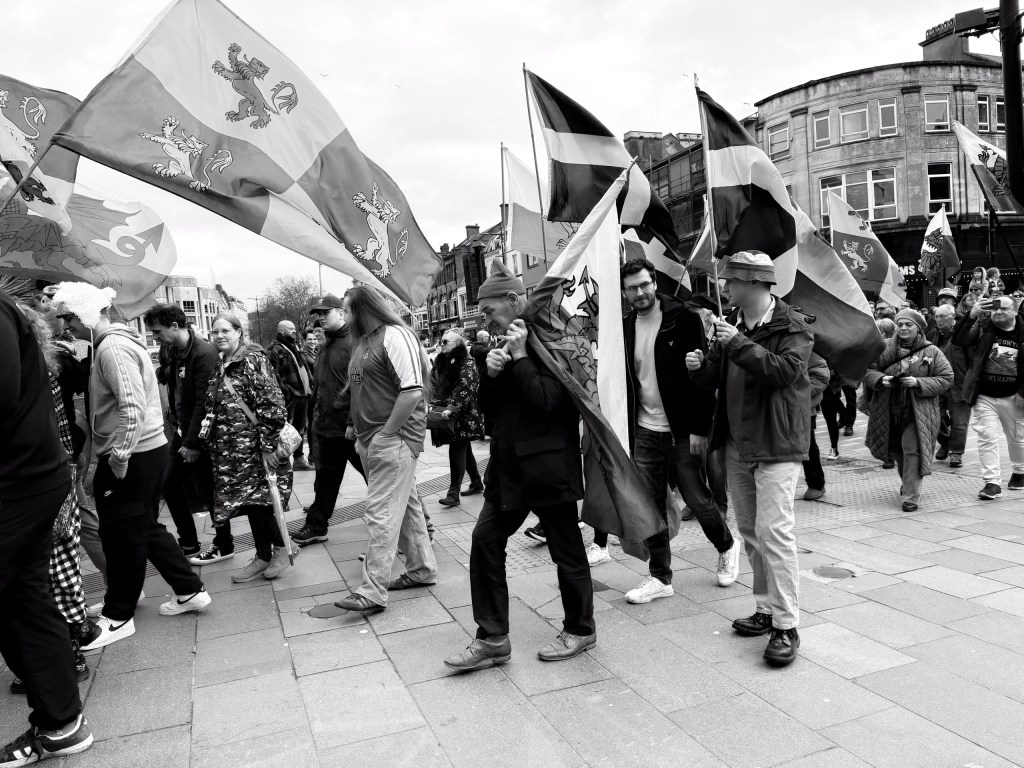
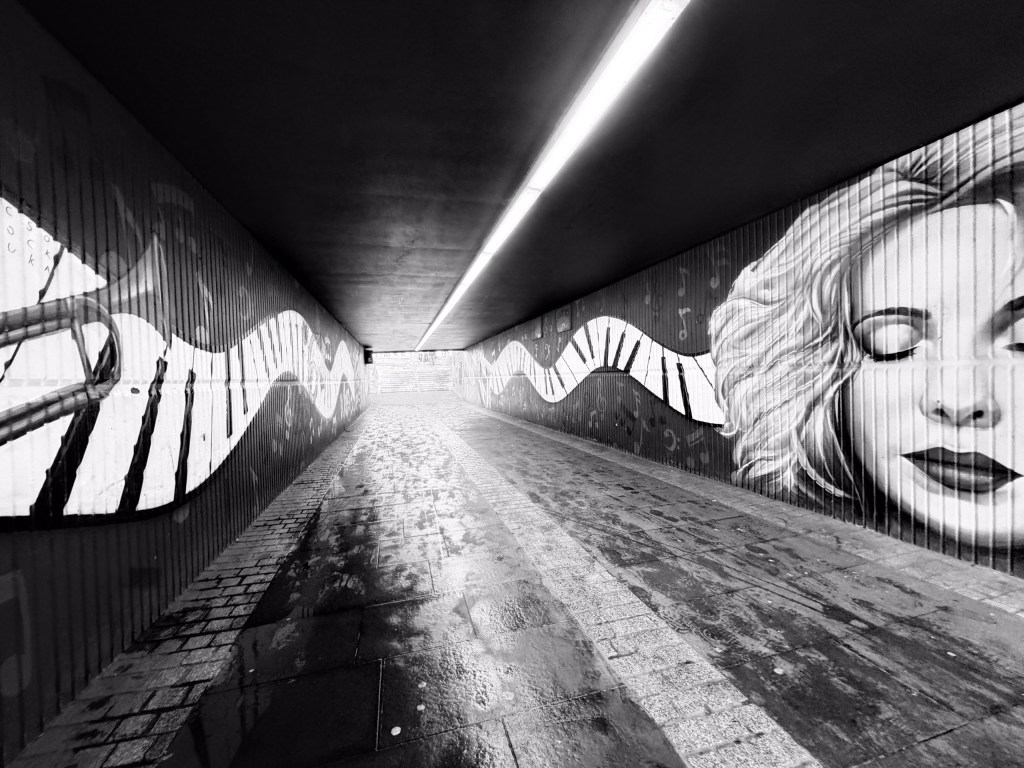
Admittedly, this is a bit “first week in photography college”, but I thought it would be fun to see what it would be like to go back to basics and shoot only in black and white for week. Unlike in the good/bad old days depending on your philosophy, and you had to do this with a roll of 35mm film on the campus SLR, you’ve really got nothing to lose by trying this out on your iPhone.
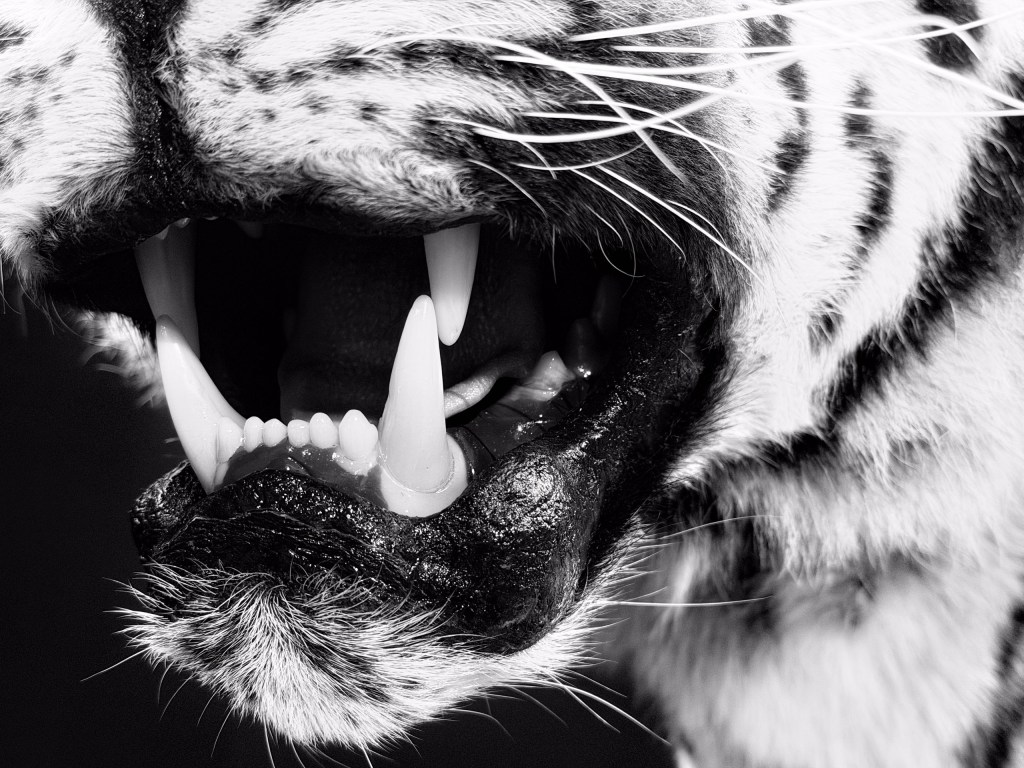
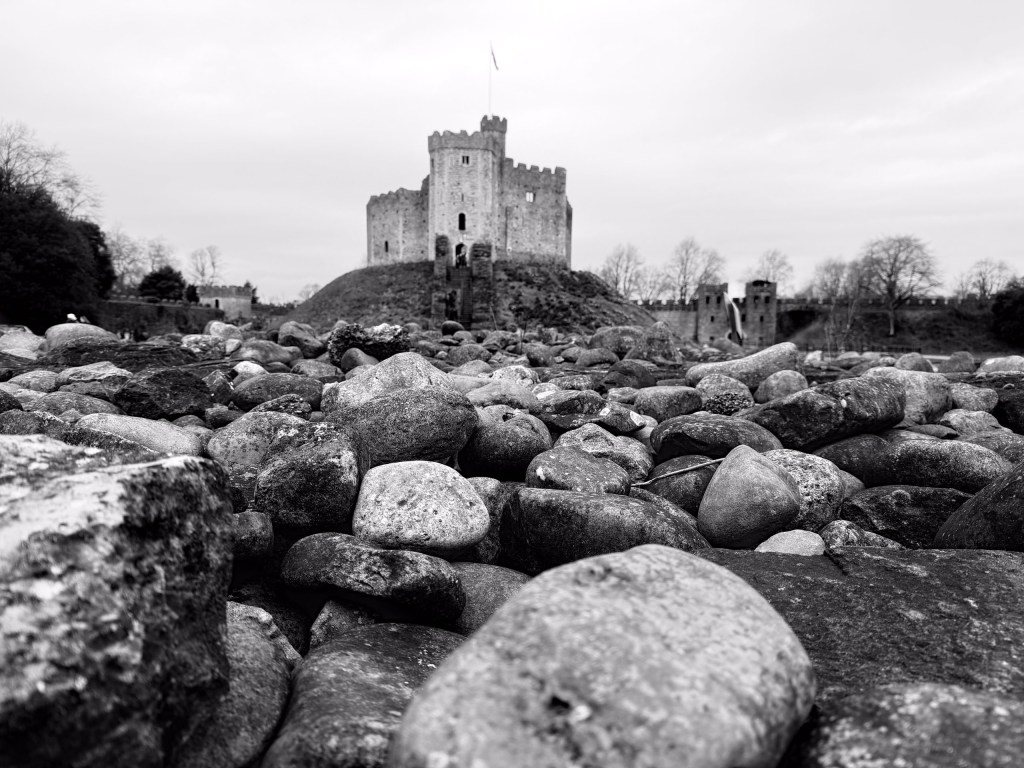
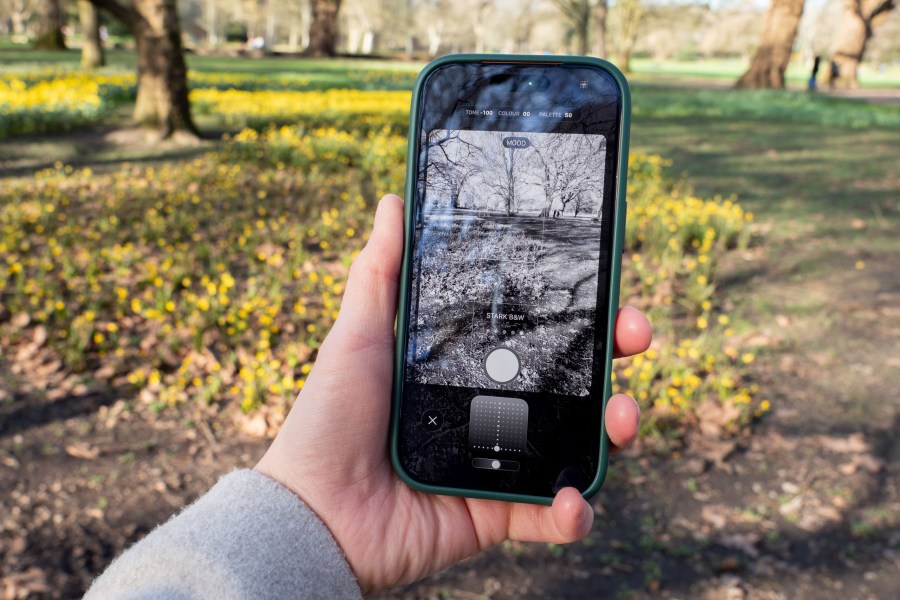
There are two monochrome Photographic Styles on the iPhone – you’ve got MUTED B&W and STARK B&W. You can adjust both of these if you don’t like either of them but I find them to be a great place to start from. I’m a big fan of STARK B&W because it makes things appear bolder and more dramatic, and that’s just who I am really. To find Styles, tap the dots in the top right hand corner of your iPhone app, and tap on Styles – from here, you can swipe through the different presets.
It’s worth noting that if you take a bunch of photos like this, if you hate them and want some colour back in your life, you can switch to a different Style after you’ve taken it. Whether seconds, days, weeks or even months/years later, so, like I said, you really do have absolutely nothing to lose and everything to gain.

Rules
To make this into more of a game/challenge, I decided to shoot exclusively in black and white for an entire week. I wanted to know if I’d hate it, love it, and most importantly, see if I’d learn anything of value. Oh and of course, get an article out of it too – everything is copy, after all.
In order to really get into the swing of things, it’s important to change your Camera settings so that it always opens with the last Style you chose, rather than defaulting back to Standard. To do this, you’ll annoyingly need to come out of the camera app and go to the Settings of your iPhone.
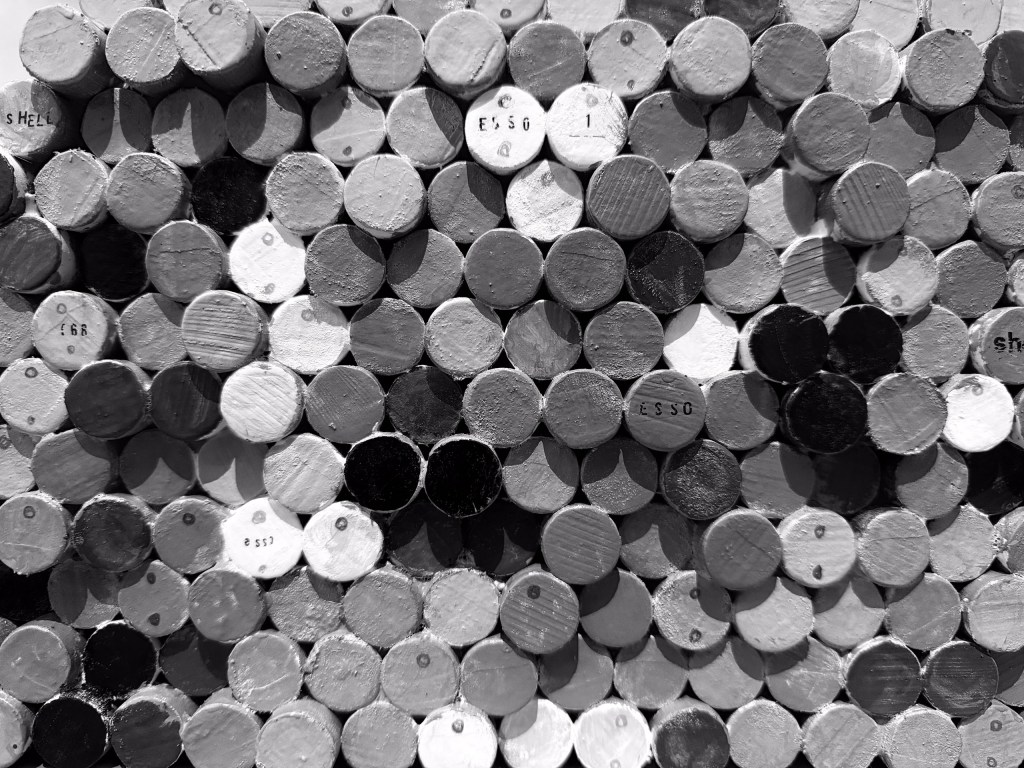
Go to Settings > Camera > Preserve Settings. There’s a whole set of different things you can “preserve” here, which is an article for another day, but for this piece, we want “Photographic Style” to be preserved. I found that if I didn’t have this switched on, every time I opened the app I’d lose the “black and white focus” and sometimes lose momentum by the time I’d reselected it. Once I knew that the app would always display b&w, it was a much easier process for me.
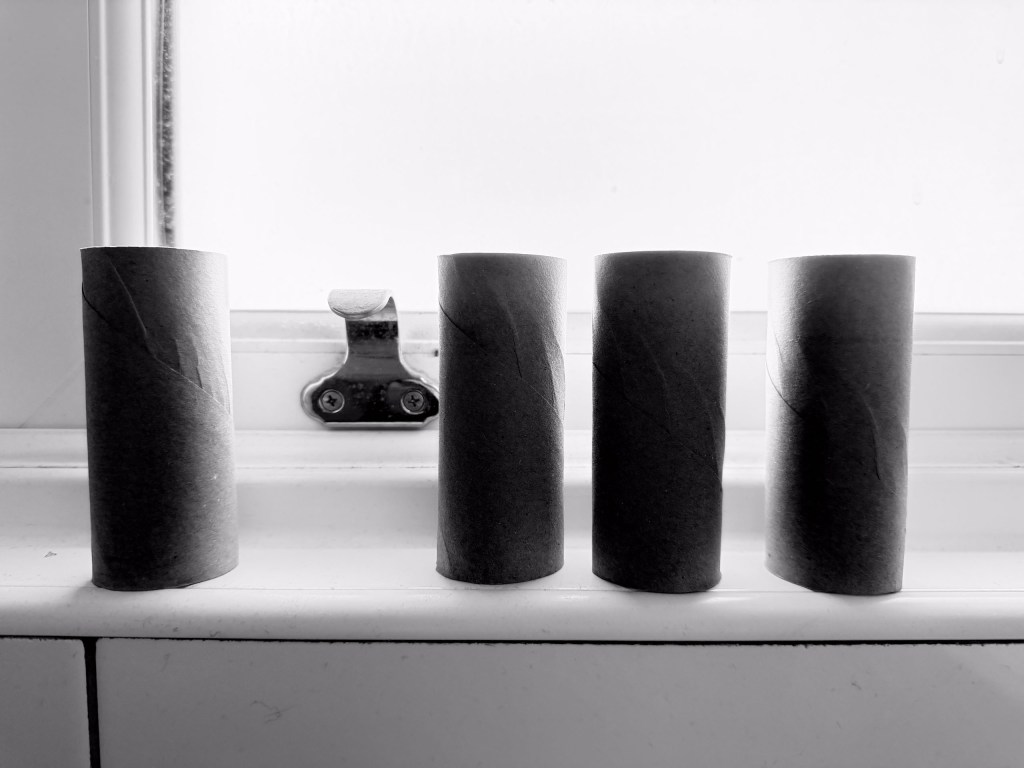
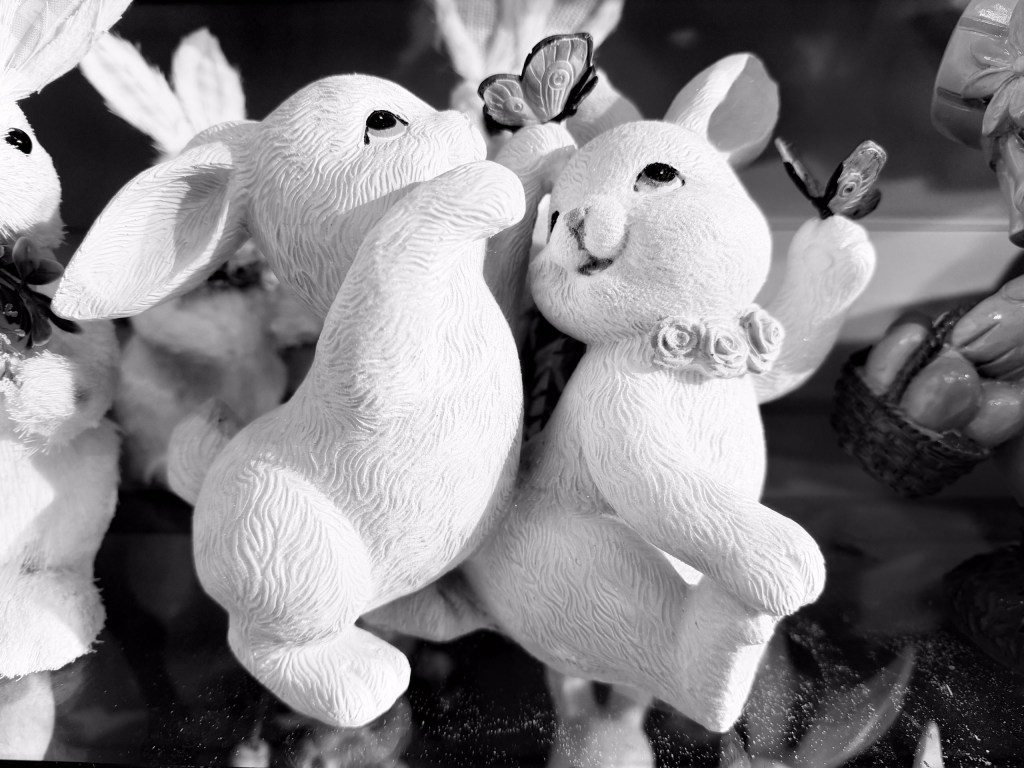
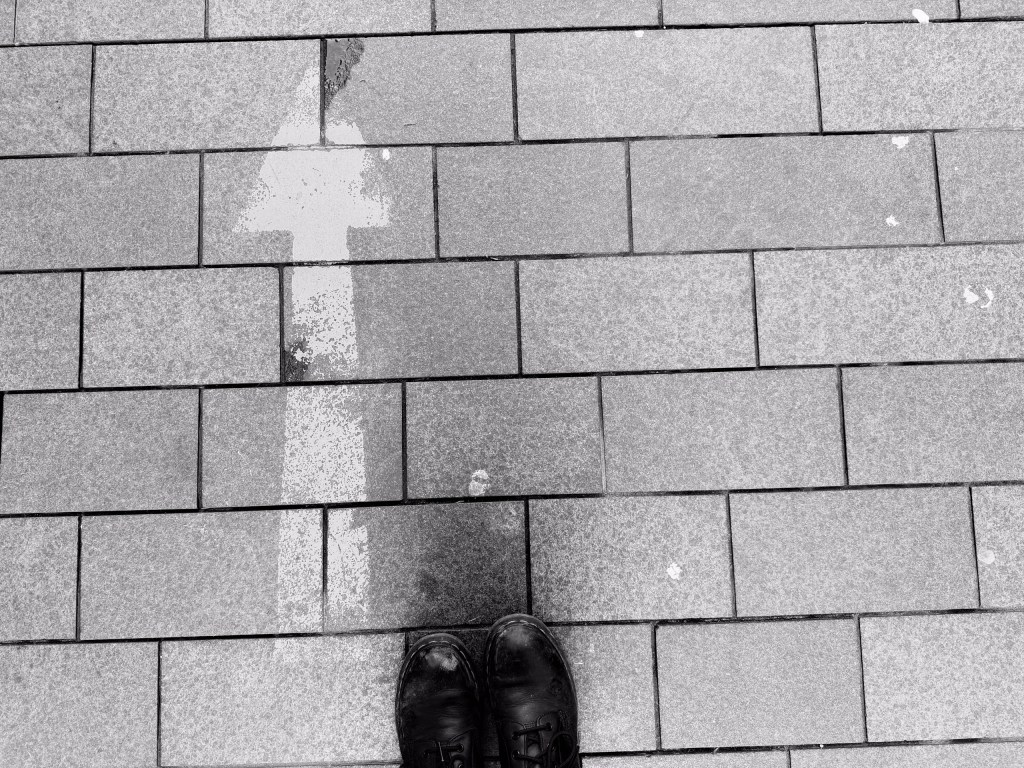
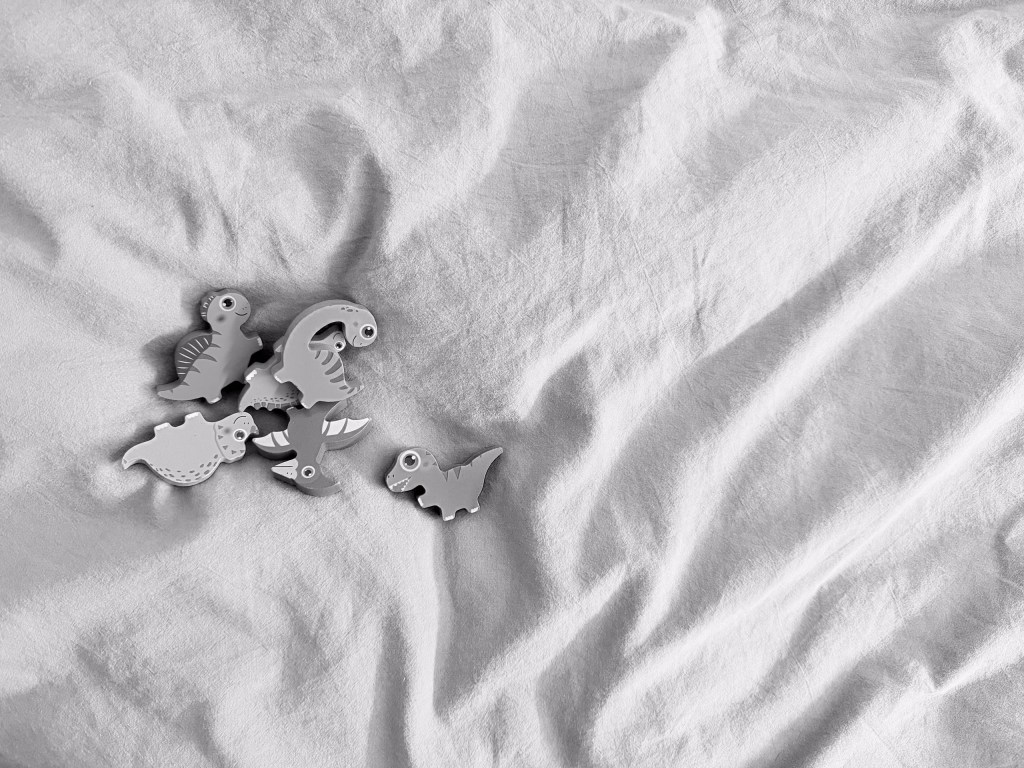
I was really strict with this experiment. When I say I shot exclusively in black and white, I mean it. From intentional images shot with this purposefully in mind to pictures of the groceries to send back to my partner to double check if we already had some in the cupboard, every single thing was in black and white.
So what did I learn?
Well, the biggest thing I learned – or I should say I was reminded of – is that potential photo opportunities are everywhere so long as you open your eyes and start looking for them.

Having the focus of a challenge made me look at the world in a different way, and be constantly in anticipation of a photo opportunity.
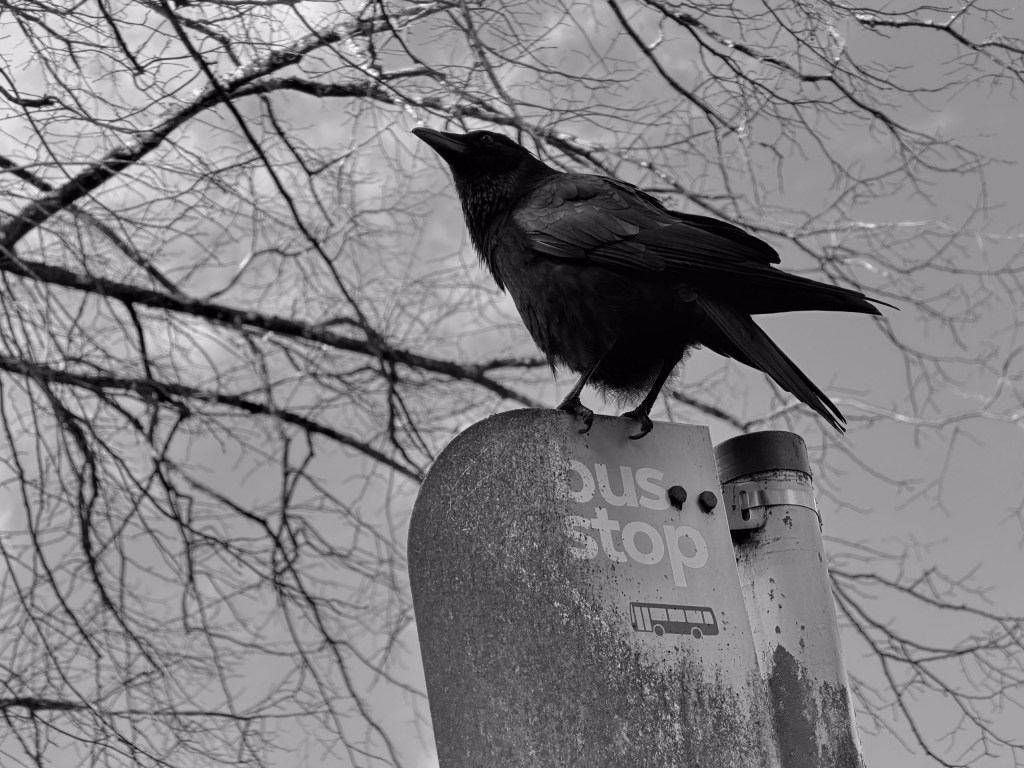
I also learned that not everything works in black and white, but some things really, really do, and in fact are much better than a colour version.
Black and white is about spotting form, shapes, the way the light interacts with the scene. Colour is fantastic but sometimes it can really get in the way of that. Stripping everything back to basics really makes you pay attention to the simple things – and I think it makes your colour work better for it too.
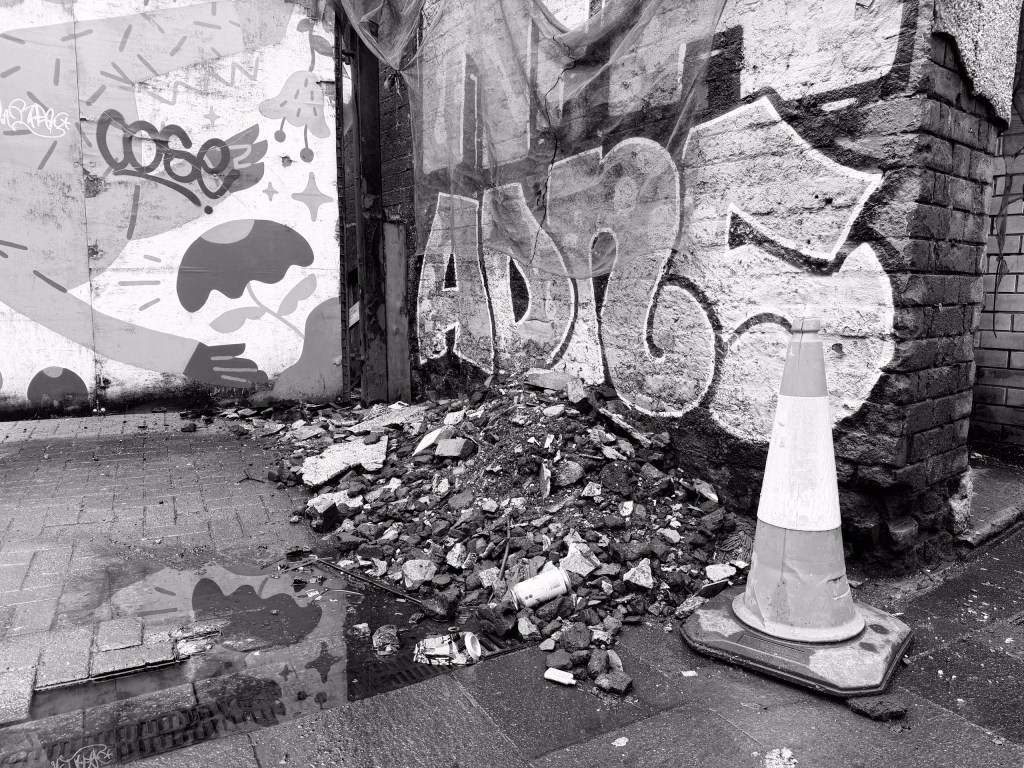
When I turned colour shooting back on and went out to take some pictures after my week of black and white, I couldn’t believe how vibrant everything seemed. It was a real shock to the senses, and again, it made me look at everything in a completely different way – noticing contrasts, colours that I hadn’t really noticed before and much more besides.
Tips
I’d highly encourage everyone to give this a go. It’s a really easy way to improve your photography – I’m not suggesting you need to be as extreme as I was, a week felt like a really long time in the end – but a couple of hours, or a day, anything really will be a great exercise to try.
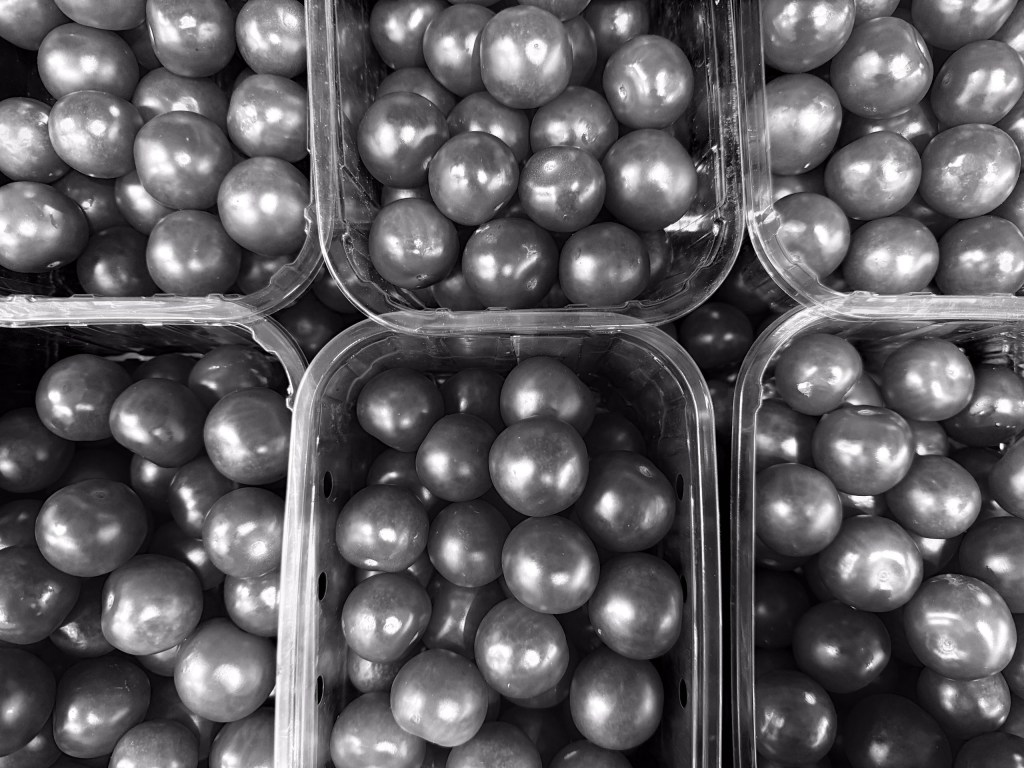
Some tips to get you started if you’re thinking of giving it a go:
- Experiment with the different Photographic Styles. The two presets are great, spend some time switching between the two to see which one you like best. Don’t forget to adjust them to your own preferences, too.
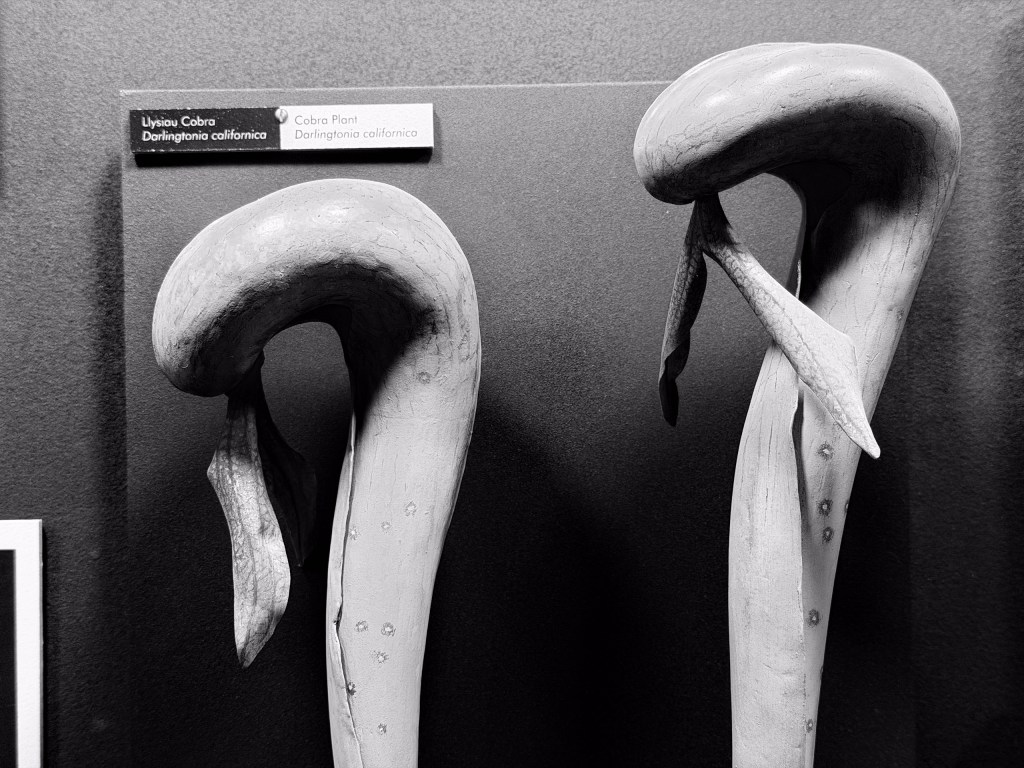
- Have a go at every genre when shooting black and white. Pretty much every subject can and does work well in monochrome – broadening your mind to shoot things you might not always have a go at is another way to improve your shots.
- Try the different lenses on your phone. I’m guilty of sticking to the 1x lens, but try the ultrawide and the telephoto (if you have one) to see what happens when you shoot in mono with those.
- Look back at your work and evaluate it. This is a biggie. How many of your photos actually end up just withering away in the cloud never to see the light of day again? With this challenge, one of my favourite parts of it was going through all of my photos, picking out what worked, what didn’t, and really examining everything in close detail.
So there we have it, it’s a simple tip, but it’s one that can elevate your photography without you even really having to think too hard – and that’s a hack surely anyone can get behind?
Related reading:
- If you haven’t turned on this hidden iPhone camera feature, your photos won’t be as good as they should be
- The hidden iPhone camera setting I use every single day is a total game changer
- I review iPhones for a living – these are the best iPhones for photography
Do you want to win some great prizes for your photography? Enter your photos in our International Amateur Photographer of the Year competition. Free entry for photographers aged 13-21.
Follow AP on Facebook, Instagram, YouTube, TikTok and Irys.