Oppo and Hasselbad have joined forces to bring out a very far-reaching zoom lens/teleconverter for the new Oppo Find X9 smartphone. Attaching to the back of the phone, is it a must-have gadget for phone photographers or just a pricey gimmick?
At the end of last month we reported on the launch of the Oppo Find X9 Pro, a powerful new Android smartphone with some genuinely innovative features. As I said in my first look, these include photo capture at 50MP by default on all three rear cameras.
All rear cameras are Hasselblad-calibrated too, showing that the relationship between Oppo and the big H is as strong as ever. Then there is the Hasselblad Hi-Res option, which enables you to capture 200MP still images.
The Oppo Find X9 Pro is no slouch when it comes to telephoto performance either, thanks to a 200MP f/2.1 periscope telephoto camera (70mm with 3x optical zoom, OIS and AF). This can be extended via digital zoom, but image quality then falls away – this is the case with most smartphones, to be fair to Oppo.
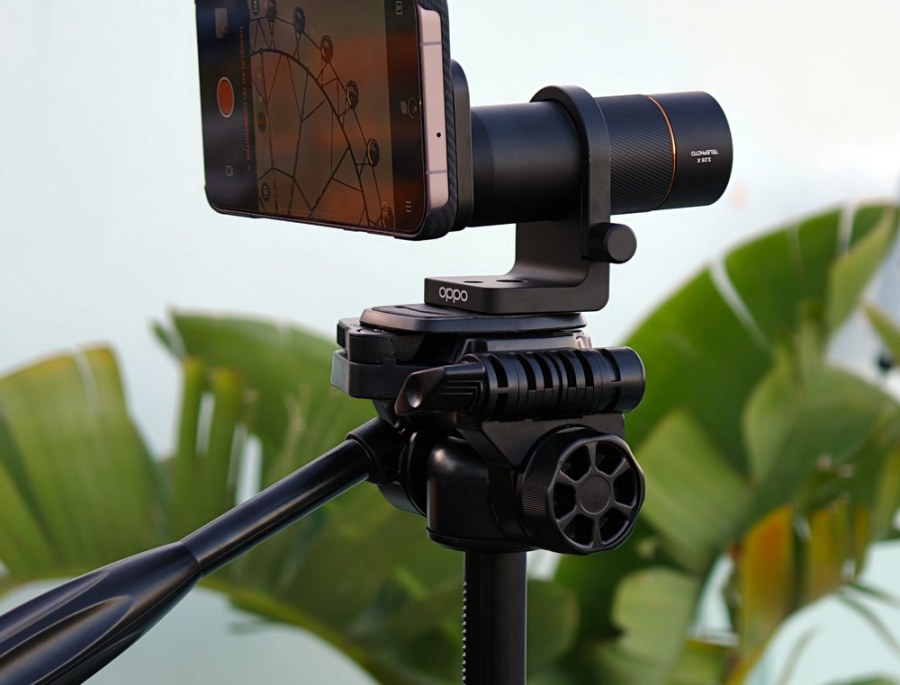
So, if that powerful telephoto camera STILL isn’t enough, you can also buy a Hasselblad-branded teleconverter kit, which sits over the phone’s telephoto lens, giving you a 3.28x magnification, or a 230mm equivalent reach!
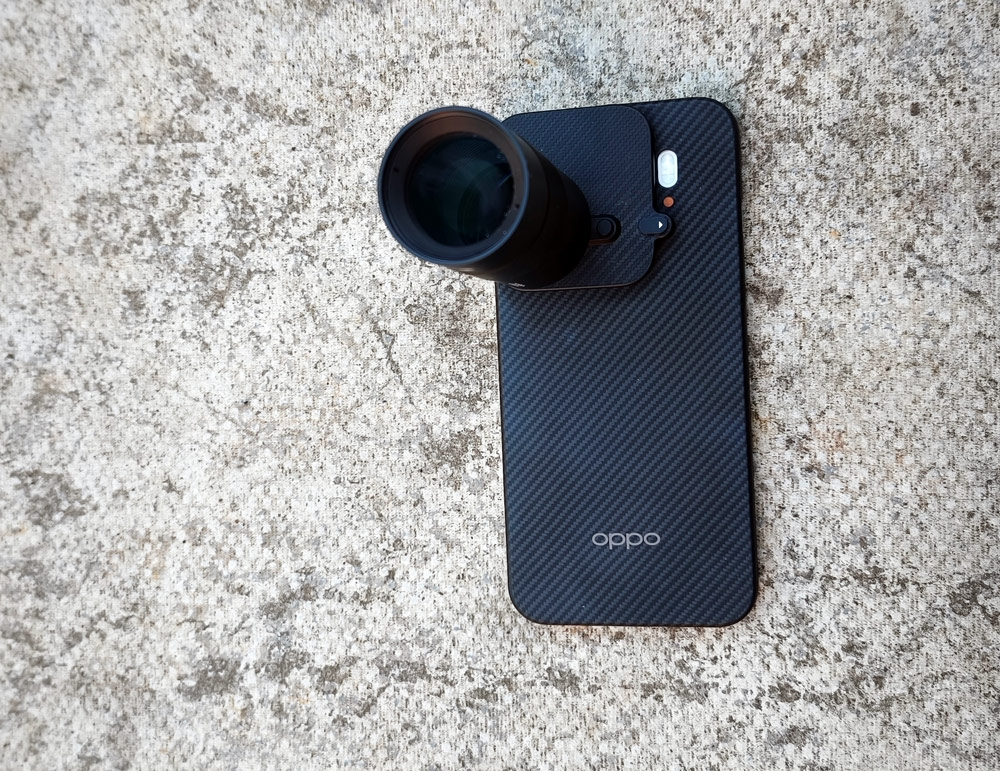
Now, before everyone gets too excited, there is a fairly hefty kicker here – the teleconverter will set you back £500/$650 (I notice it’s already being discounted on eBay but this won’t be coming from any kind of official Oppo channel).
At the launch event, Oppo bigged up the teleconverter as being perfect for gig and performance shots. Well, yes, but there are some caveats here. First, using the teleconverter over the telephoto lens means that you lose about 3 stops. In other words, the telephoto lens’s impressive sounding f/2.1 aperture shrinks down to f/6.9. The phone has to then fall back on computational photography/AI to deliver what it thinks are the best results.
In practice, this means that you’d need to be shooting at a pretty well-lit gig to get the best results, and this is not always possible, depending where you are in the crowd. The teleconverter is not exactly discreet, either, sticking out from the phone body by several inches (see picture above), so I also have a niggling feeling you might attract some unwanted attention from security at bigger gigs.
Rather than crowded, sweaty gigs and other challenging light scenarios, I’ve been out and about doing some street and architectural photography with the teleconverter, and am really happy with the results. Apple and other Android makers should definitely take note.
Setting up the teleconverter
The first thing you notice about the Oppo Hasselblad Teleconverter Kit is the big grandiose black box – the company clearly wants you to feel you have bought something very special. The teleconverter is fairly weighty in the hand (about 225g) and looks to be well made.
You attach the lens to the phone via a special magnetic case, and it’s a bit fiddly, to be honest. The case is also very ‘tight’ on the phone. Perseverance pays off, however, and this teleconverter kit is still a more elegant solution than most of the add-on lenses out there for Android and Apple phones.
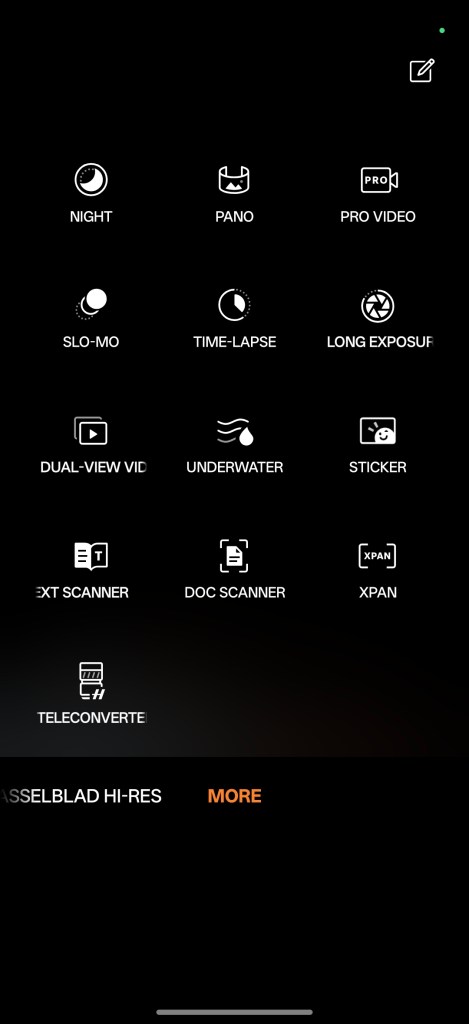
The next job is to ensure you select Hasselblad Teleconverter from ‘More’ in the Oppo Find X9 Pro’s camera app. It will still work if you don’t select this option, and just try to use it with the normal ‘Photo’ option, but everything is upside down. That done, you have three options for shooting:
- 10x zoom, which is 230mm, in 35mm equivalence
- 20x zoom, 460mm equivalent
- 40x, 920mm equivalent.
You can also choose a range of aspect ratios, from 1:1 (square) to 16:9 and ‘full’, then toggle Auto HDR on and off, shoot burst mode and so on. A range of basic but effective filters are provided too, including vibrant and black and white.
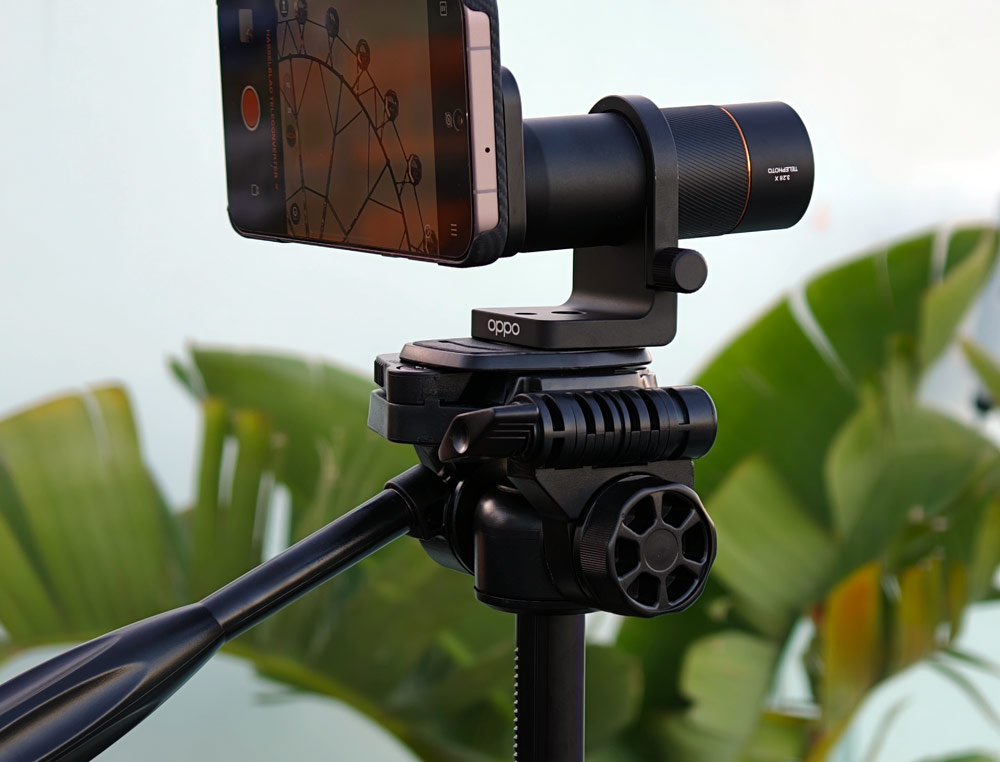
A tripod adapter comes in the box if you really want to keep the phone rock solid in low light.
Oppo Hasselblad Teleconverter Kit: sample gallery
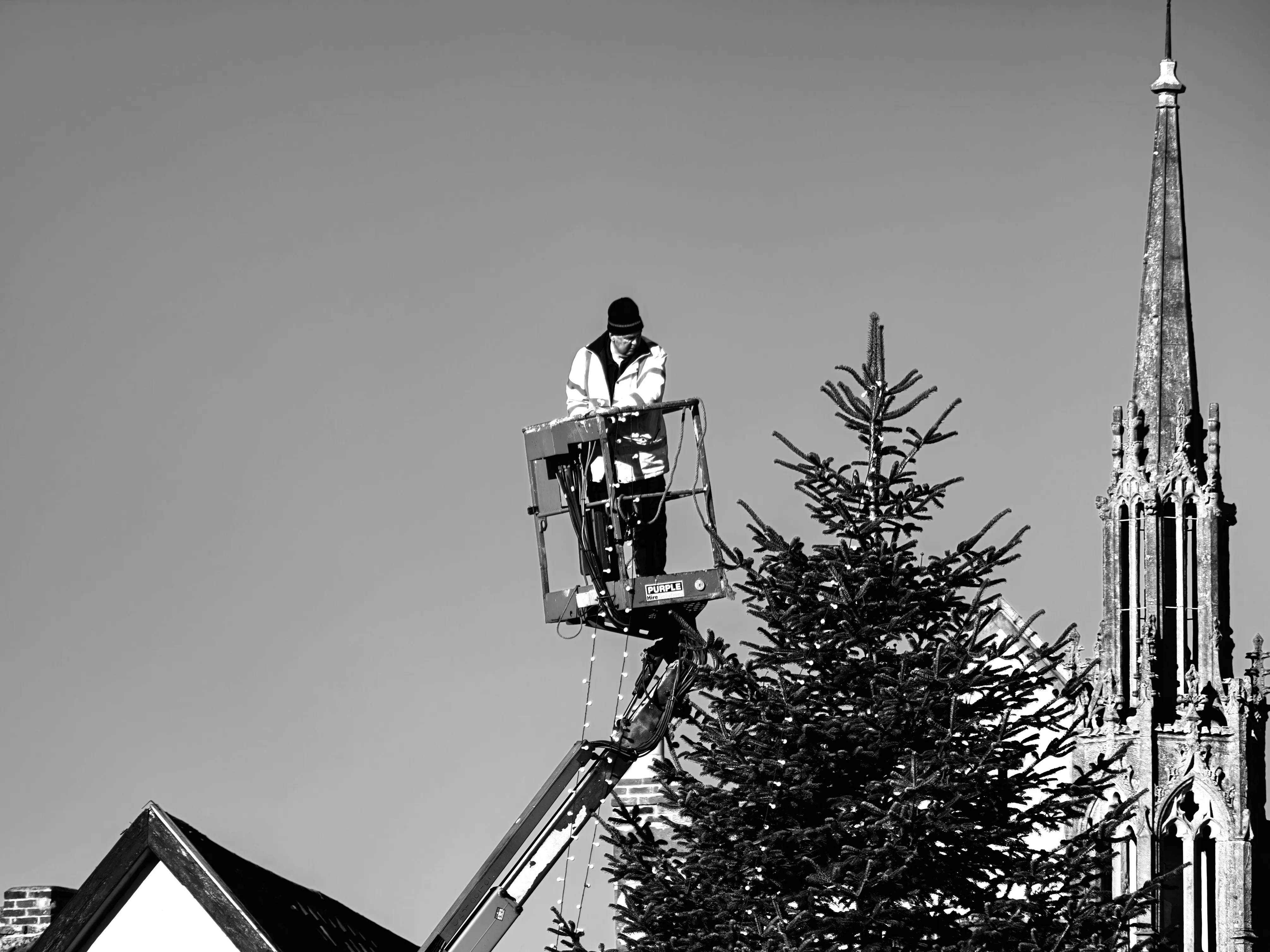
I used the Oppo Hasselblad Teleconverter Kit on a sunny morning around the ever photogenic town of Glastonbury, England, and found it to be excellent for street photography and capturing distant architectural details.
Admittedly, the light was great, but the Oppo Hasselblad Teleconverter Kit really comes into its own for this type of photography. It’s really good for close-up portraits too.
To make focussing easier, I selected the option to touch the screen to set exposure and focus (which I do anyway). I sometimes noticed a second or two lag before the phone takes the picture, but as mentioned, you can also fire off a burst for faster-moving subjects.








Oppo Hasselblad Teleconverter Kit: should you buy one?
While I really enjoyed using the Oppo Hasselblad Teleconverter Kit, I am aware, it’s a niche product, and the price is an issue for some. I showed it off to a few photographer friends around Glastonbury, and while they thought it was a great device, they turned their nose up when I told them the price.
The other common question was ‘does it work with an iPhone?’ Er, no, sorry.
That said, the Oppo Hasselblad Teleconverter Kit does greatly expand the possibilities of your Oppo Find X9 Pro, and still works out cheaper than buying a new mirrorless camera with a decent telephoto zoom. Or, indeed a bridge camera (and you can’t also make calls or listen to music on a bridge camera!)
Travel and street photographers will definitely find it helps them take better phone shots and it delivers consistently better results than relying on digital zoom or AI zoom enhancements.
As mentioned, it’s a cool accessory to take to a gig too and will also come in handy for wildlife. Though for fast moving birds, I’d always rather use a camera, with its more sophisticated autofocus options, and a dedicated telephoto lens.
It will be interesting to see how well Oppo Hasselblad Teleconverter Kit sells, and I suspect we are likely to see more and more phone makers marketing add-on lenses in the future.
Apple in particular should be paying careful attention – its bigger Android rivals are certainly not resting on their laurels when it comes to giving smartphone photographers as many options as possible