Amateur Photographer verdict
Polaroid gets back to square-format basics with the latest of its instant-printer family, the 3×3 hi-print. Not only does it print your photos, it also provides a rather charming way to display them.- Easy to set up and use
- App is streamlined
- Prints pop with lovely colour
- Our first print paper-jammed
- Print quality lacks fine detail
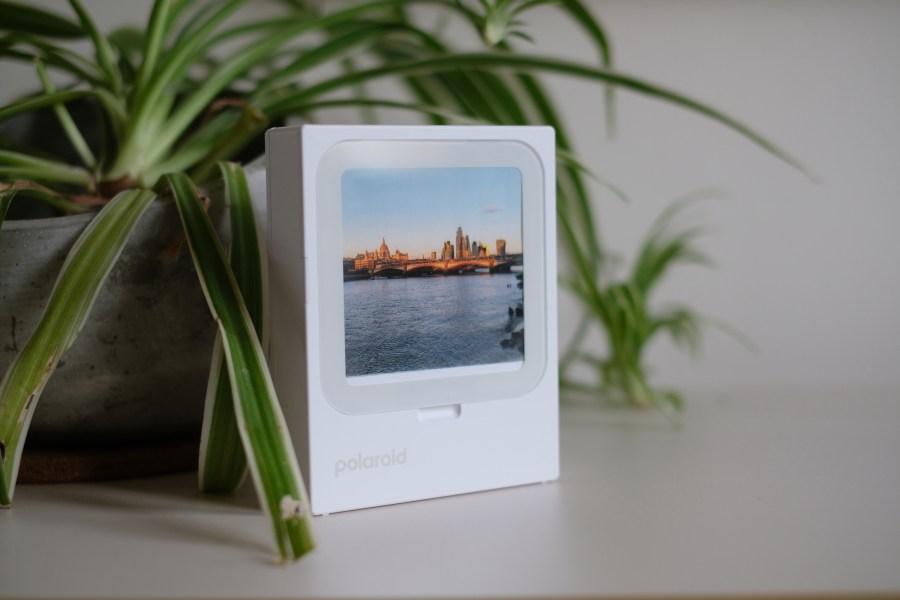
The Polaroid Hi-Print 3×3 is the latest member of Polaroid’s instant-printer family, sitting in between the Hi-Print 2×3 and the larger Hi-Print 4×6. However, unlike either of those models, it also offers a way to display your images once printed. On top of the printer is a square indent, into which you can pop your latest masterwork, holding it in place with a clear plastic cover. Voila – instant frame!
Polaroid Hi-Print 3×3 at a glance:
- $119.99 / £99.99
- Dye diffusion thermal transfer printer with built-in frame
- Print speed: up to 50sec
- Rechargeable lithium-ion battery (charges via USB-C)
- 103 x 131 x 30 mm
- 390g
- Works via Polaroid Hi-Print app for iOS and Android
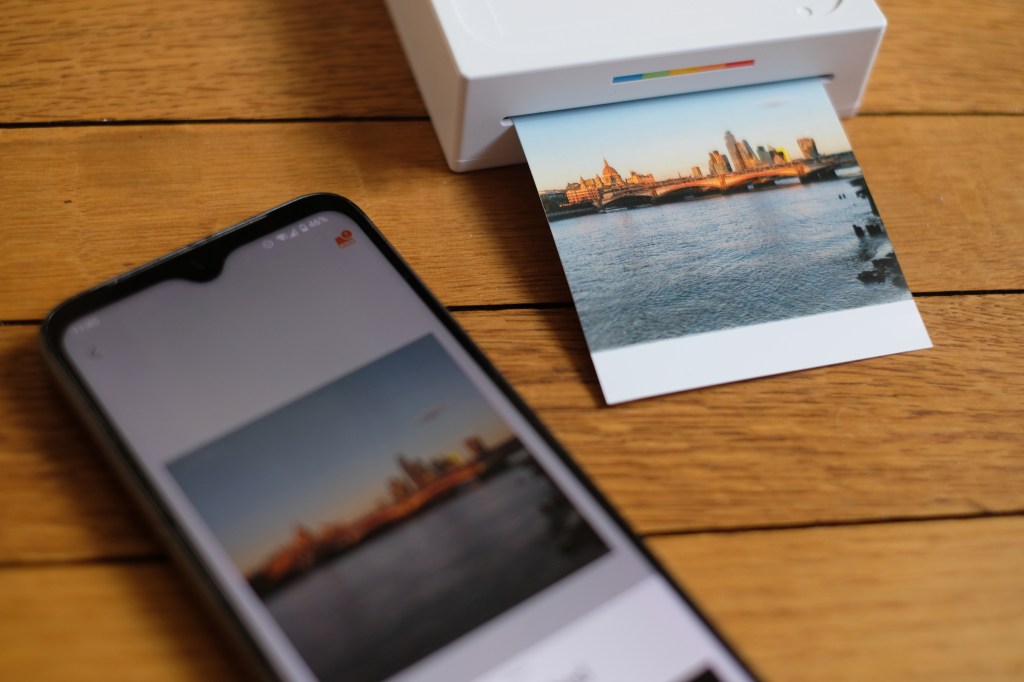
It connects via Bluetooth and works through the Polaroid Hi-Print app, and only the app (don’t try to connect directly; it won’t let you). You can send the printer images directly from your phone’s camera roll, touch them up with the built-in editor if needed, and once happy, send them to print.
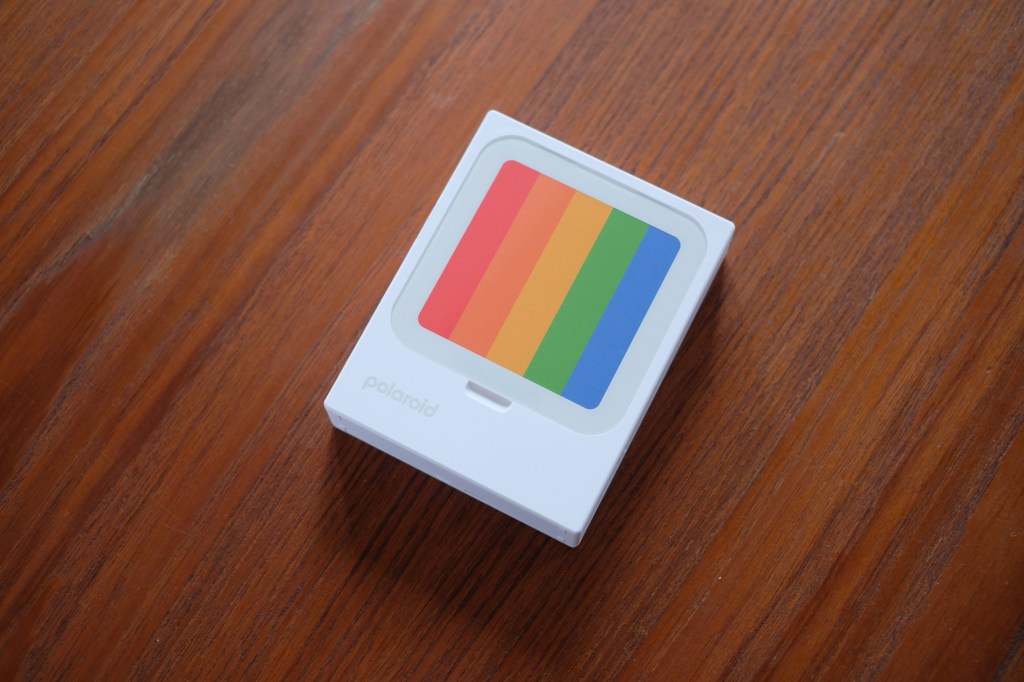
Polaroid Hi-Print 3×3: key features
- Built in battery with USB-C charging: There’s no need to mess around with disposable AAs, and the printer can gas up fairly quickly.
- Classic square-format prints: The square aspect ratio just screams ‘Polaroid’ – though of course, you’ll have to make peace with the edges being chopped off your phone photos.
- Freestanding design: Though it prints horizontally, the Hi-Print 3×3 can free-stand vertically, meaning your photos can easily be displayed on a shelf or desk.
- Quick printing: The Hi-Print will have a finished print in your hands within 50 seconds of sending, and it adds a protective layer.
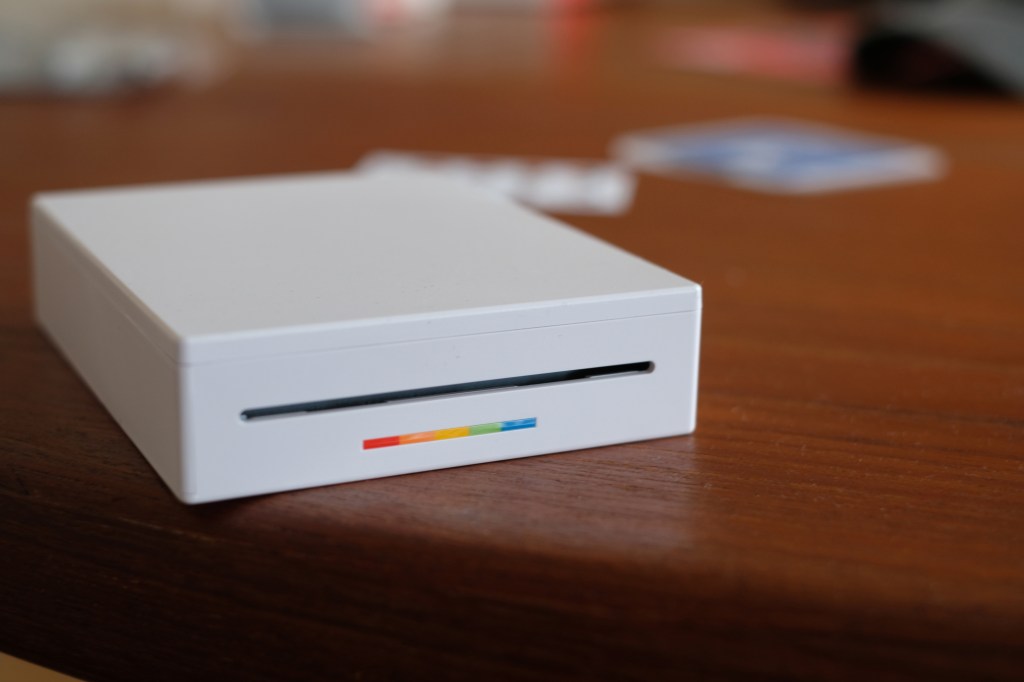
Polaroid Hi-Print 3×3: in use
I was quite excited to try out the Hi-Print 3×3, so it was a little disappointing when my first print paper-jammed. This necessitates a reset, and means one of your limited prints has to be discarded. Not a great start.
Fortunately, the remaining prints came off without a hitch. The app interface is very straightforward – aside from a tendency to turn your prints sideways on first upload, the process runs smoothly. You can nip into the edit panel if needed; the crop tools will probably get heaviest use, though there are also options to adjust brightness, contrast and saturation with sliders, and you can add stickers and text if desired.
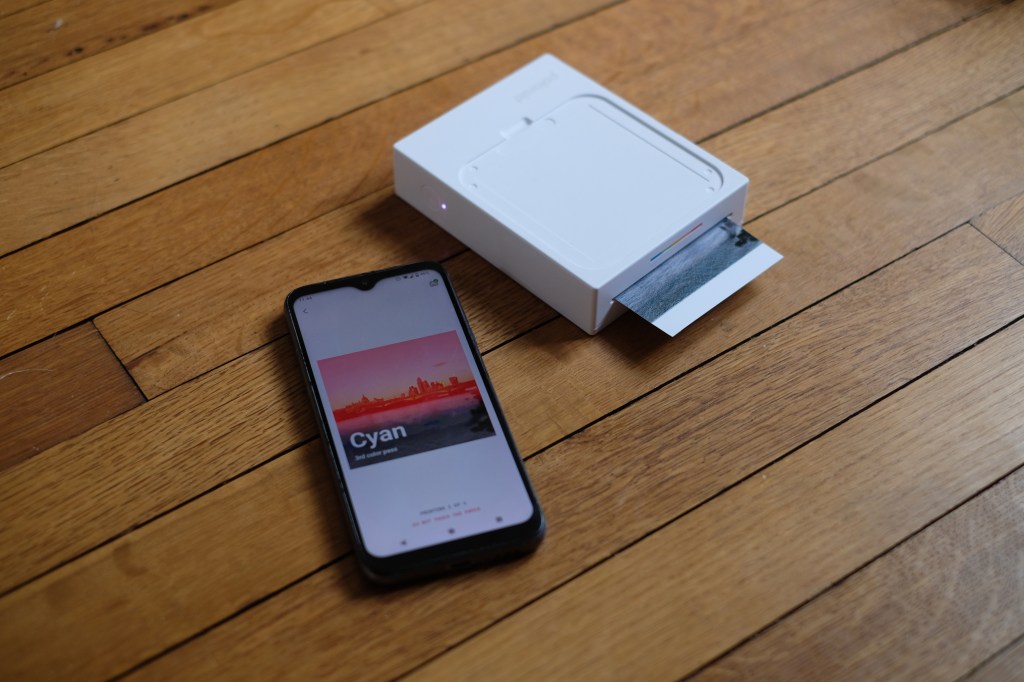
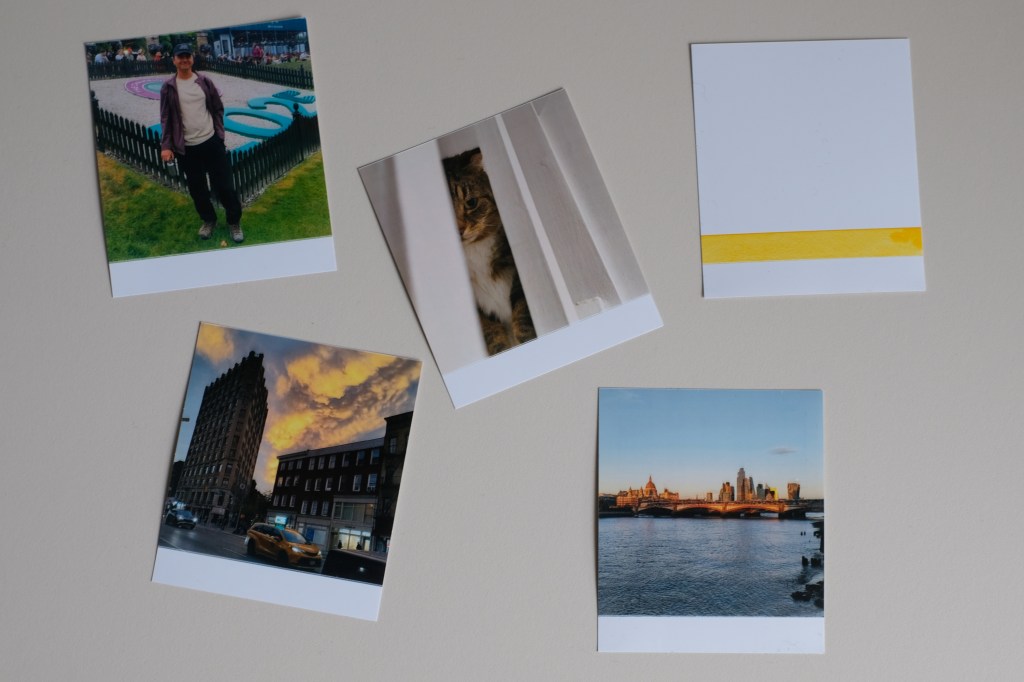
The prints themselves impress on first blush – the colours are poppy and vivid, with none of the washed-out look that can plague cheap instant printers (which makes sense, since at $119.99 this isn’t exactly a cheap printer). Up-close inspection reveals that fine details aren’t the clearest – there can be a bit of ghosting around the edges, and one of my shots came out with a small amount of moiré patterning that wasn’t present in the original.
Polaroid Hi-Print 3×3: our verdict
Overall though, I find the Hi-Print 3×3 rather charming. That poppy, vibrant colour really does it for me, and I can see the appeal of being able to regularly swap out prints – I would have loved this for my student bedroom. I like the way it works so seamlessly with my phone’s camera roll, and I can see it becoming quite addictive. The lost print was a shame, but I can see myself finding a spot for this little display at home.

Related reading:
- Instax vs Polaroid: which instant camera should you buy?
- I loved using the Polaroid Flip but some lost shots killed the vibe
- Fujifilm Instax Mini Evo Cinema review – please don’t fall for the hype
Follow AP on Facebook, Instagram, YouTube and TikTok.