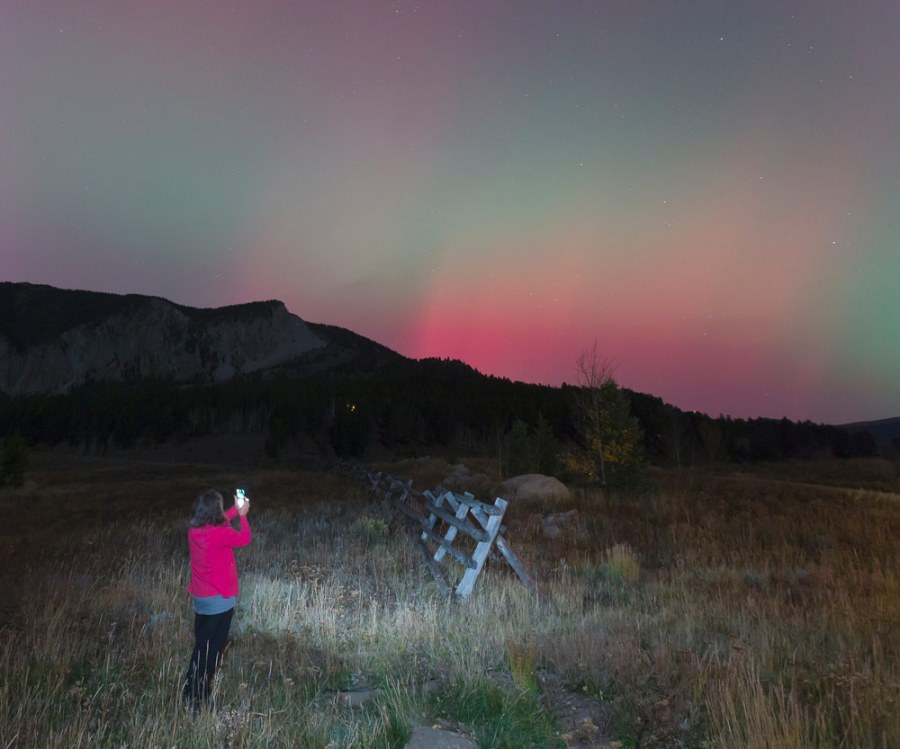
Now is a good time to capture the Northern Lights/Aurora Borealis, and the good news is you don’t need to invest in pricey camera gear – your iPhone is more than up to the job
The Northern Lights are on the bucket list of many photographers, and as we approach winter in the northern hemisphere, with longer, darker nights, the time is definitely right.
Often you need to move fast if the Northern Lights are appearing in your vicinity, but you don’t need to haul around a lot of camera gear. Simply grab your iPhone, as Iceland-based outdoorsman and photographer,Jan Dančák, explains below (all image credits: Jan Dančák).
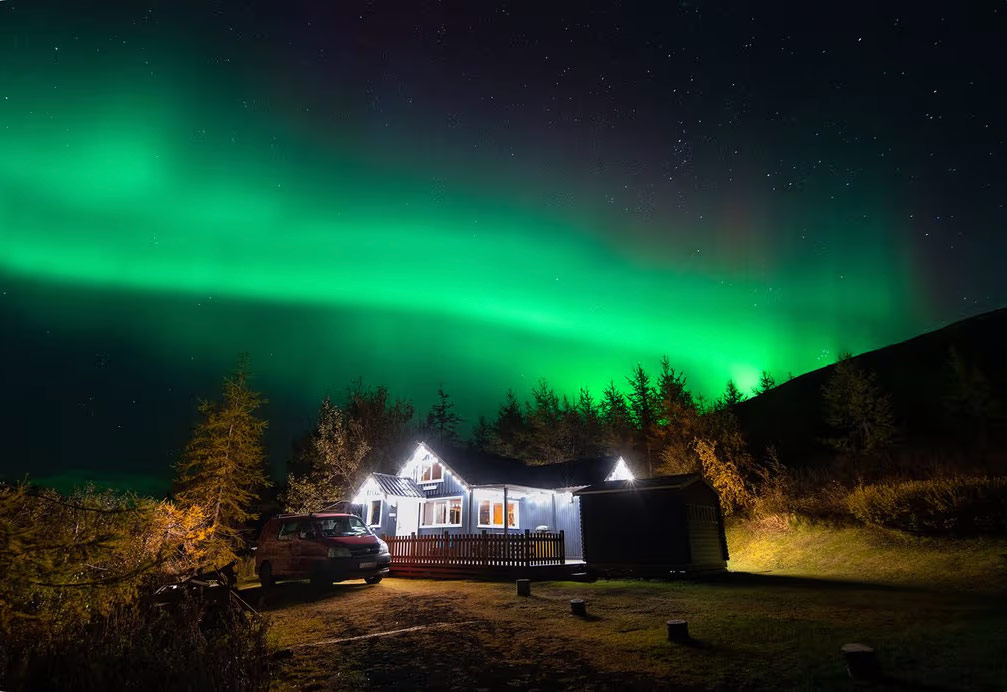
iPhones and Northern Lights photography
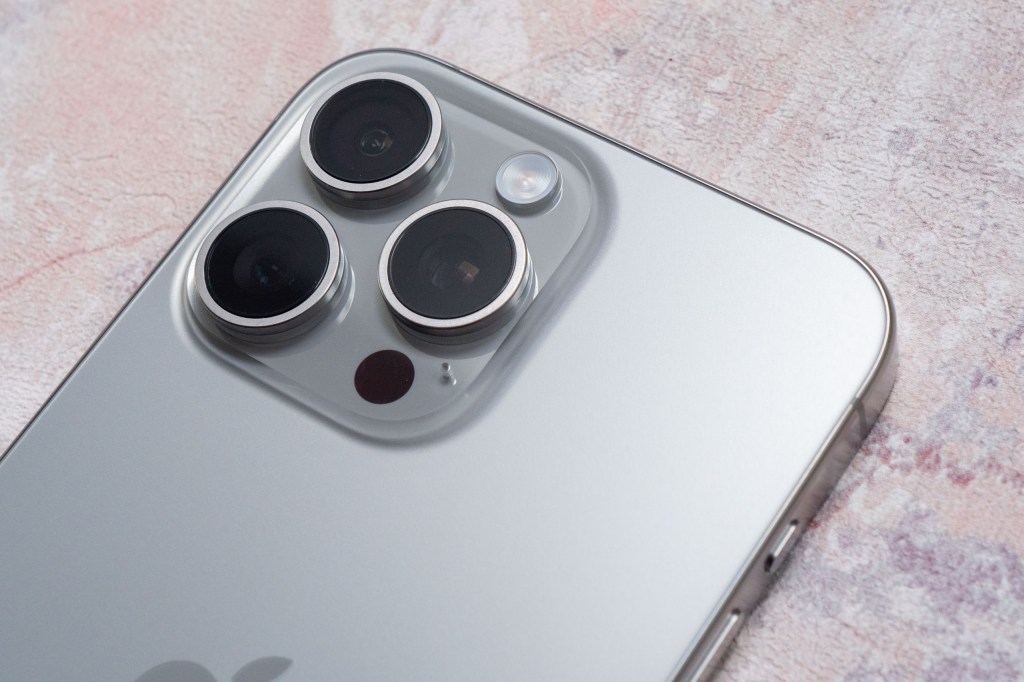
‘Newer iPhones (14 and up) – and Android flagship phones – handle low light very well. Here’s how to set it up: disable the flash, enable Night mode, and use the longest exposure time available.
Hold your phone steady or, better yet, place it on a tripod and set a timer to avoid shaking the shot. For best results, use the primary lens, not the ultra-wide.
And remember, if your phone is a bit older, you may still get photos, but the quality won’t compare to newer models. For many travellers, learning how to photograph Northern Lights with a phone is the simplest and most rewarding option.
Keep forecasting simple
There are dozens of apps and websites promising to predict the aurora, but in Iceland, conditions change fast, and many of those tools just overcomplicate things. The only site I rely on is vedur.is, the Icelandic Meteorological Office. It gives you two key pieces of information: cloud cover (green means cloudy, white means clear) and the aurora forecast (a scale from 0–9 showing the expected strength).
My rule of thumb: anything rated 2 or higher is worth going out for. But don’t rely on numbers alone, clear skies matter more than the forecast strength.
(Obviously not everyone is based in Iceland, so UK astrophotographer Josh Dury recommends the Aurorawatch iPhone app – Ed.)
Escape the light pollution
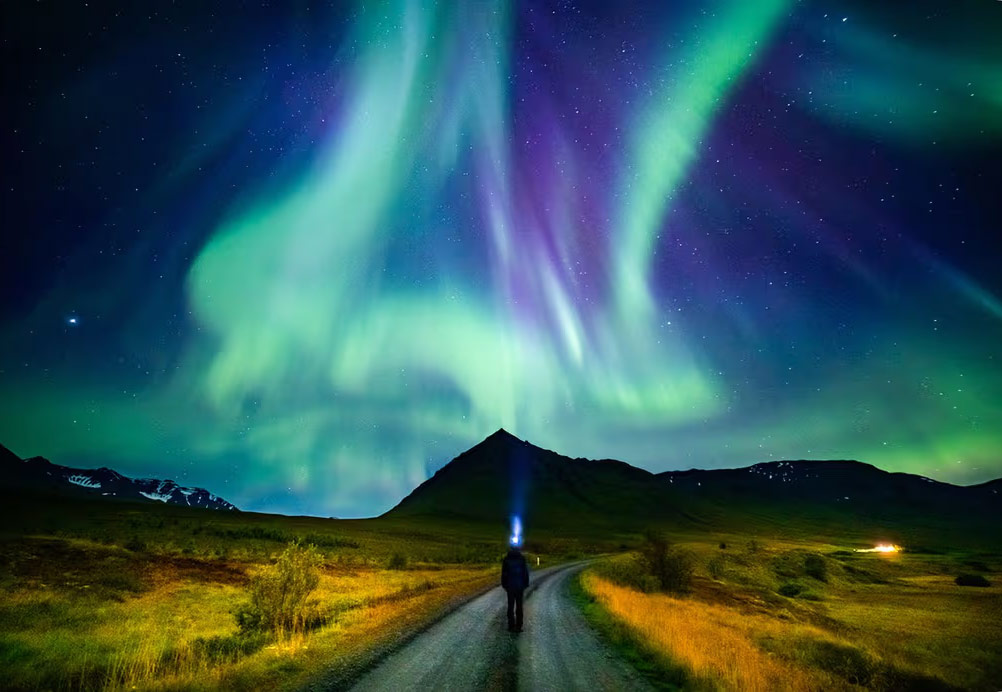
Aurora hunting is a lot like stargazing, the darker your surroundings, the better your view. If you’re standing in the middle of Reykjavik, for example, you’ll only see the brightest shows. Luckily, in Iceland you usually only need to drive five minutes outside of town, or even just walk behind a hill, wall, or small forest, to escape direct light.
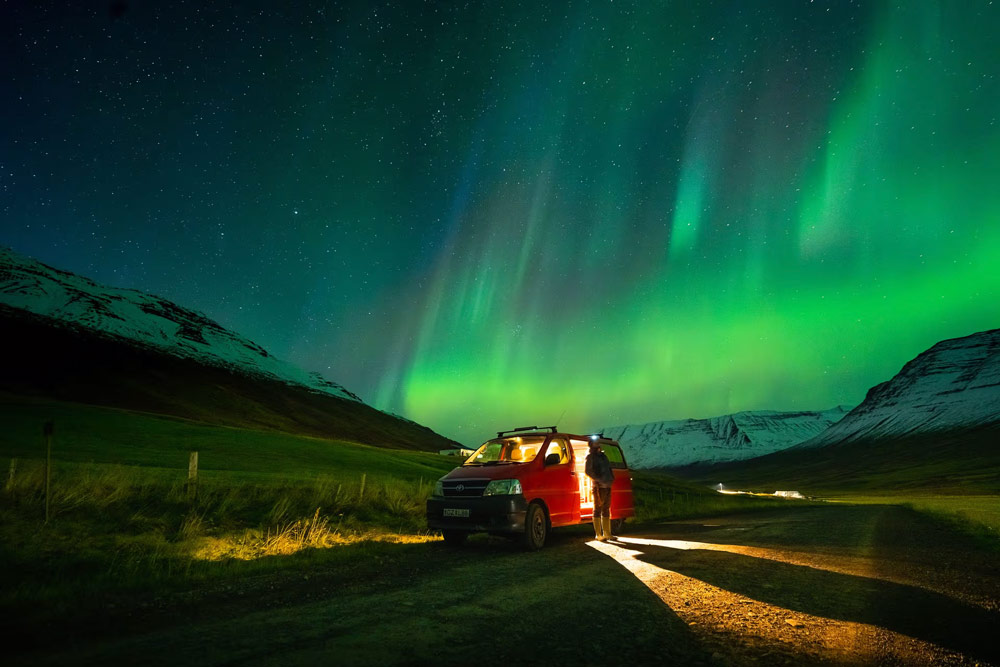
I still remember one night when I pulled over just outside Reykjavik, and suddenly the whole sky turned green and purple – I was the only car there, and it felt like a private show.
Be ready before dark
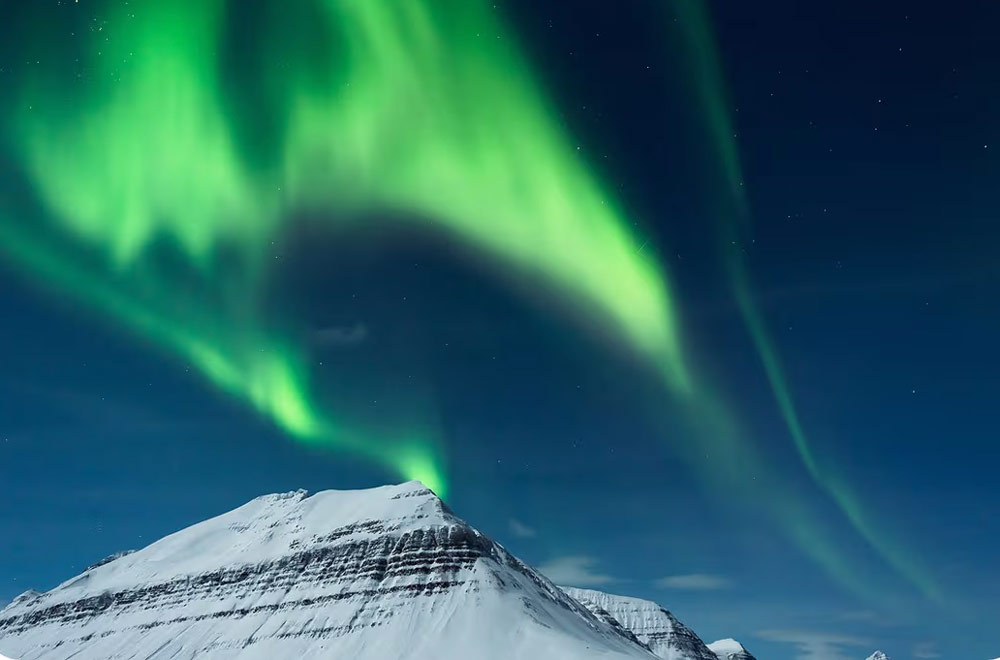
One of the biggest mistakes people make is waiting too long to prepare. I’ve witnessed the most spectacular shows usually right at the beginning of the night.
At first, the aurora might look like a faint green smudge in the sky, easy to miss if you’re not paying attention. But then, suddenly, it starts moving fast, filling the entire sky. If your camera isn’t set up and ready, you’ll miss it. My advice is to get your gear in place before darkness falls.
Don’t fear the clouds
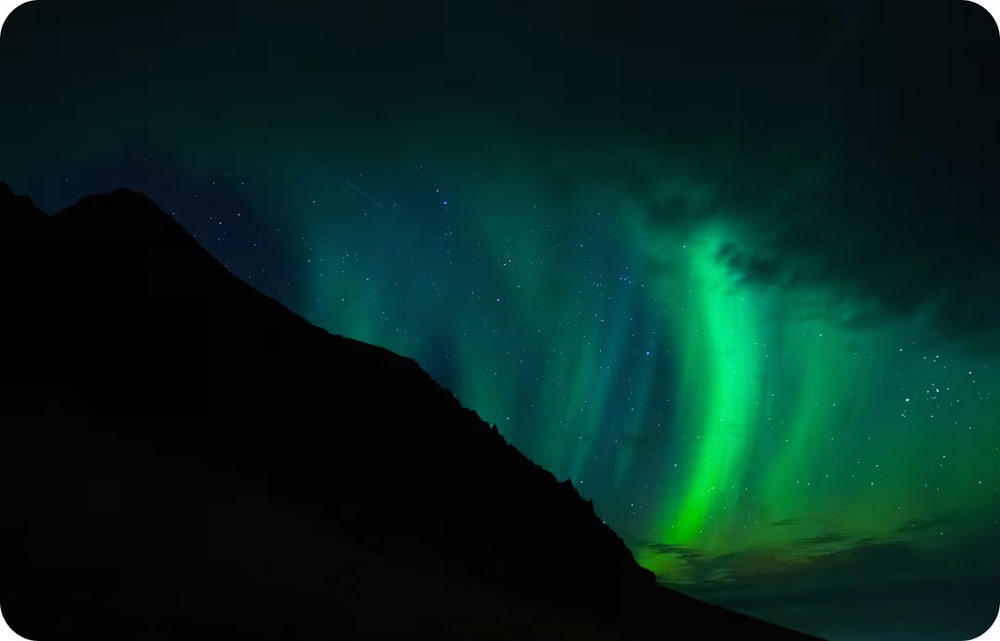
Yes, a completely clear sky is ideal, but you don’t need perfect conditions. Sometimes a small gap in the clouds is all it takes, and clouds can even make your photos more interesting by adding texture and drama to the scene.
If the forecast shows partial clearing, it’s worth heading out. Trust me, some of my best aurora photos were taken on nights when most people stayed home because of the clouds.
Be patient and embrace the hunt
The truth is, you can do everything right and still come home without seeing the aurora. Sometimes the clouds just don’t clear. Other times, the forecast looks terrible, and the Northern Lights suddenly explode overhead. That’s part of the magic, you never know when the sky will come alive.
Stay patient, keep trying and don’t let the cold nights discourage you. The effort makes the reward even more unforgettable. I still remember a night when the forecast said “2” (very low activity), and yet the sky lit up with dancing green and red waves – one of the best shows I’ve ever seen.
Be selective if you book a Northern Lights photo tour
Here’s my honest opinion: the big bus Northern Lights tours in Iceland aren’t worth it. Too often, they just take groups to a parking lot outside Reykjavik and wait around, hoping for a show.
Instead, I recommend either going out on your own if you rented a car (it’s easier than you think) or booking with a smaller operator, ideally one run by a photographer or local guide. That way, you’ll visit better locations and maybe even get hands-on help with your Northern Lights photography settings.’
This is an edited version of an article which originally appeared on Popsa.com, where Jan also shares some tips for shooting the Northern Lights with a GoPro or a conventional camera.
Further reading
Night and low-light photography can be a pain – here’s why iPhones make it easy
Follow AP on Facebook, Instagram, YouTube and TikTok.