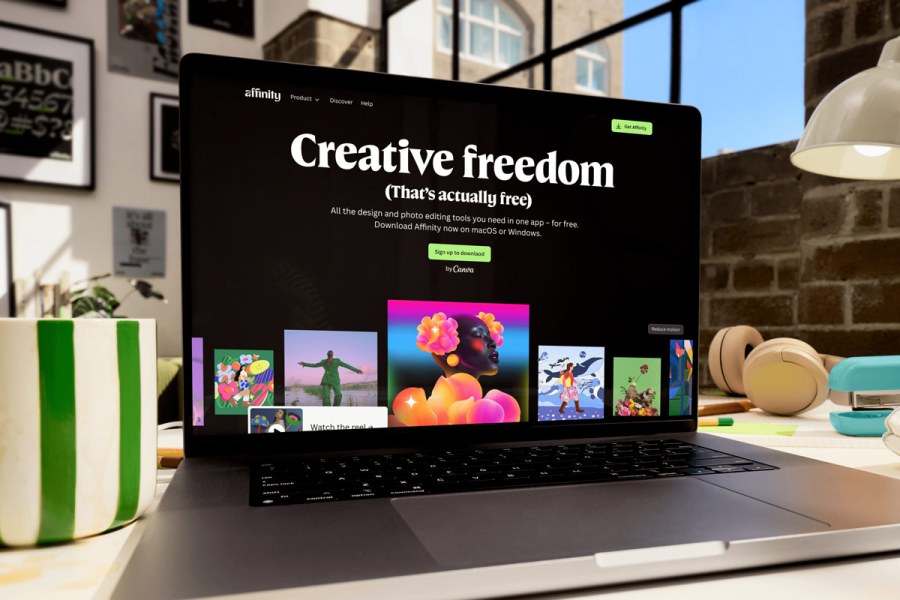
Affinity just got a huge rebrand. The new creative suite ties together photo editing, vector design and layout tools – and the best part is, it’s completely free! With subscription prices hitting an all-time high for photo editing software like Adobe Photoshop and Lightroom, there is a huge demand for affordable alternatives.
After Affinity joined forces with Canva last year, there was great anticipation for the integration of their separate applications into Canva’s easy-to-use online ecosystem. With the new comprehensive overhaul, you get what Affinity calls Pixel, Vector and Layout studios, where you have everything at your fingertips from RAW editing, layers, filters, masking to batch processing, down to even creating a photo book.
The photo editing tools available are non-destructive, so you can move back and forth between versions without losing your work. It also supports demanding editing tasks thanks to GPU acceleration, while tools like Smart Selections, live filters and batch processing speed up repetitive edits. Every workflow is different, so there’s an option to declutter and fully customise your workspace, keeping only the features you actually use in sight.

The new Affinity creative suite is available throughout all of Canva’s subscription tiers, including the free version. As Affinity’s CEO Ash Hewson puts it, “just precise, high-performance tools that professionals can rely on, because creative freedom shouldn’t come with a cost.” That said, if you are looking for AI editing tools such as Generative Fill, Expand & Edit and Remove Background, they are part of “Canva AI studio” in Canva’s Pro Plan which costs £13 a month or £100 a year, still a considerable saving compared to Adobe.
Affinity.studio is available today for Mac and Windows, with iPad coming next year. You can access it with your existing Canva account or create one for free.
Related reading:
- Best Photoshop alternatives – no-subscription photo editing software
- Best photo editing apps for smartphones
Follow AP on Facebook, Instagram, YouTube and TikTok.